

Now that you've signed up for your iList integration, be sure that you're using all of the features available to you to leverage your iList tools. We recommend adding your personalized links to your Wise Agent signature to ensure that you're not missing any opportunity to generate new seller leads. Follow these quick steps to access the unique links for your iList Home Valuation and Cash Offer forms.
Log in to your iList dashboard by clicking here.
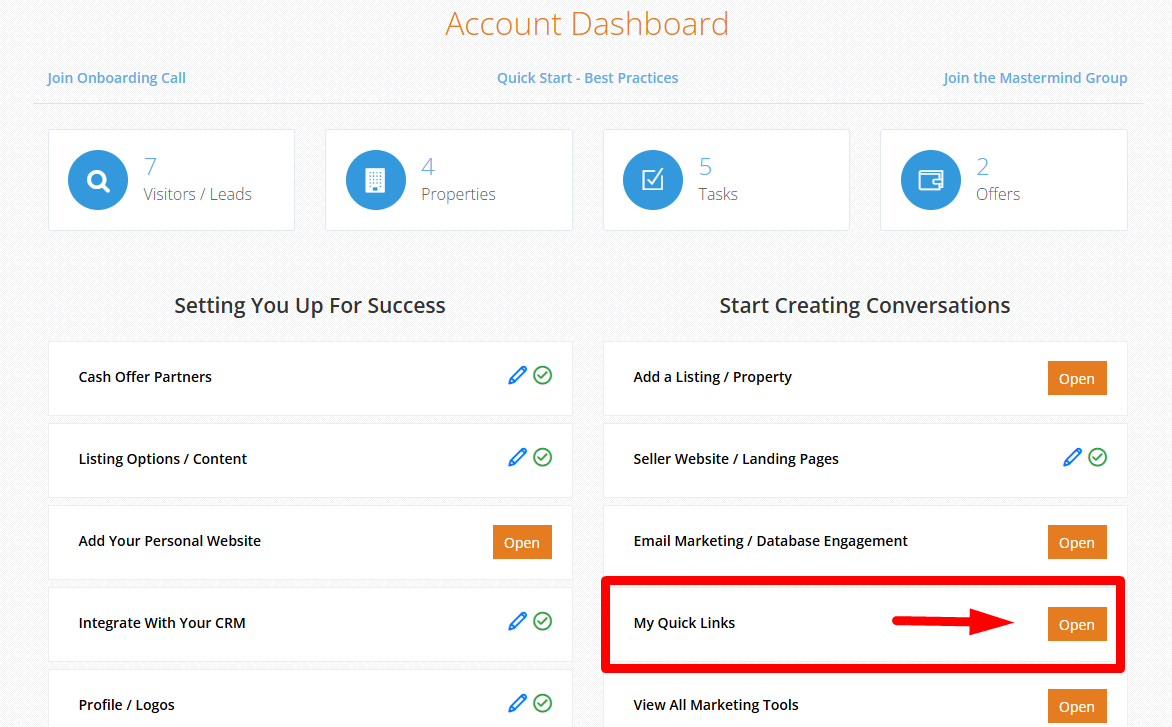
Under the Account Dashboard, click OPEN under My Quick Links.
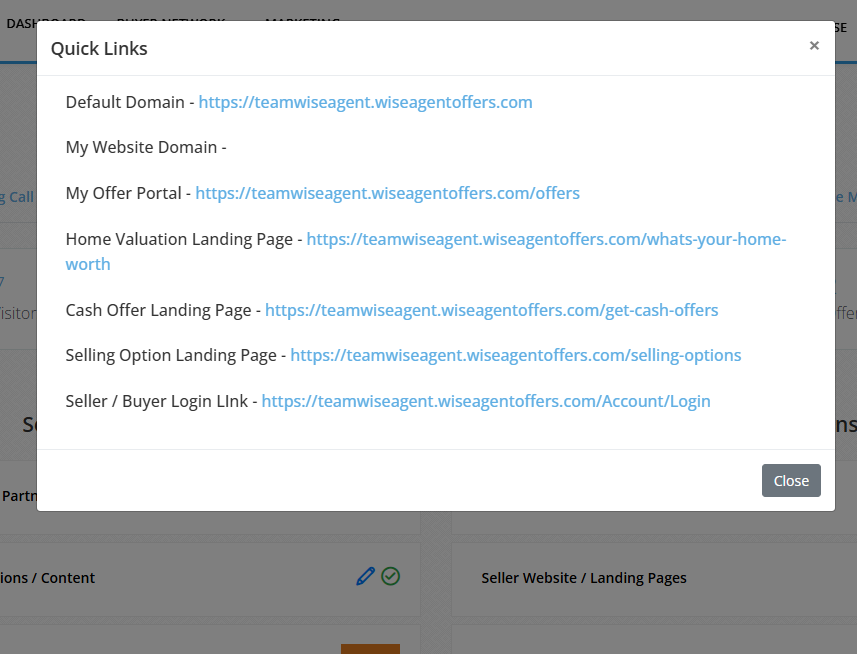
A pop-up window will be displayed showing the existing links tied to your account. Copy any of the links you wish to include in your Wise Agent email signature.
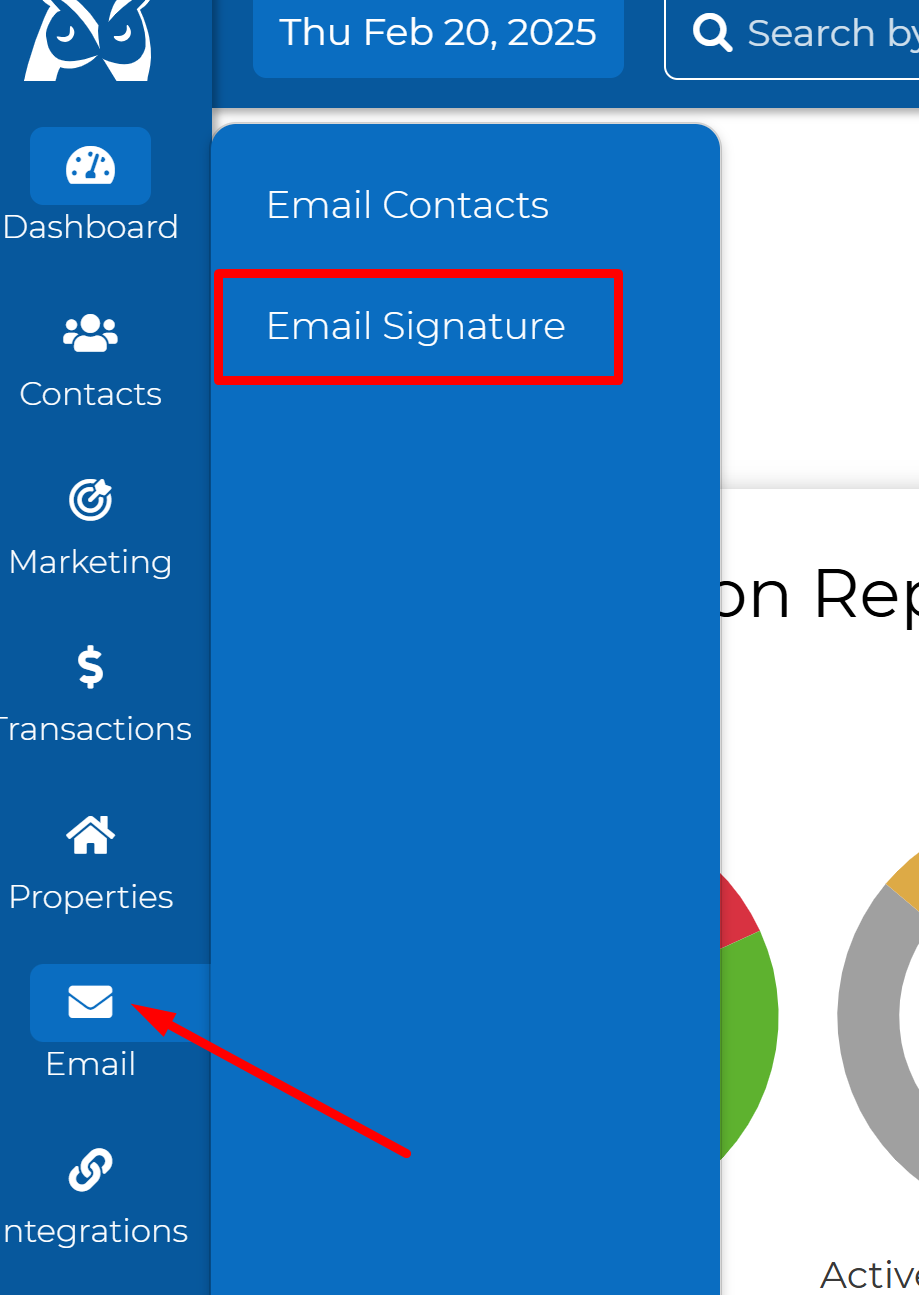
Log in to your Wise Agent dashboard and select Email then click Email Signature from your navigation pane.
To edit an existing template, select the signature name from the Select a Signature pull down menu, or if you wish to start a new signature template, or click the NEW button to begin a new template.
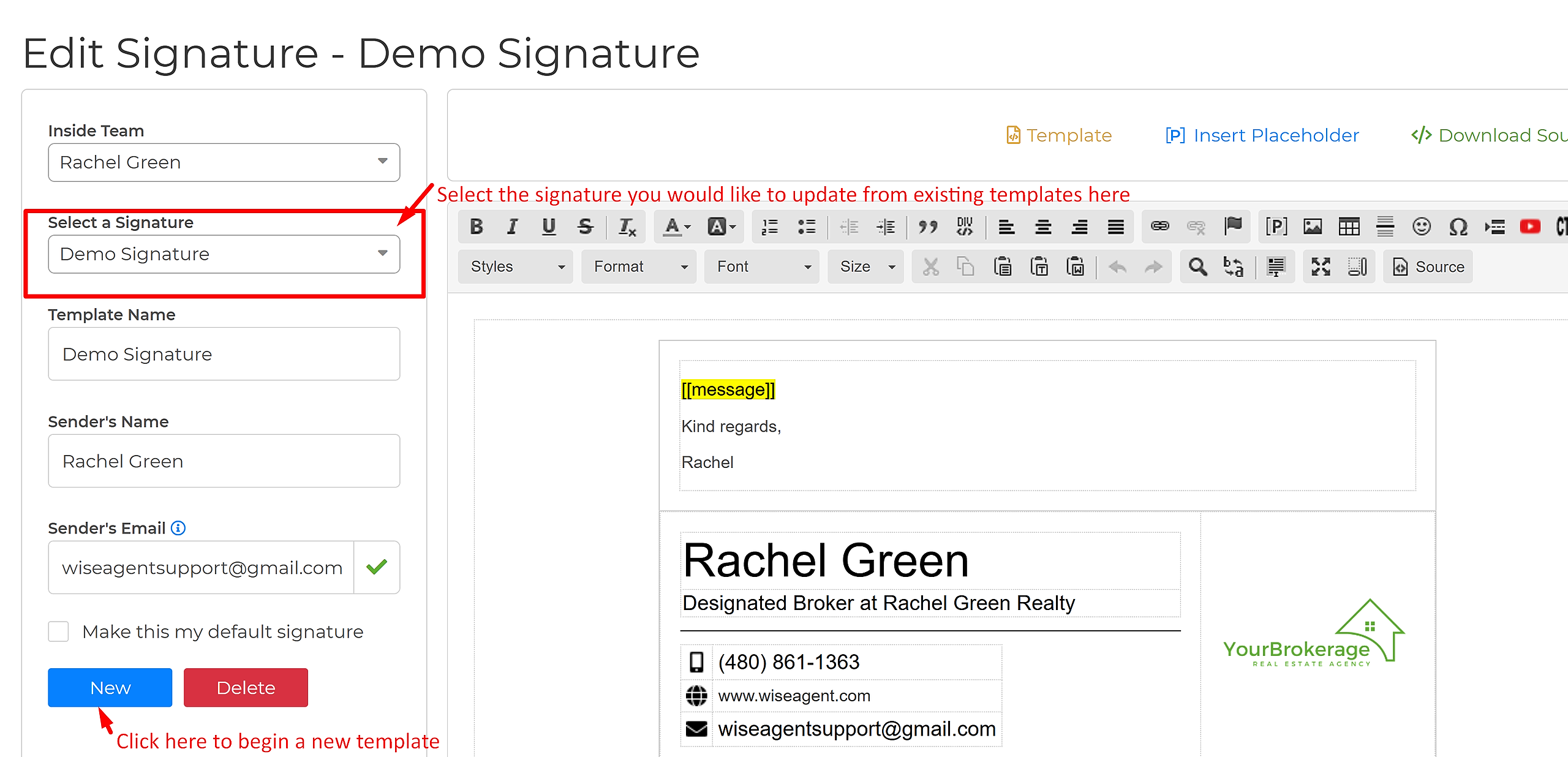
Once you have identified which type of template you wish to work with, create your signature content and add your iList subdomains to your signature as needed. (We recommend adding the links as hyperlinks.) See screenshot example below
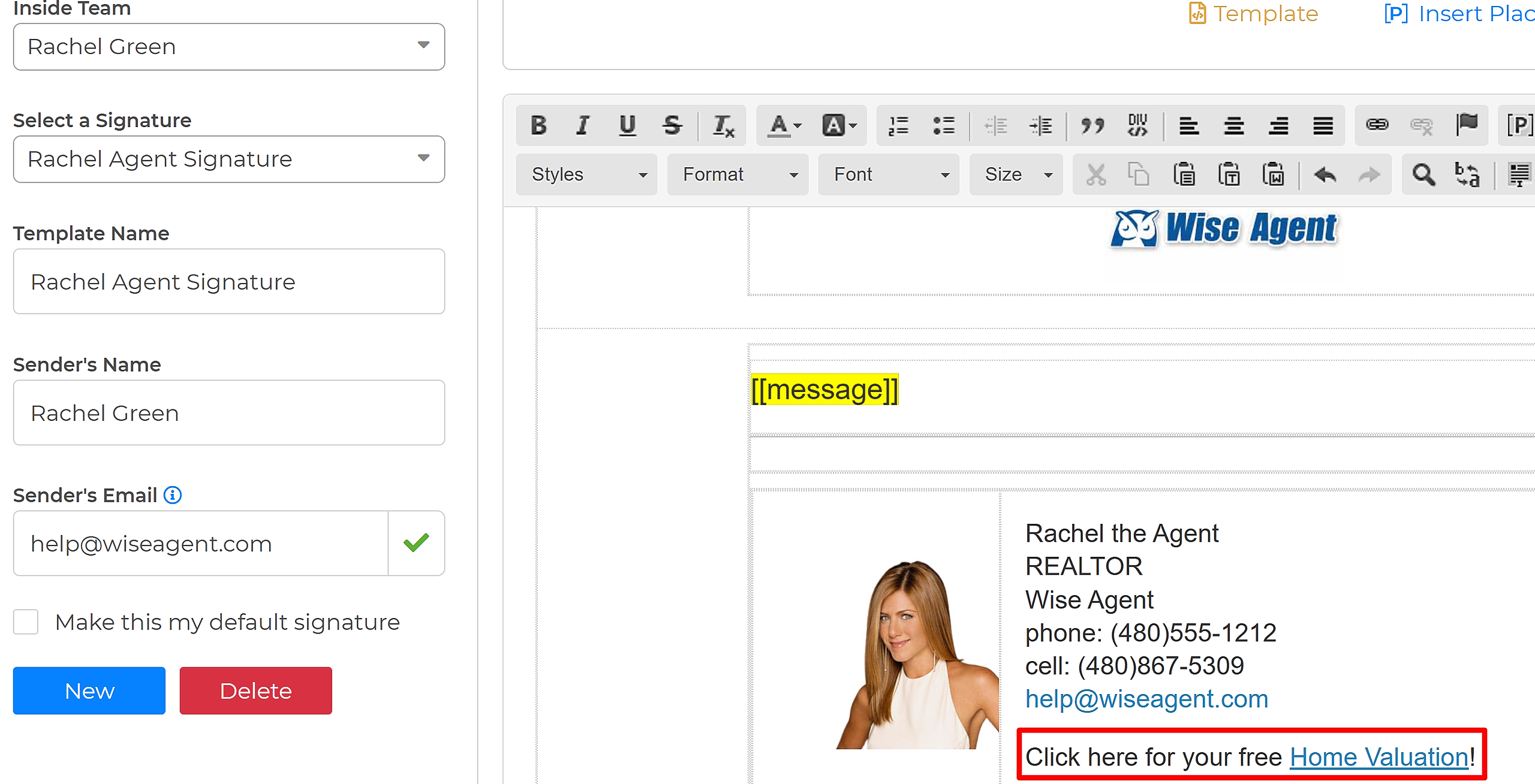
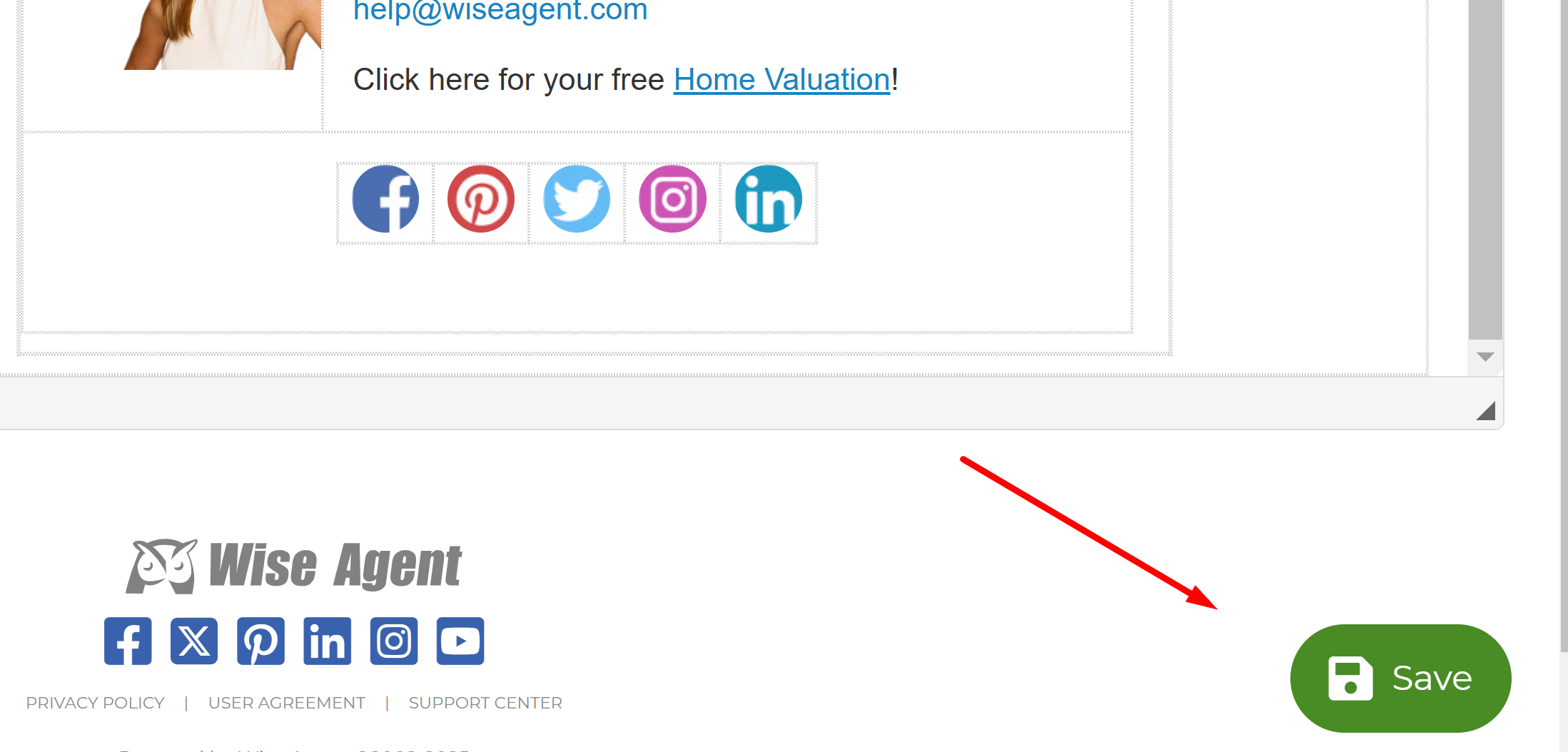
Once you have confirmed that you've added your iList links, click the green save icon on the bottom right section of the screen.
That's it! For more in-depth details on how to build a Wise Agent signature, click here. And, as always for any additional questions feel free to reach out the Wise Agent support team 24/7!