1. From the top row of buttons click Marketing > Content Library
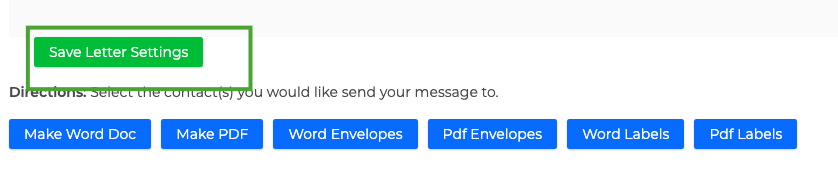
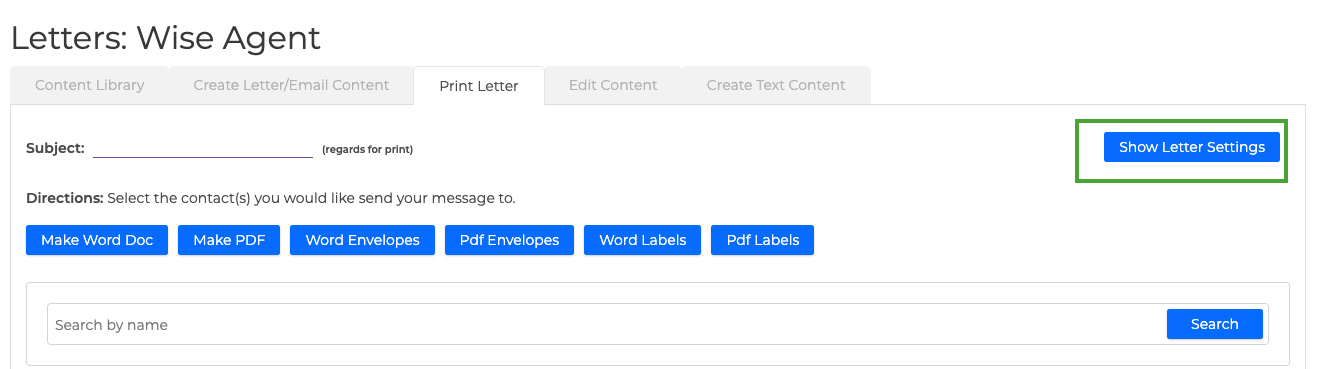
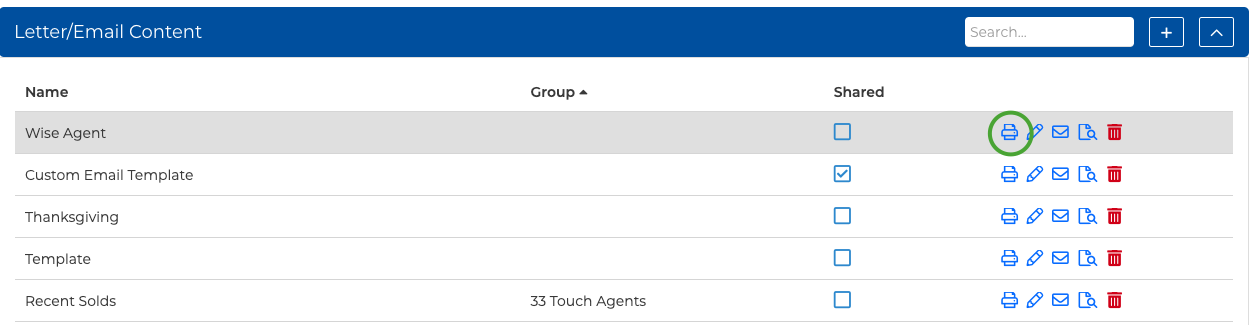
2. From your Letter/Email Content list, locate the letter/email content you wish to edit and click on the print icon. 3. At the top right-hand side of the page, click on the "Show Letter Settings" button - make all desired changes, and click the "Save Letter Settings" button at the bottom.