

While we do offer an integration with Callingly that allows you to push leads from your Wise Agent CRM to Callingly, you also have the option to set up Wise Agent as the primary CRM within Callingly. This means that any leads that are created in Callingly will be sent to your Wise Agent CRM. This can only be done by the Callingly support team.
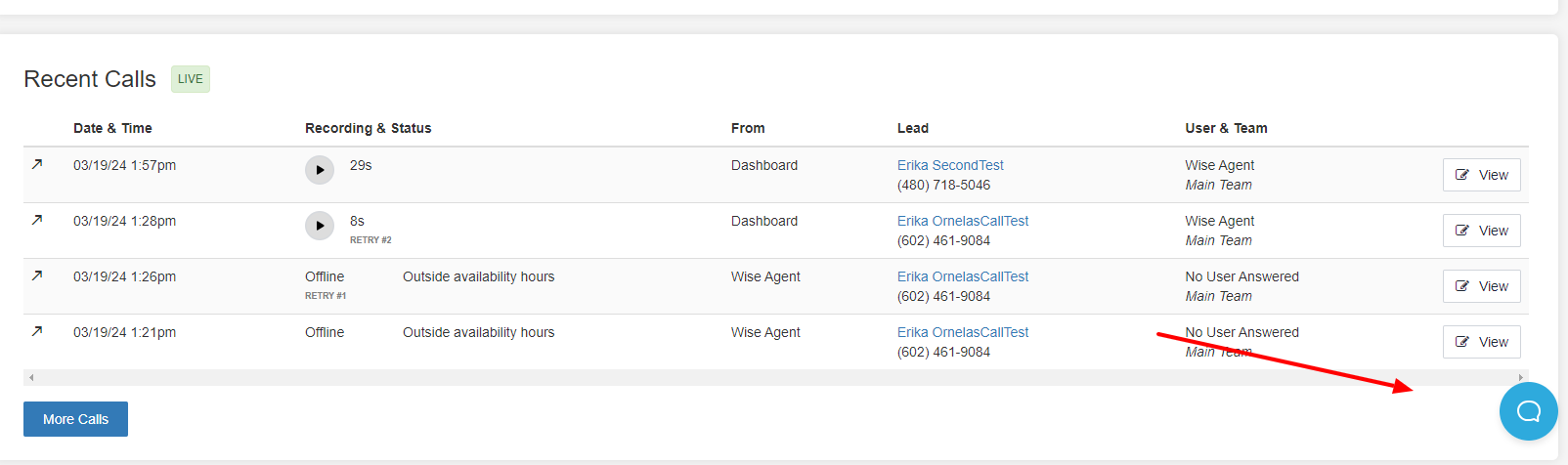
You can reach out to the Callingly support team by phone at (602)313-3936, by email at support@callingly.com , or by clicking on the chat icon within your Callingly account.
If you have any questions about how to set up an integration between Wise Agent and Callingly click here. For details on how to set up a Lead Rule for Callingly click here.
Don't hesitate to contact our support team by clicking the Contact Us button or calling our 24/7 support team at (480)836-0345.