

Click Marketing > Newsletters
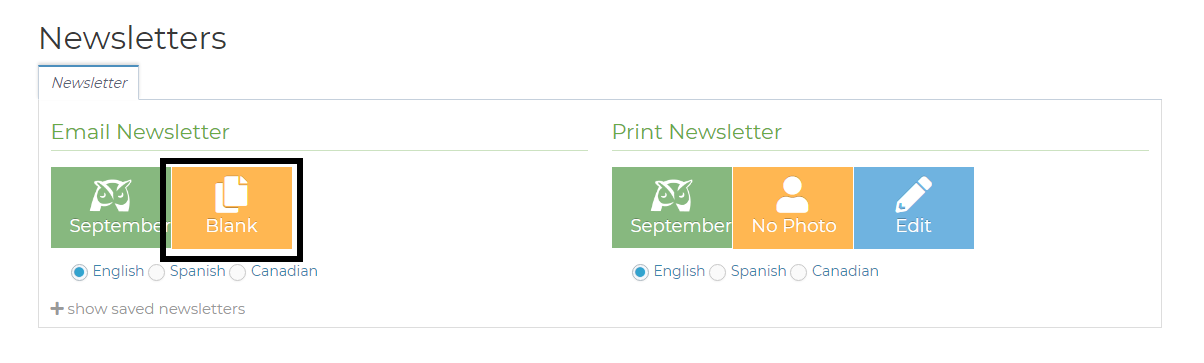
Click the orange "Blank" button under Email Newsletter
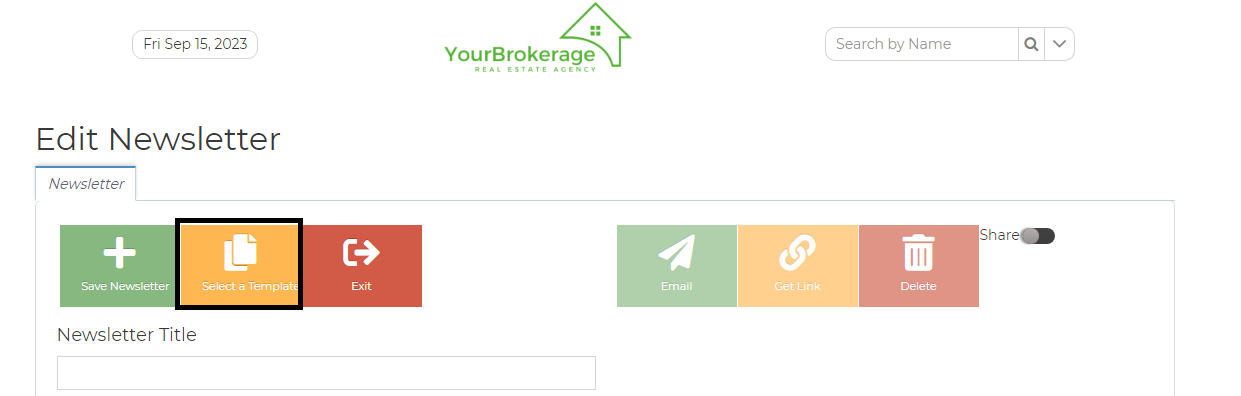
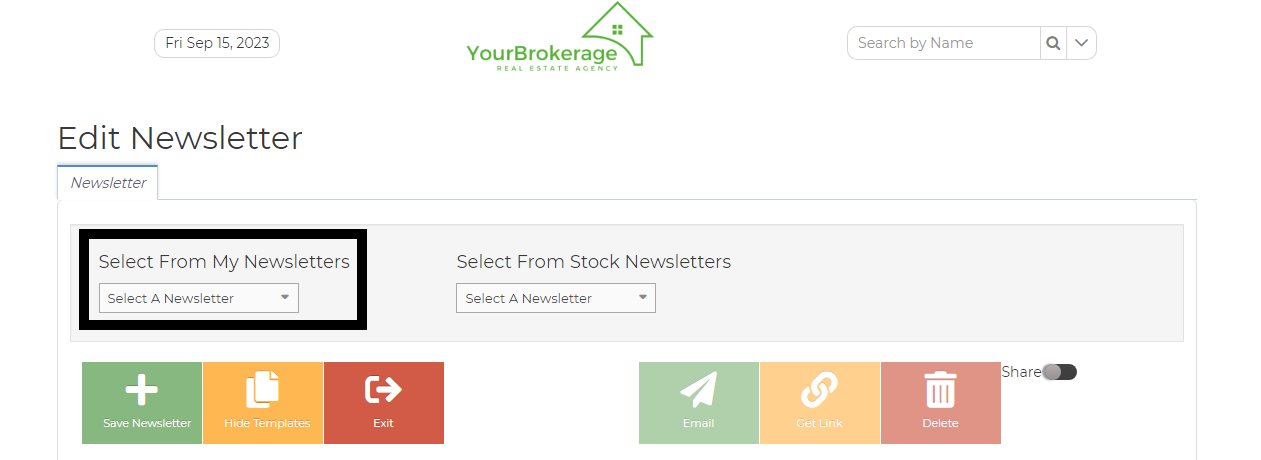
Click the "Select a Template" button, then choose from the "Select From My Newsletters" drop-down menu
Once it populates, click anywhere on the newsletter, then CTRL-A, then CTRL-C (this copies the whole thing)
Repeat steps 1 and 2 to bring up a blank newsletter page. Click in the box and hit CTRL V to paste. Please give it a name and hit Save Newsletter.
Here's a video on some more Newsletter training: