

Getting Started
Go to marketing and select landing pages
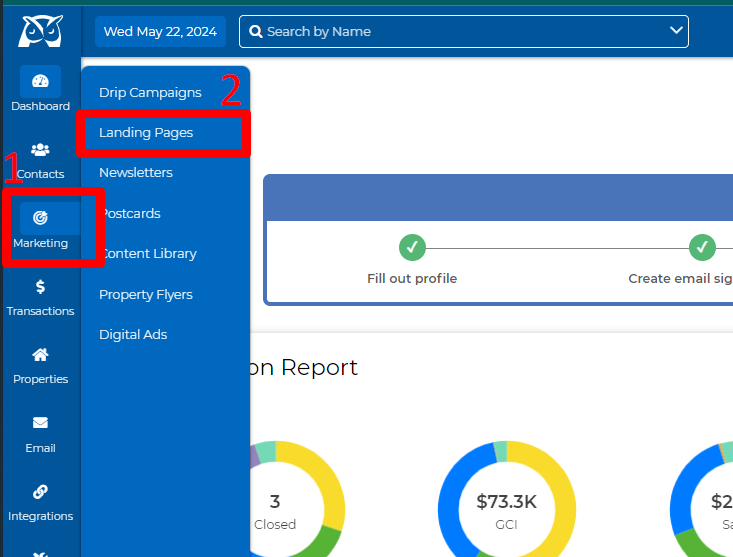
View Your Active Landings
2.Quickly find your landing pages by name or use our filter option to see all your active landing pages.
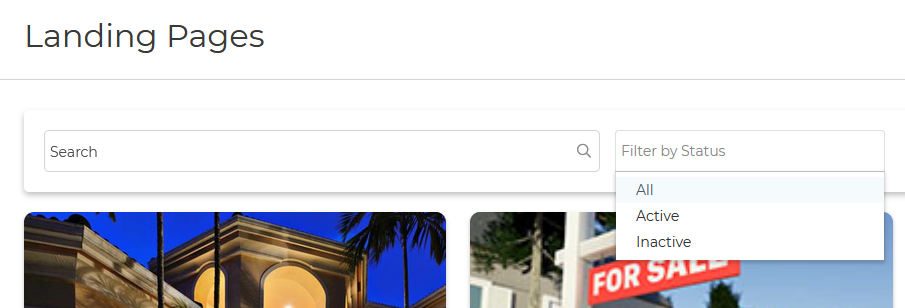
3. Filtering for active landing pages provides a clear overview of which pages are attracting the most monthly visits, generating leads, and achieving the highest conversion rates!
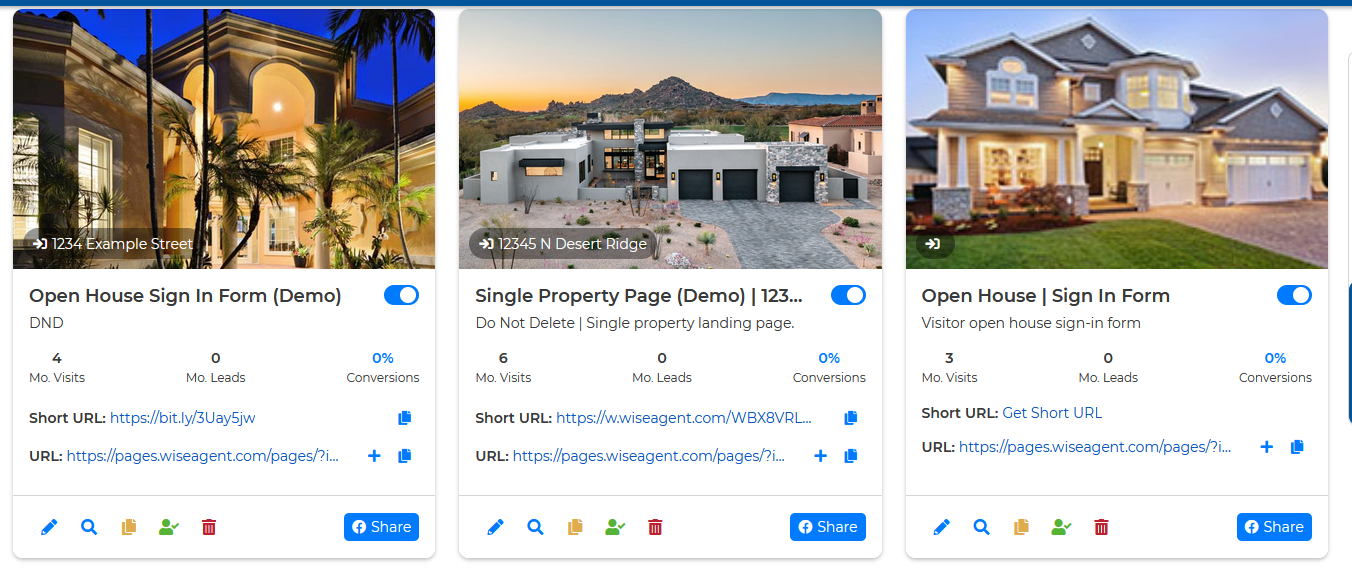
View Your Monthly Clicks, Views, and Conversion Rate
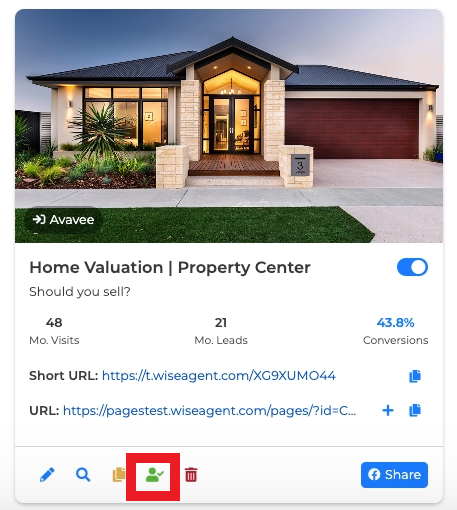
3. Each month, you'll be able to view the total monthly views, leads, and conversion rate from the first day of the month up to the current day.
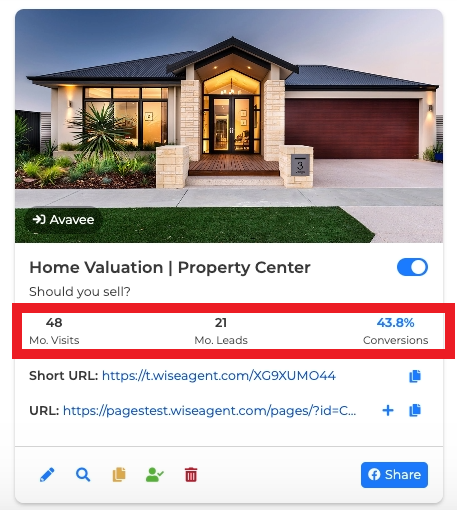
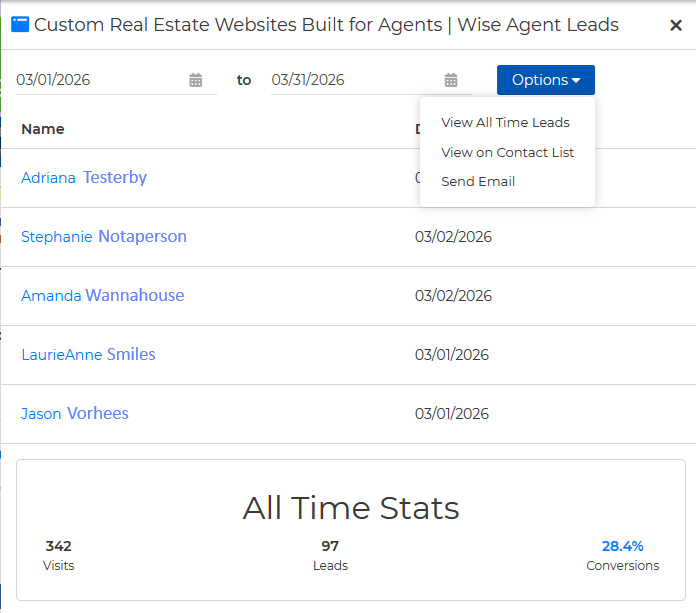
4. Clicking the green monthly leads icon will open a slide-out panel displaying the leads added to Wise Agent for the current month, along with all-time statistics at the bottom of the panel.
5. In the Leads viewer you define the custom date range you wish to view. Additional options are available to view All Time Leads, View on Contact List, or Send Email.
Get the most out of your marketing efforts with Wise Agent's landing page analytics tool!
Additional Landing Page Resources
Knowledge Base Articles
How to create and edit landing pages
How to set up automated lead rules
Bogs
Capture leads with Wise Agent's Real Estate Landing Pages
Get more leads with the best real estate landing page templates