

Click on the "Properties" drop-down, then click "Property List."
Click on the property address you have created the flyer for.
On the top appears the property information, scroll down a bit, click on Flyers, and you can view all the flyers you've created.
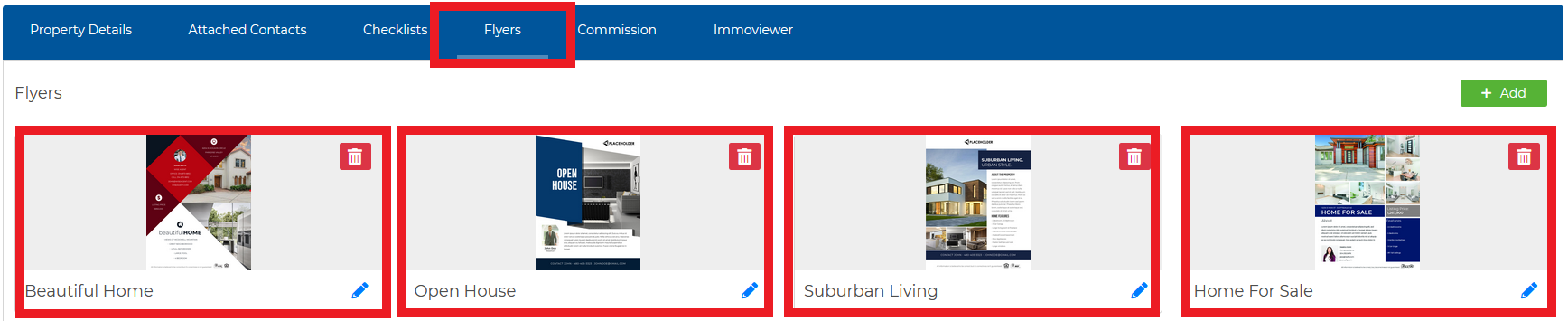
Click on the pen icon to edit the flyer. To delete, click on the red trash icon.
All of your flyers for this property will be stored here. Your most recently created flyer will appear at the bottom.