

💡 On the 21st of every month, Wise Agent provides you with a newsletter for the following month, packed with valuable insights and updates, making it an easy and insightful marketing tool to keep your clients informed and engaged! The newsletter is fully editable and can be adjusted to suit your needs, area, and clientele. We also provide newsletters for our Spanish-speaking and Canadian members.
How To Access The Newsletters:
From the sidebar, click on Marketing and select Content Library.
Click the +Create Content button to load the email editor. If you have a WiseText subscription, you'll notice an option to Create Letter/Email Content or Create Text Content.
Next, click the Stock Content button on the top right:
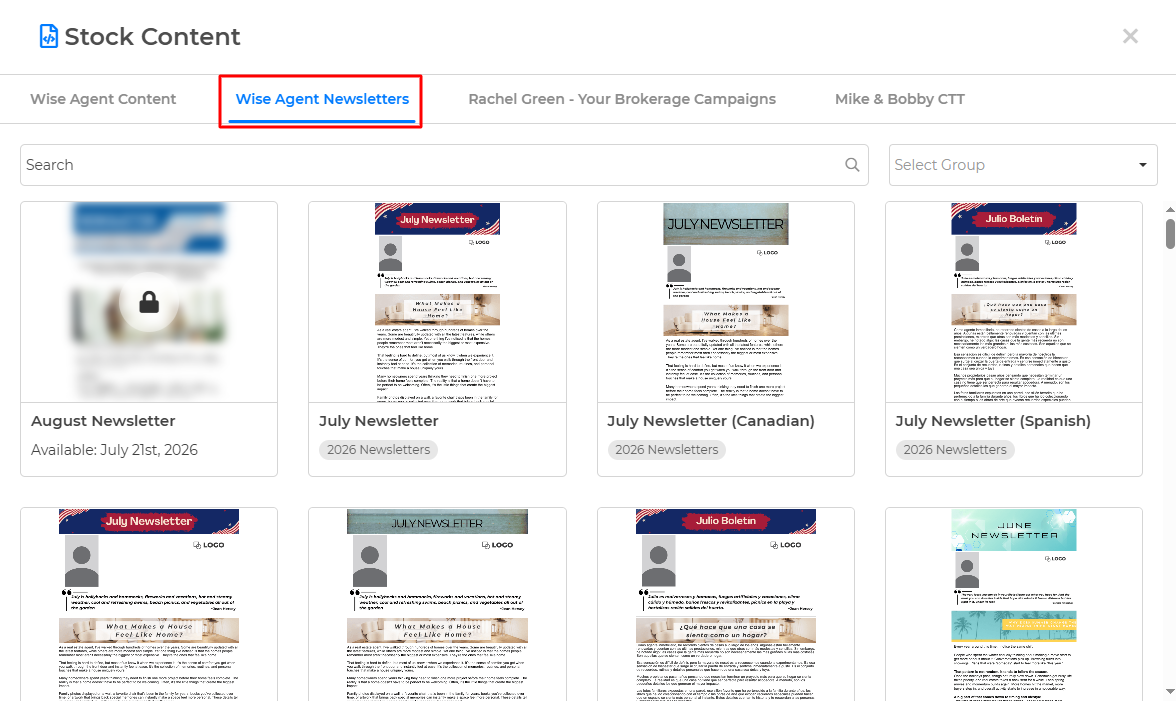
Select "Wise Agent Newsletters" and choose between English, Spanish, Canadian, or a printable version!
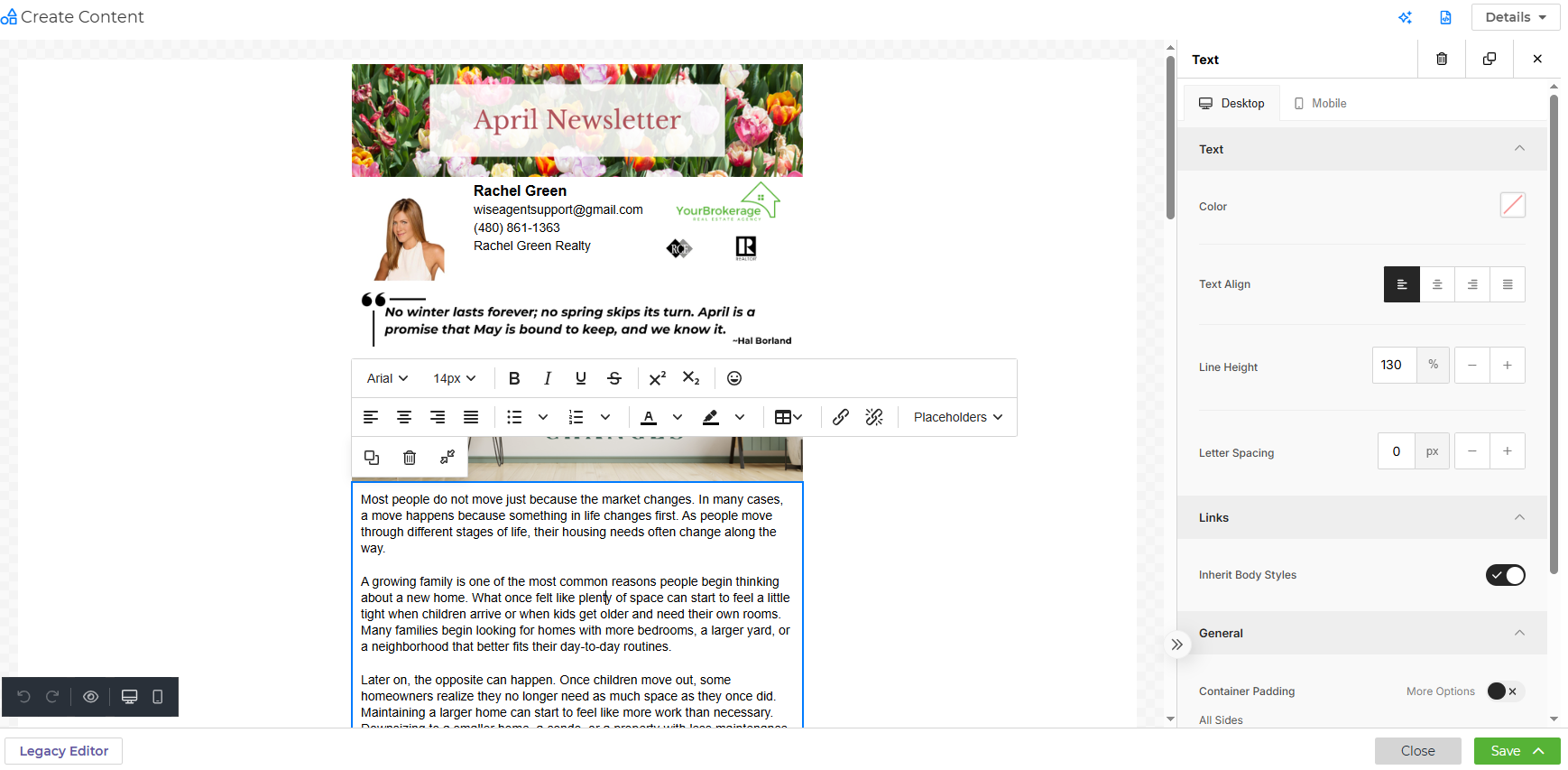
Each Newsletter automatically pulls in your branding information from your profile page in Wise Agent. You can customize your newsletter by clicking any part of the newsletter to edit.
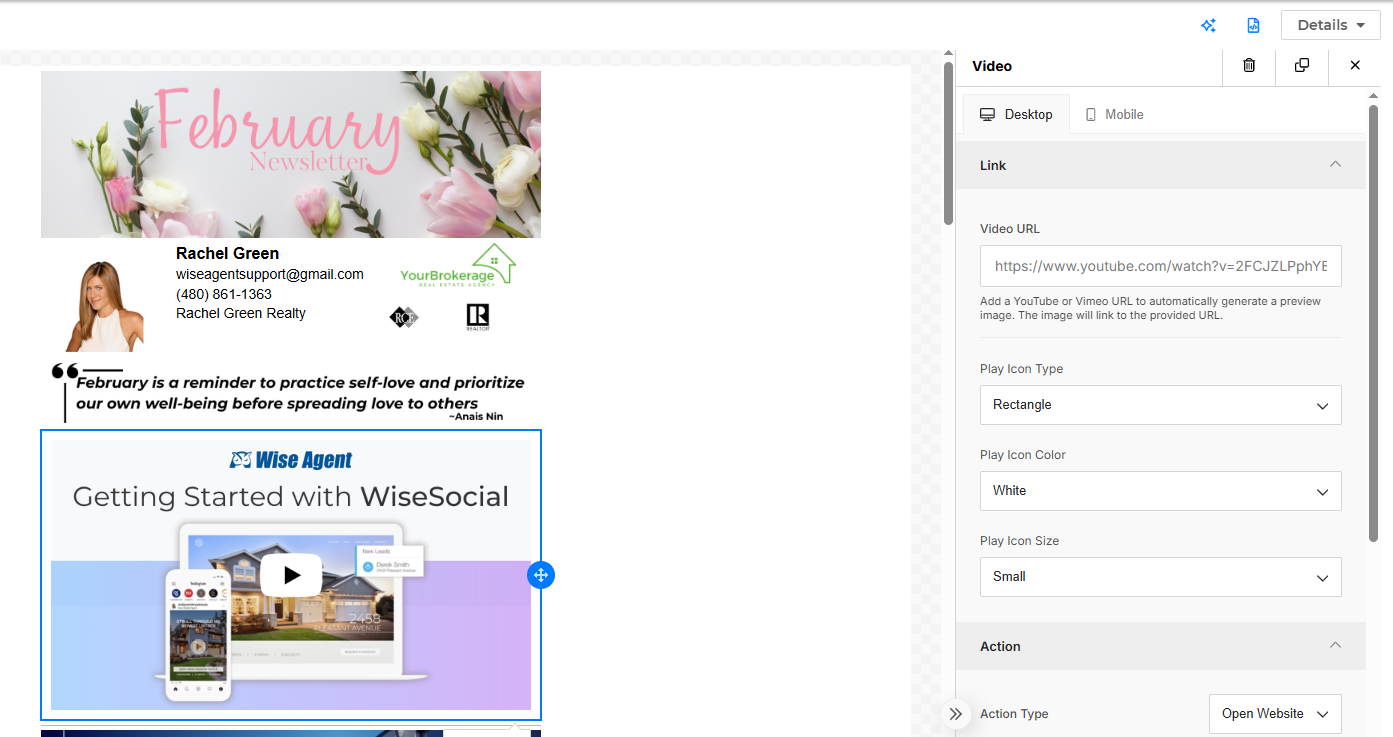
The Content Library is a drag and drop editor. If you'd like to add a video to your newsletter, simply click and hold the Video button and drag it over to the editor where you'd like it to be placed. Add the URL to the right under Video URL and click the video in the editor for it to load. You can also add an image, your social media icons, a menu bar with clickable links, or a Call to Action button.
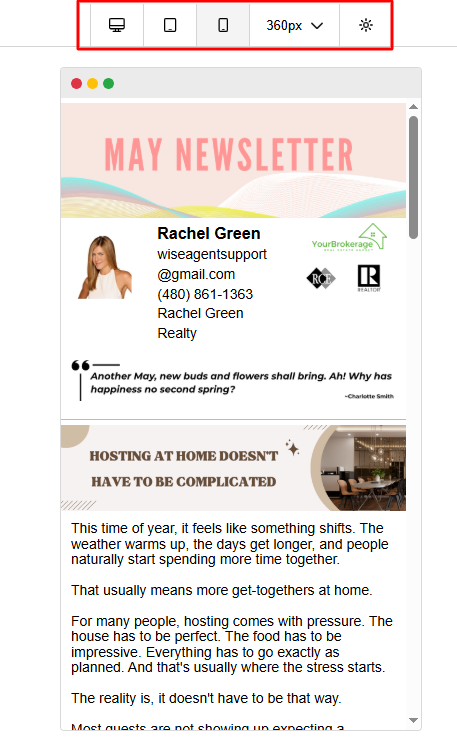
The black box on the bottom left will allow you to undo and redo changes made. It will also give you an option to preview your newsletter on a desktop, tablet, or mobile phone.
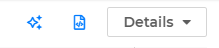
In the top right is our AI Writing Assistant powered by GPT-4 ™, and a Details drop-down box. Clicking the stars will open our AI Writing Assistant, where you can enter a prompt and wait while the tool writes it for you! The Details drop-down box will pull down the Content Name, Subject of the Email, and the Group you'd like your Content saved to.
When you've completed editing your Newsletter, click the green Save button at the bottom right corner of the editor. You can Save & Close to come back to it, Save & Continue to continue editing it now, or Save & Send Email to open your Newsletter in the Send Email page, where you can choose to send to your database now, or schedule it to be sent later.
Printing your Monthly Newsletter
The printable Monthly Newsletter is formatted to be front-to-back on a single page. If any edits are made before printing, you may need to adjust the formatting.
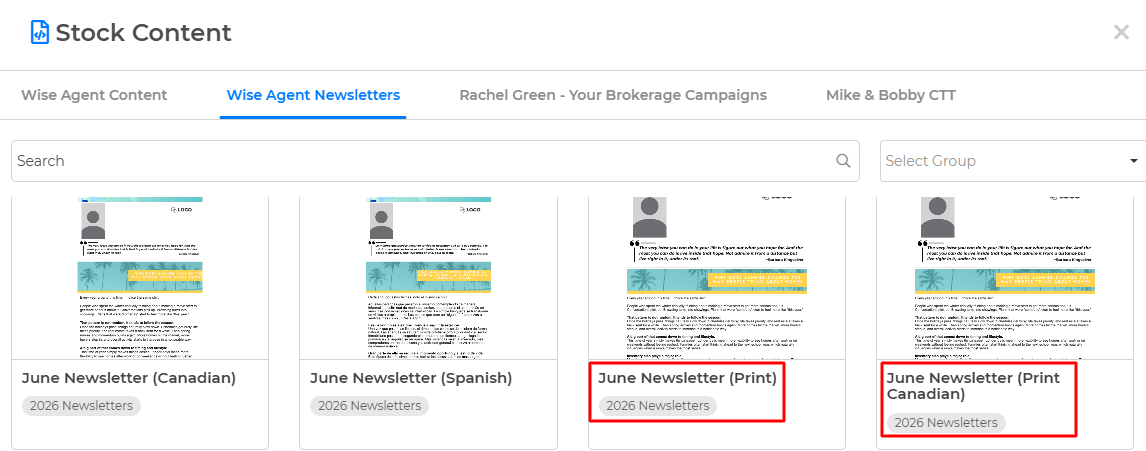
When selecting your Newsletter, pick the option with "(Print)" next to the title.
Make any changes or save as is by clicking the green "Save" button on the bottom right and selecting "Save & Continue." Once your content saves, a red "Print PDF" icon will appear at the top:
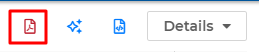
Click the icon to save the PDF to your computer. Once downloaded, select the file to print.
💡 Overall, Newsletters are an excellent tool for real estate agents! They provide an effective and cost-efficient way to build relationships with potential and current customers, showcase your expertise, and help you stay top of mind for future transactions.