
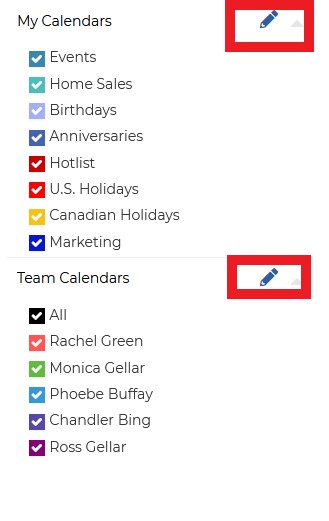
Click the Edit button under the My Calendar or Team Calendar section
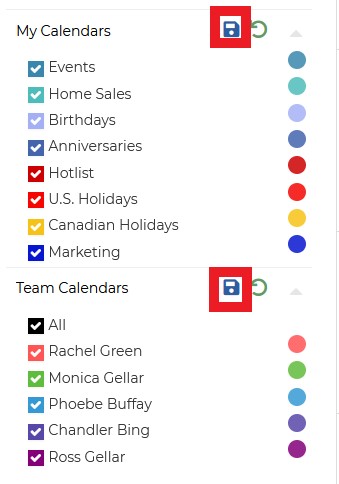
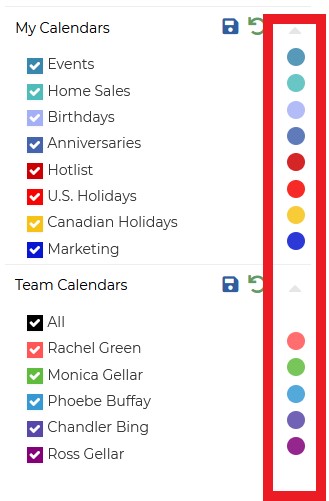
Select the color that you would like to change3. After selecting the number click the save icon.

What are you looking for?
Get help straight from our team...
Home Dashboard
Editing colors on Wise Agent Calendar
Last updated on 02 Dec, 2022
Click the Edit button under the My Calendar or Team Calendar section
Select the color that you would like to change3. After selecting the number click the save icon.