

To check your Calendar activity, please follow the steps below:
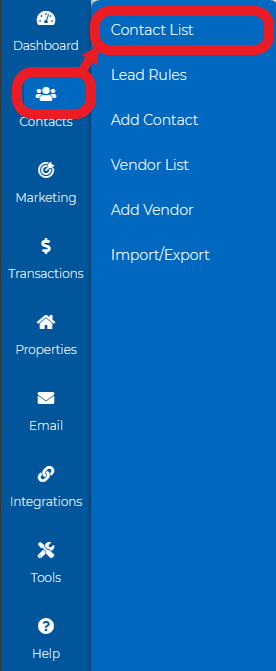
1. Go to Contacts> Contact List.
2. Go to a particular contact's profile.
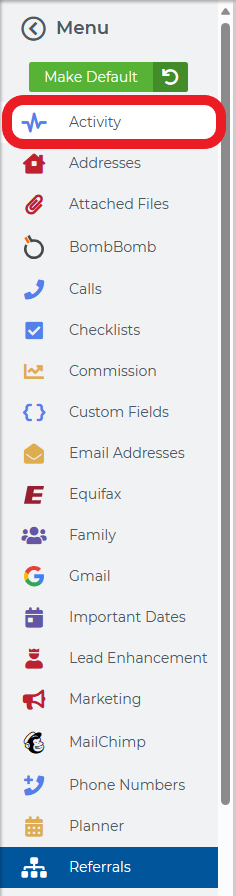
3. Click on the Activity menu.
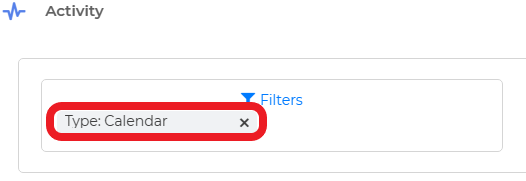
4. Next, filter it by Calendar.
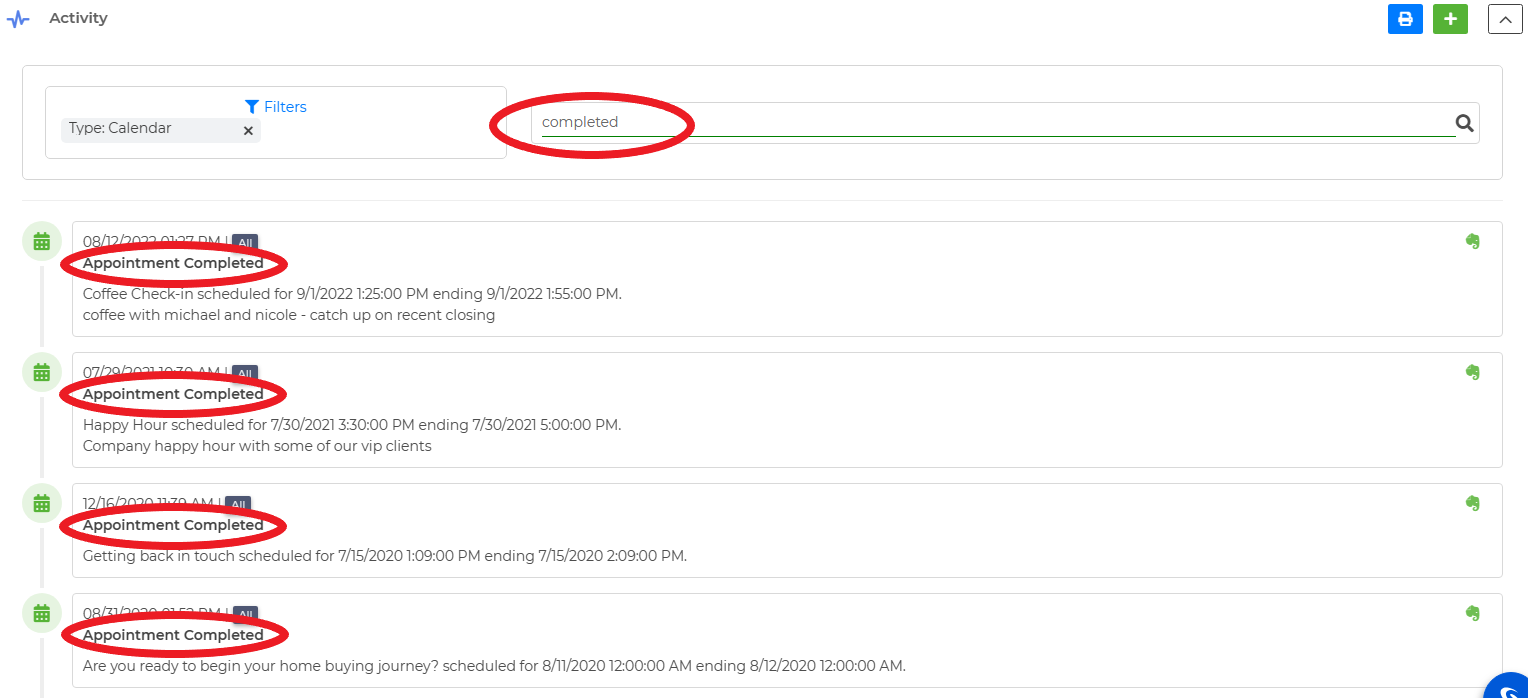
5. You may also search for all the deleted events and completed events, or even search by event name.
To print your calendar activity:
1. In the Activity section, navigate to the upper right corner and click on the blue print icon.
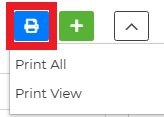
2. If you wish to print all the calendar activity, choose the Print All option. If you prefer to print only your current view, select the Print View option.
You may also watch our video tutorial here.