

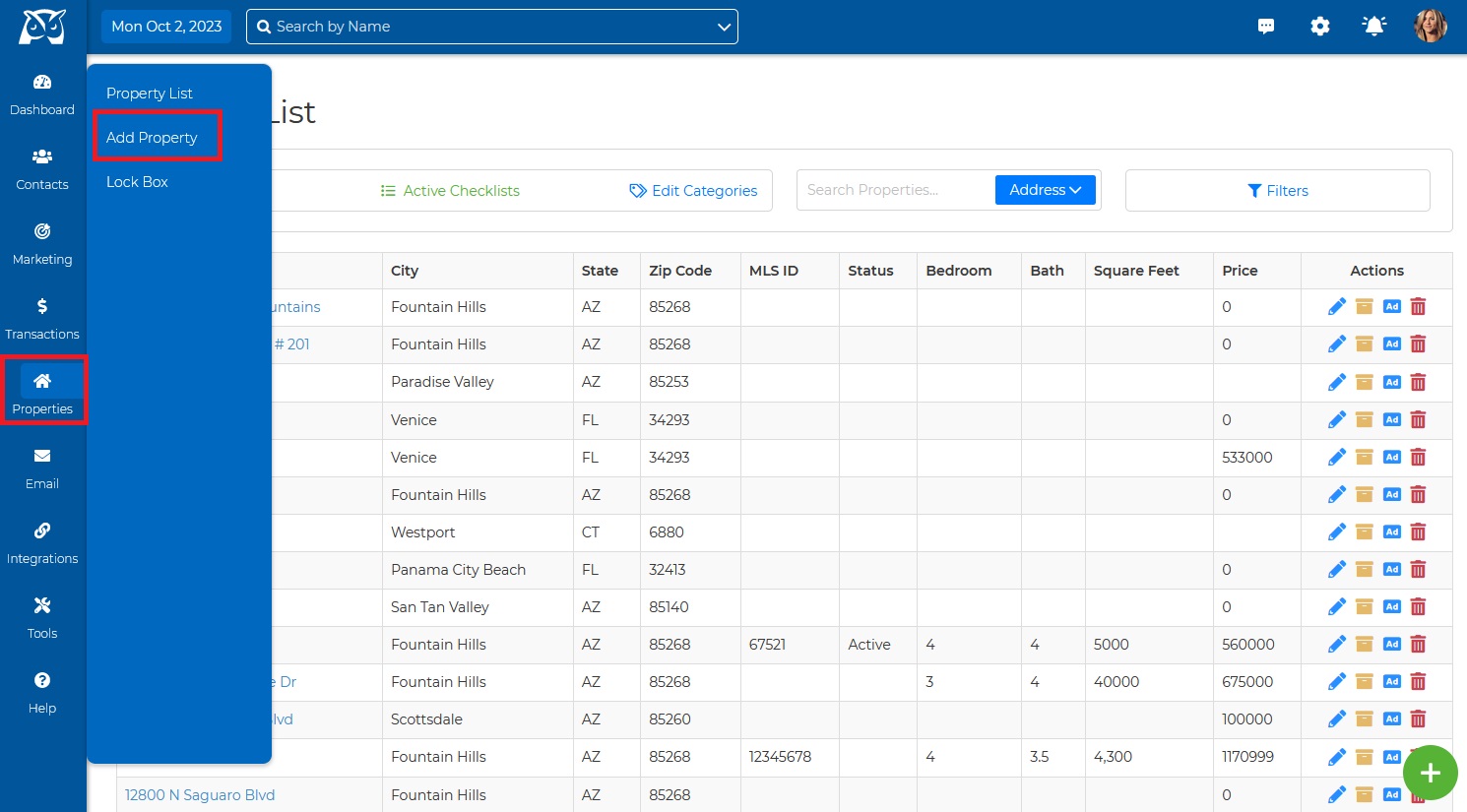
1. From the top toolbar menu, click Properties and then click “Add Property”.
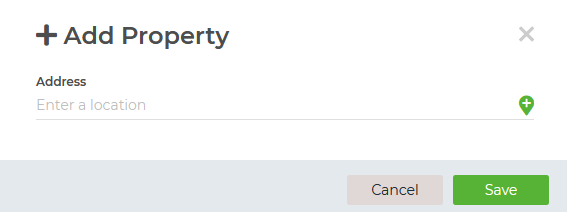
2. Fill in the property details, and hit Save.
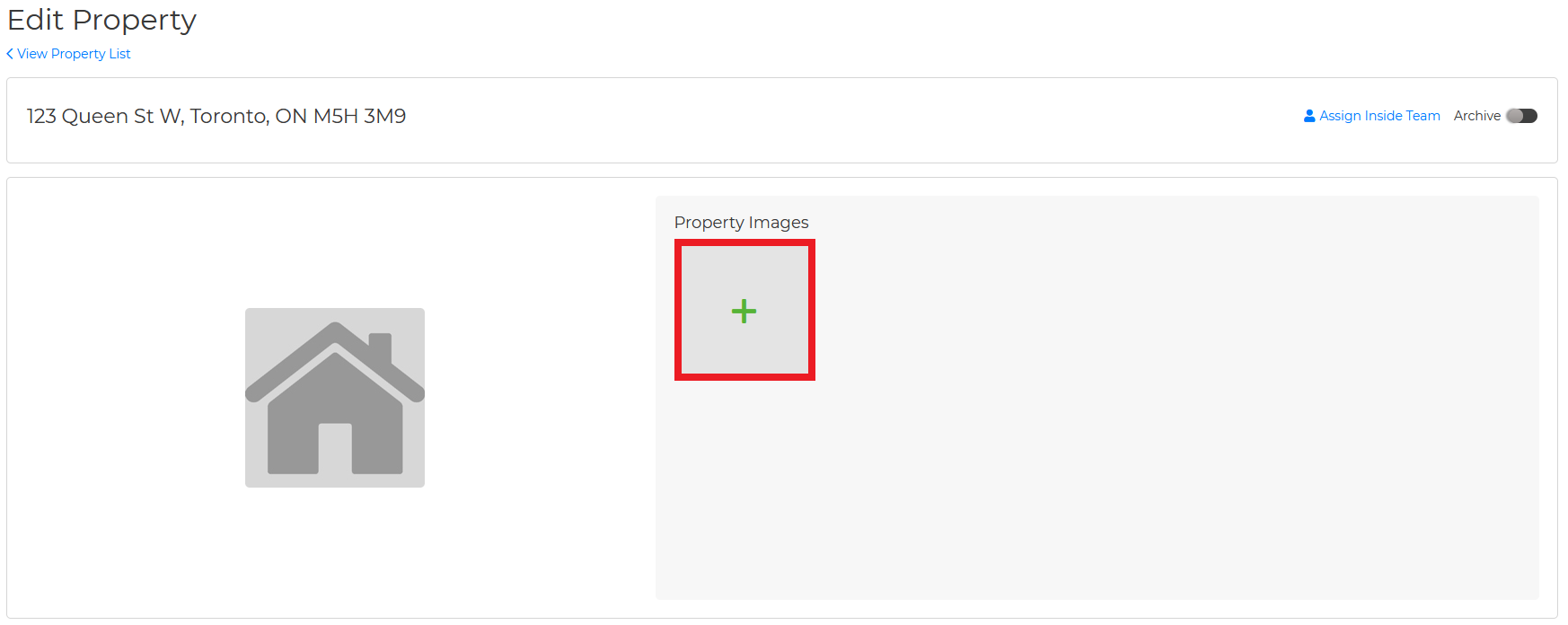
3. To add the property photos, click on the green +.
Note: You can attach a "Contact/Vendor" and add the Property to a Checklist by clicking on Checklist.
Wise Agent Blog - Properties
