Logo

What are you looking for?

Get help straight from our team...

General Questions

Adding Your Logo

Wise Agent now enables members to upload their logo directly into their account without the need to send it to us.

Last updated on 15 Jul, 2024

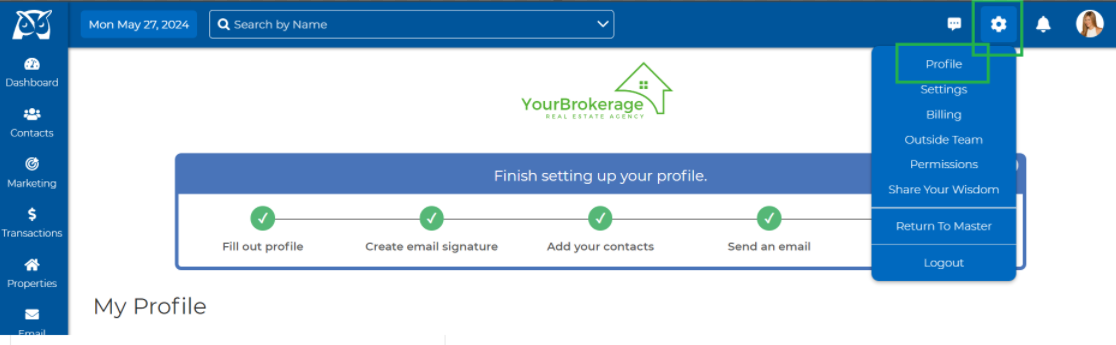
1. On the top right side of your account, click Gear > Profile


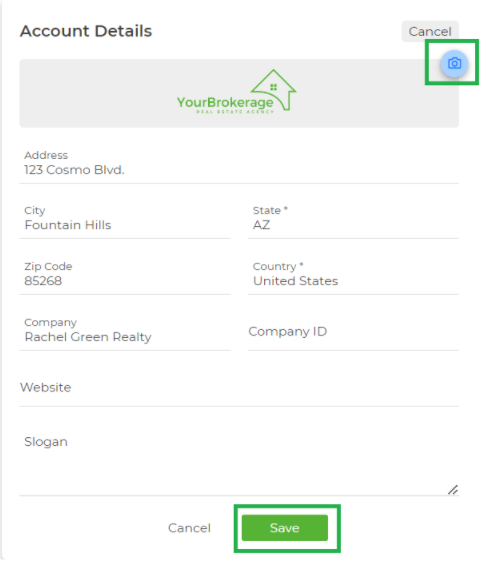
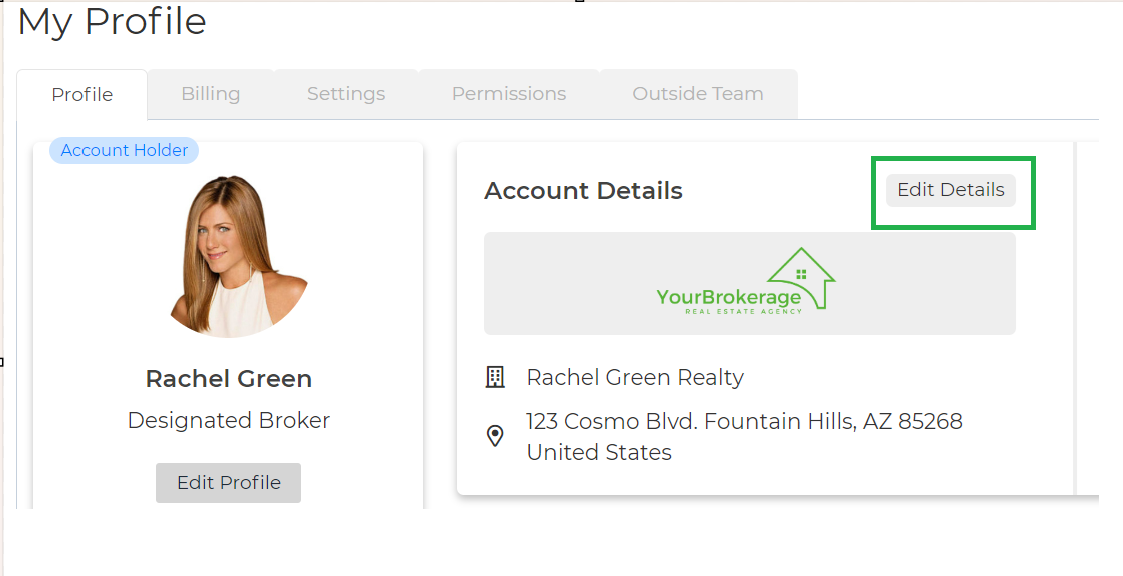
2. You can now conveniently add your logo using your Wise Agent account. Simply click on Edit Details then the "Change Logo" icon, browse for your logo on your computer, and adjust it to fit within the square. Save.
ImageImageImage


Did you find this article helpful?
Previous

How To Disconnect Your Google Contacts Sync

Next