

Start your program (steps here)
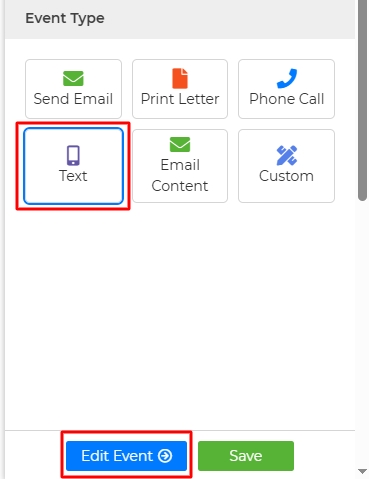
Once in the Action Setup, select the Event Type “Text”
Then click "Edit Event"
Add your texting number, any placeholders, and type your text in the box. You can also click the icon with the three dots to select from saved content from the Content Library.
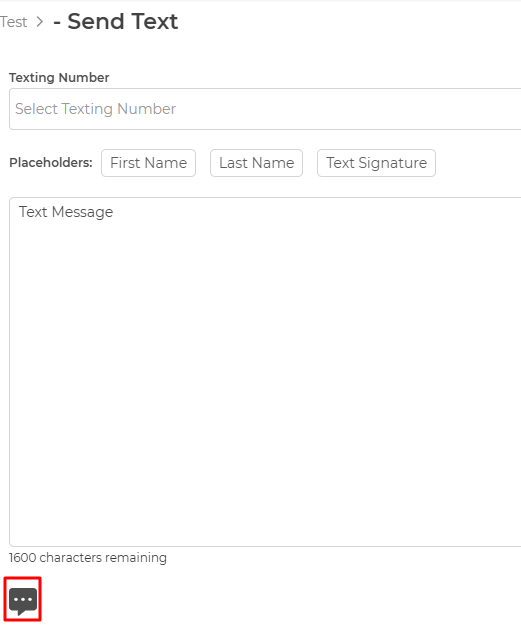
5. Once done adding your message, click on the Save button.
Wise Agent Blog - Drip Campaigns
To learn more about the A2P 10 DLC Registration click here.