

Pick Your Template
1. Click on "Marketing" from the left-hand sidebar, then select "Landing Pages"
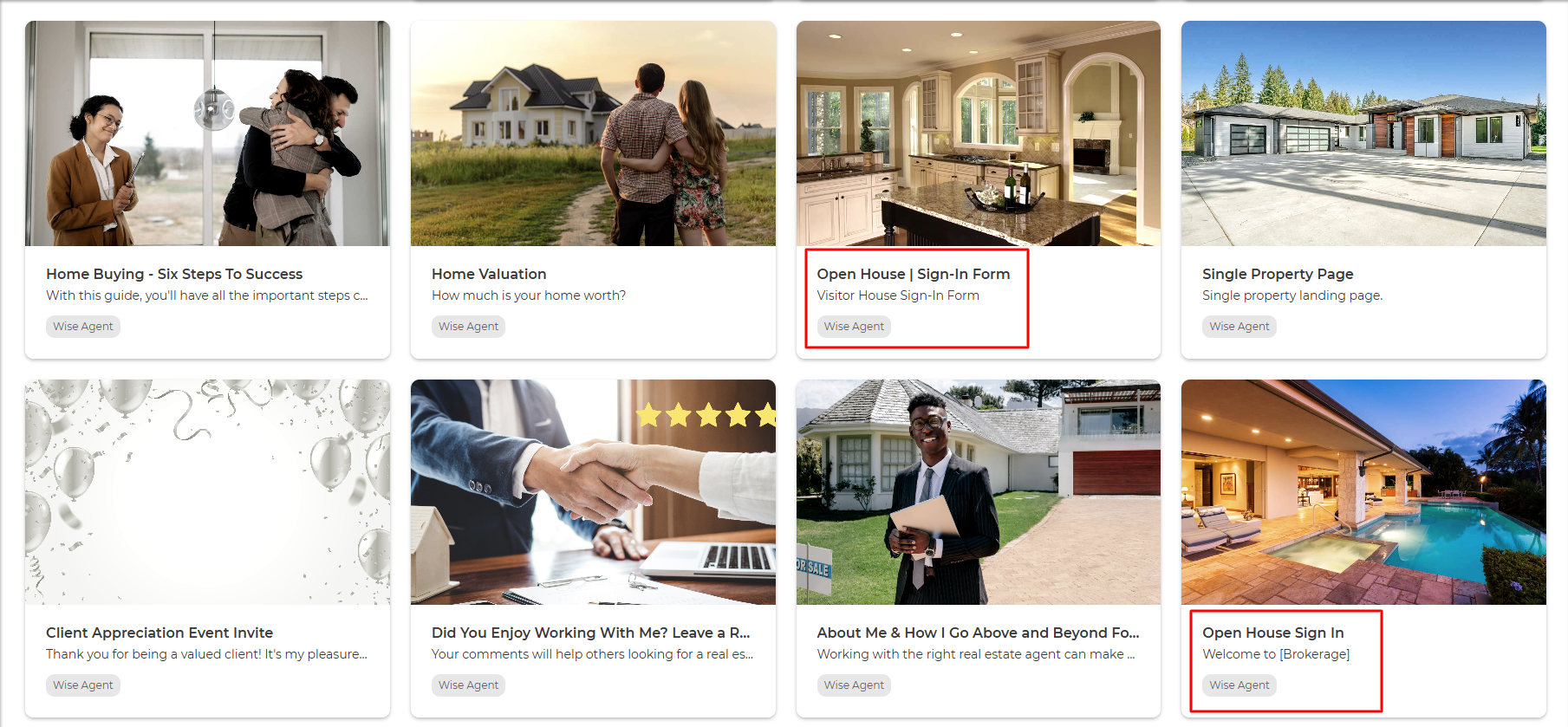
2. From the page with the templates, choose which Landing Page Open House Sign-In Form you'd like to customize!
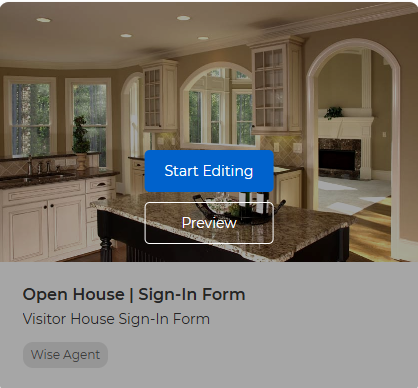
3. Hover over the picture of the Landing Page to see your options of "Start Editing" or "Preview"
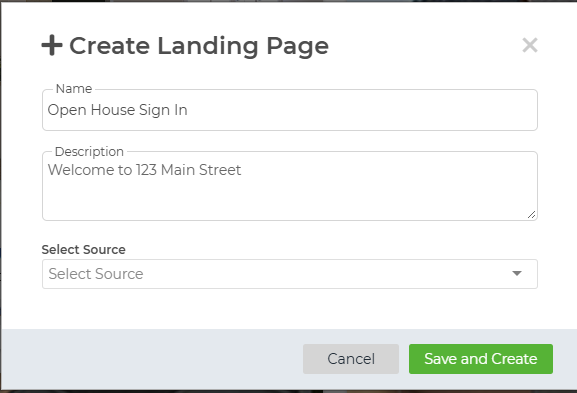
4. Fill out the Name, Description, and Source information. Then click "Save and Create."
Once the template opens, you can begin to customize your Open House Landing Page.
Click this link for step-by-step instructions:
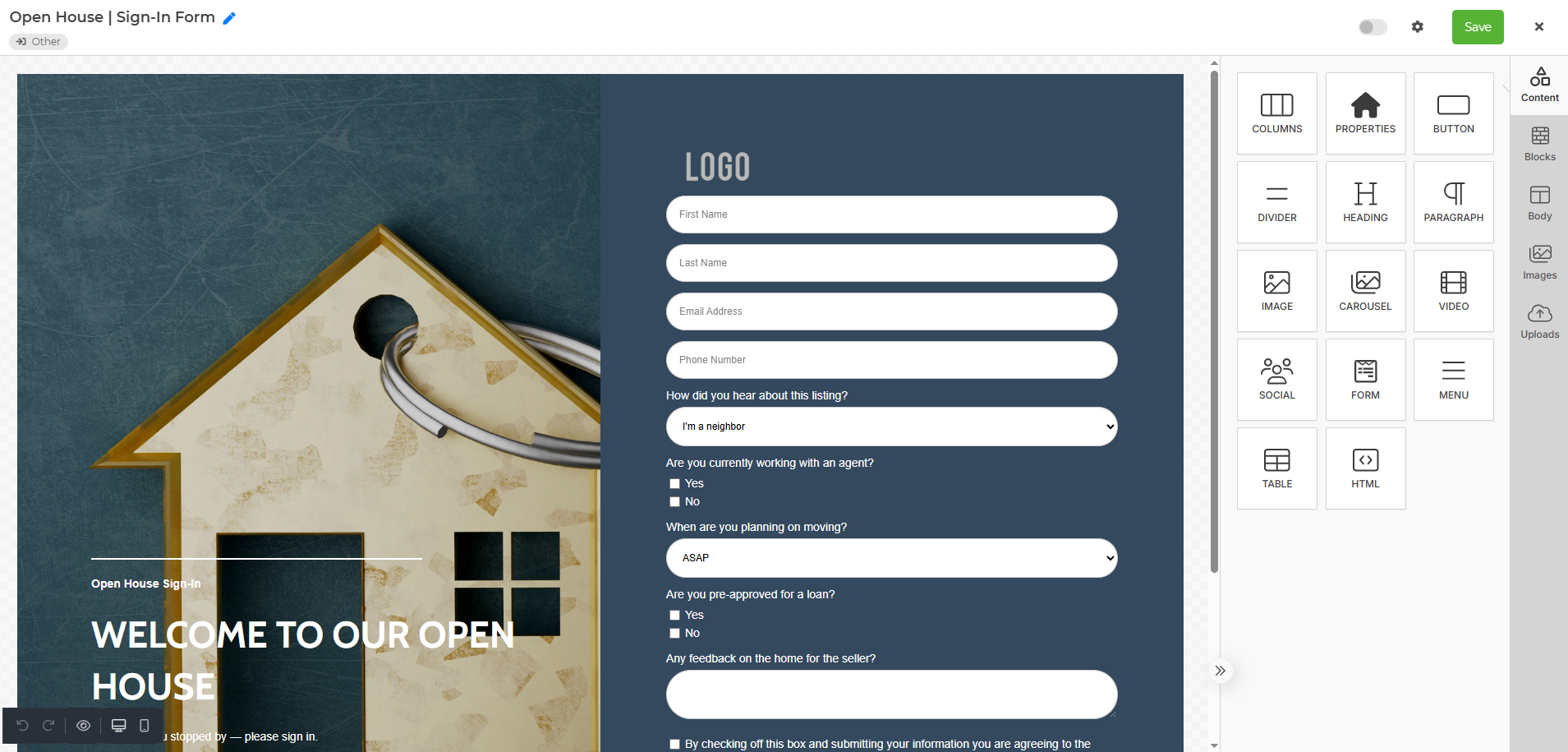
Be sure to toggle your page to "Active". This will give you the URL you can use to either have on a tablet/laptop or connect it to a QR Code so guests can easily fill it out!
Now that you've created your Open House Landing page, you are ready to use it for your upcoming Open House.
When new leads sign on to your landing page they will automatically come into your Wise Agent.
You will be able to set automated Lead Rules so you can automatically work your new leads by sending an automated email, text, adding them to a drip campaign, or a specific category or Lead Pipeline.
Click on the links below to view a video tutorial on creating a landing page and also how to set up Lead Rules once you have your Landing Page set up.
Landing Page Tutorial: Coming soon
Lead Management Tutorial: https://www.youtube.com/watch?v=ux-wsT7ZMLQ&feature=emb_logo