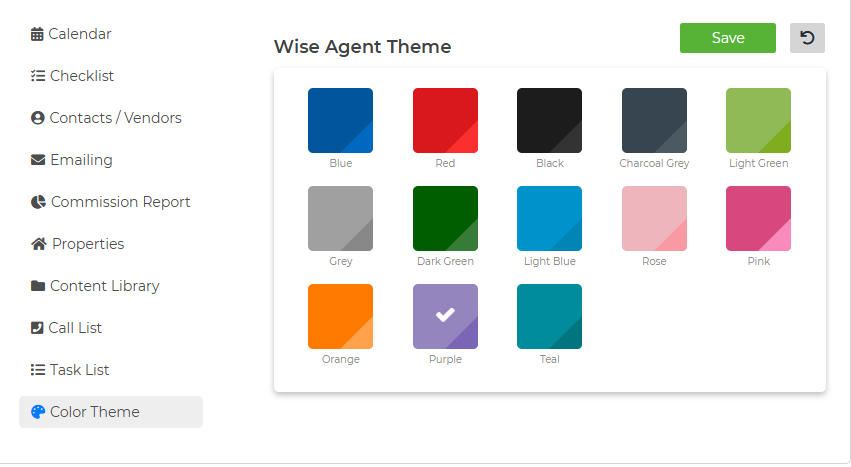
To get to your Settings Page, follow the instructions below:
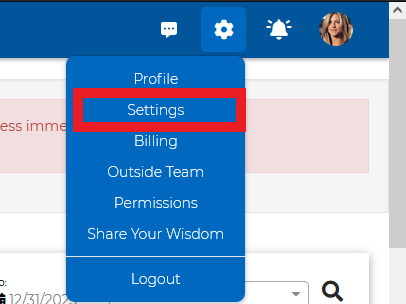
Click the Gear icon on the top right corner of your account next to the bell icon.
From the Gear drop-down, select "Settings."
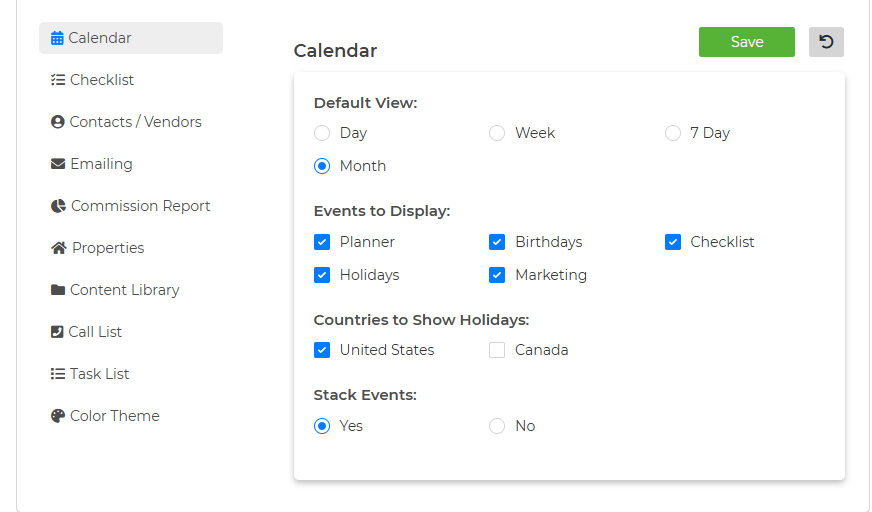
Now that you are on your Settings Page, you will be able to set your default settings for your account, as seen below:
Calendar
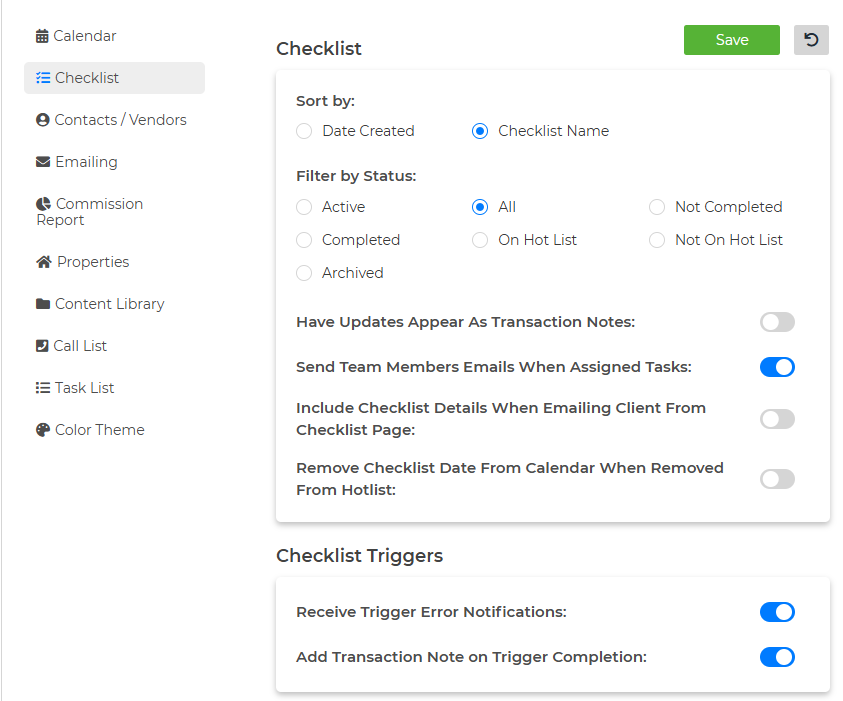
Checklist
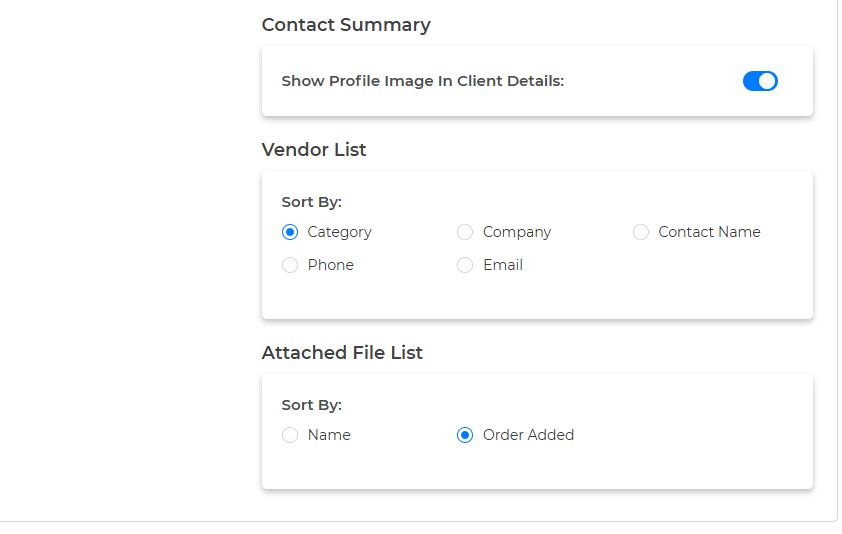
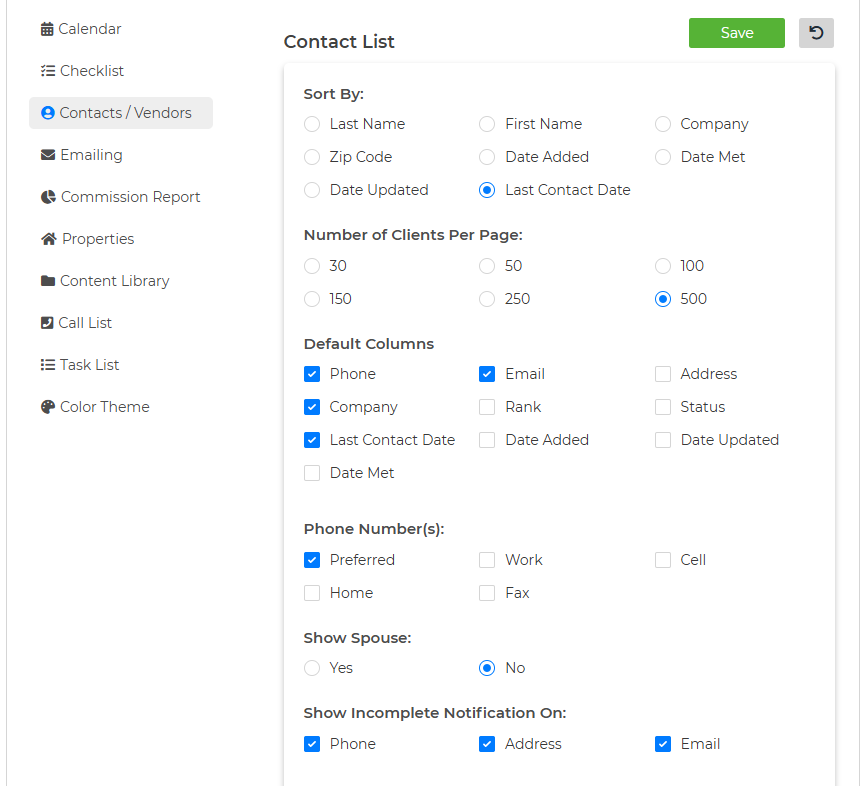
Contacts/ Vendors
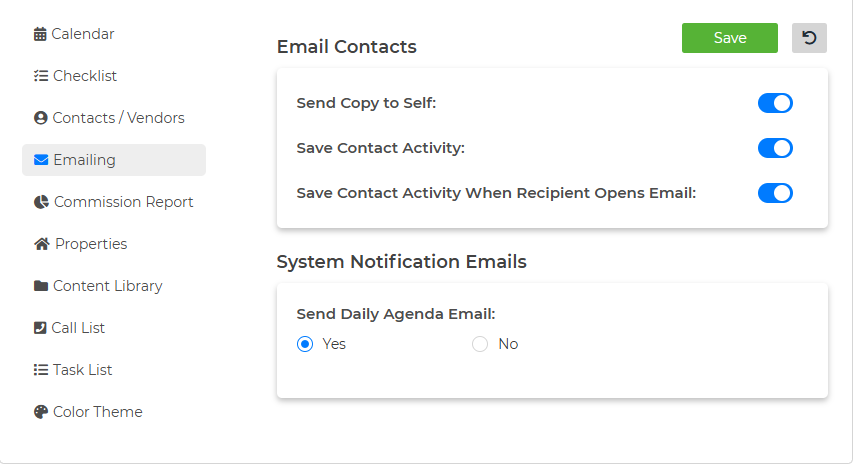
Emailing
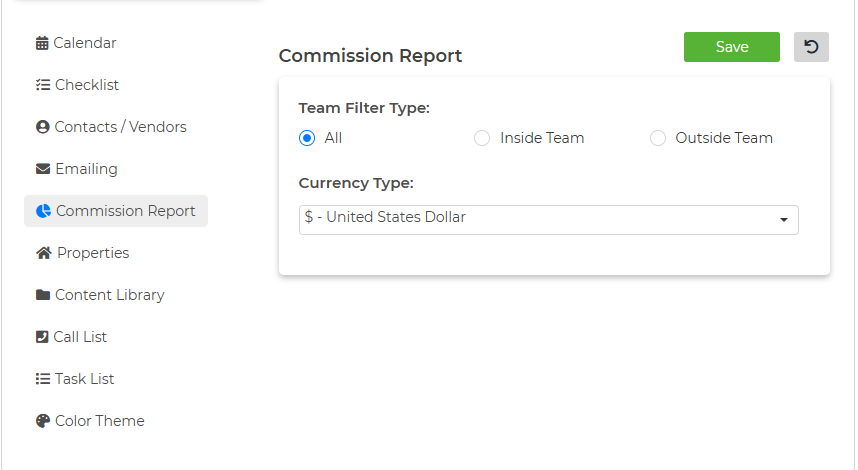
Commission Report
Properties
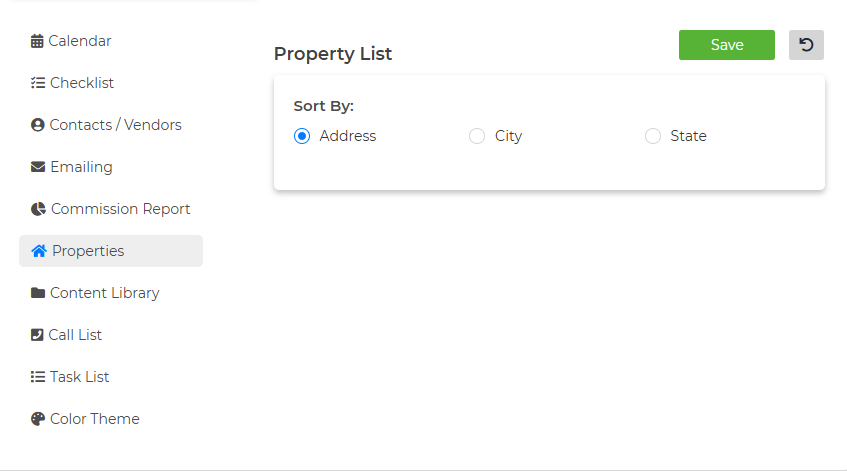
Content Library
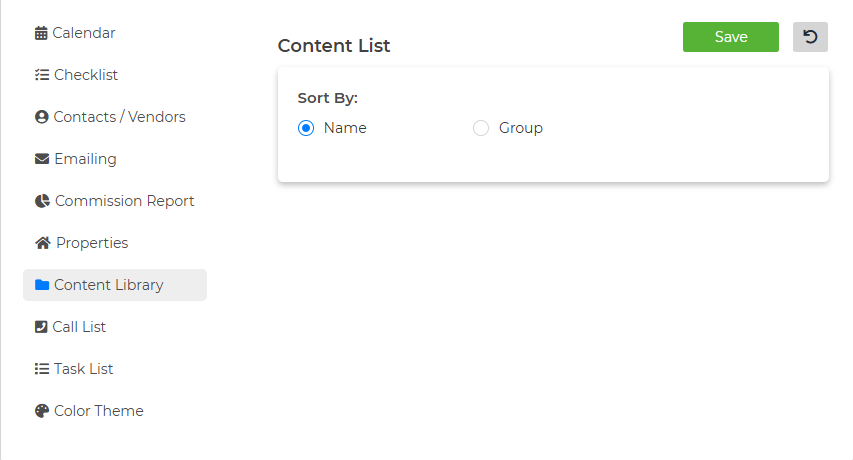
Call List
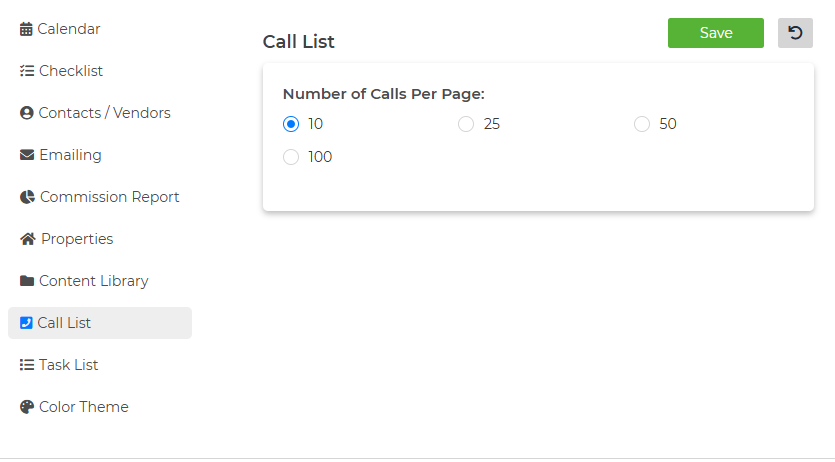
Task List
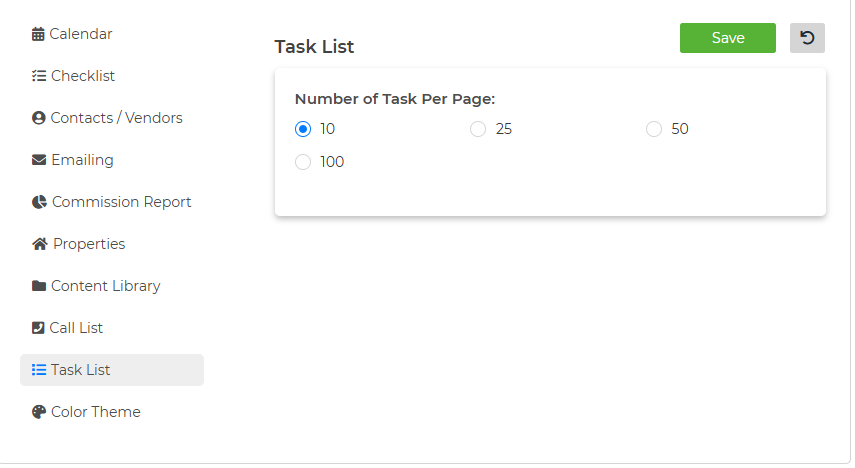
Color Theme