

Logo

What are you looking for?

Get help straight from our team...

How To Get The Link Of Your Saved Newsletter

Marketing Tools

How To Get The Link Of Your Saved Newsletter

Here is how to get the link of your saved newsletter:

Last updated on 19 Nov, 2023

  • Go to the Marketing and then click on Newsletter

  • Click on the plus (+) icon on the newsletter page to show all your saved newsletters.
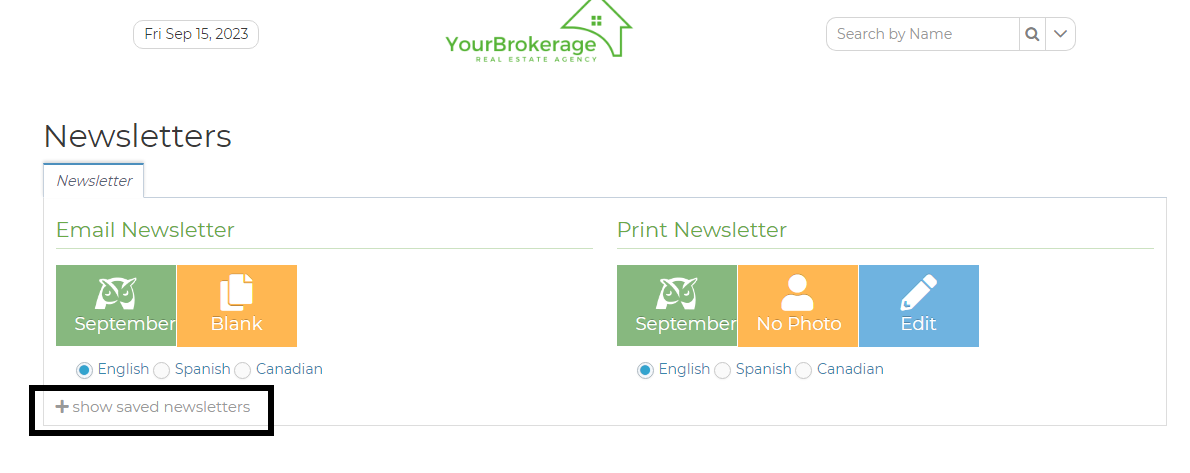
Image
  • Click on the chain icon on the right-hand side of the screen of your chosen Newsletter.

Image
  • Copy the link on your browser

Image


Newsletter blog: Send Real Estate Newsletters with Wise Agent CRM

Did you find this article helpful?
Previous

Sizing The Image Of The Newsletter

Next
