

Locate the client's contact once on the contact summary page then follow the steps below.
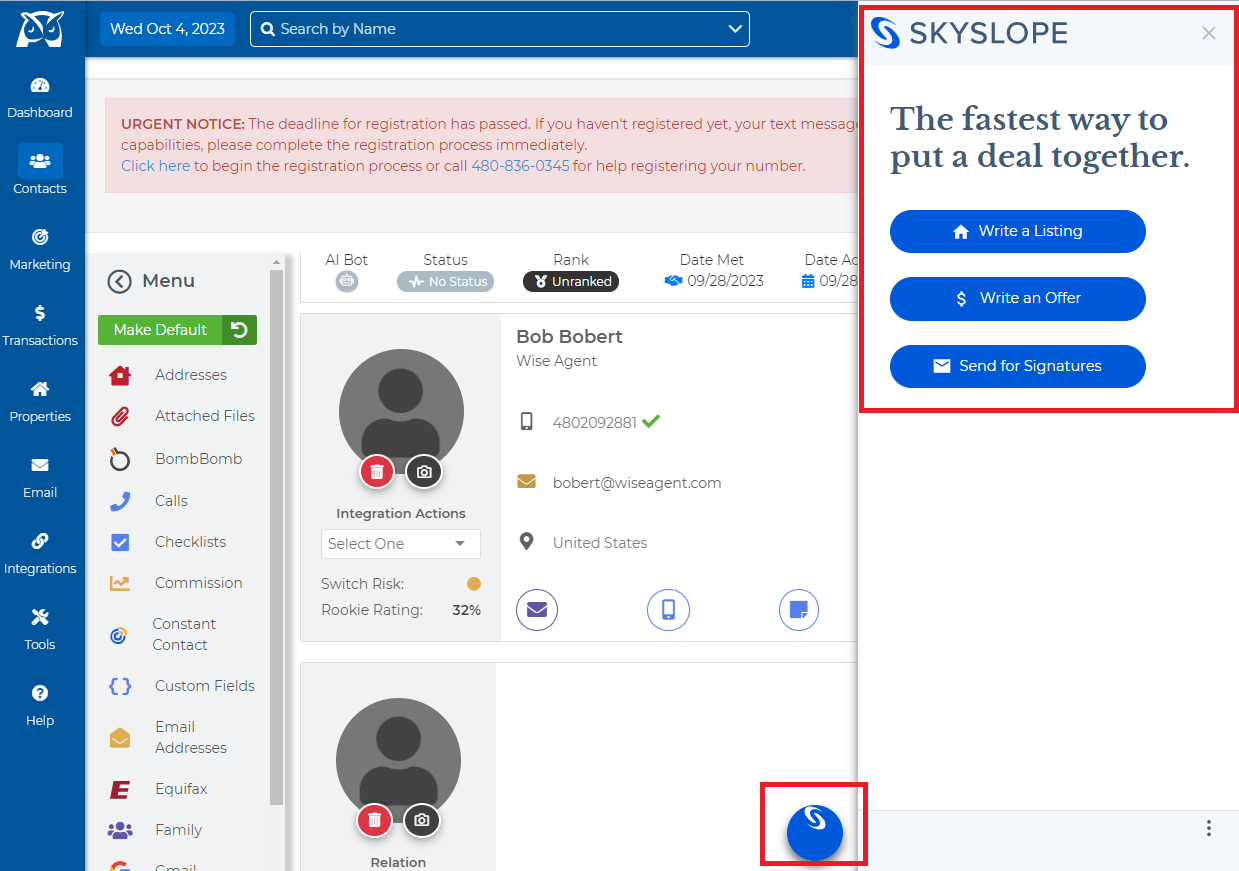
From the SkySlope side, menu select Write a Listing.
Enter in the property information.
Enter in client information (either as an individual or organization) and if needed you will have the ability to add an additional contact at the bottom of the form.
Select the recommended forms needed for writing a listing based on the area of the MLS number.
You may be prompted to sign in or sign up for SkySlope but once that is done you can select Open Forms to begin filling and sending your documents!