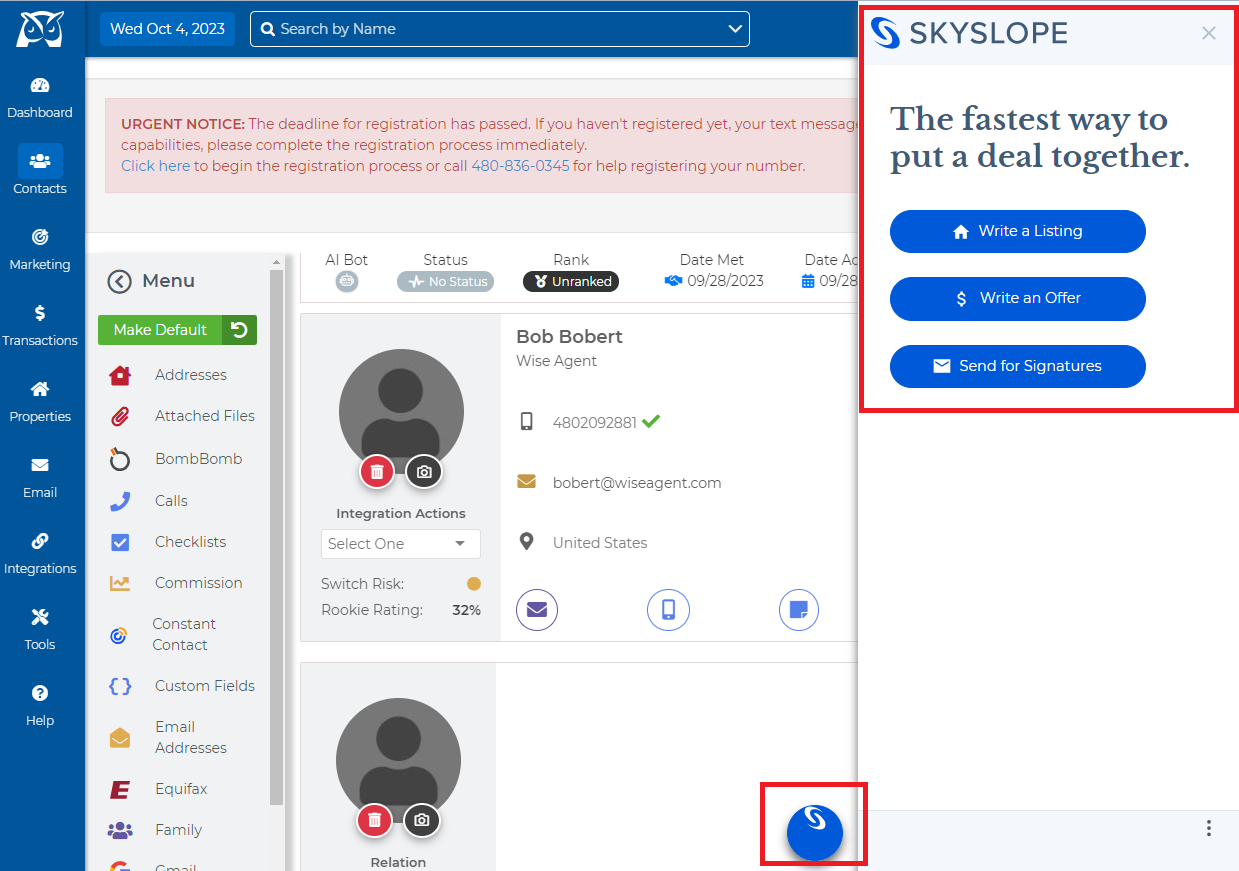
From the SkySlope side menu select Write an Offer.
Enter in client information (either as an individual or organization) and if needed you will have the ability to add an additional contact at the bottom of the form.
Uploads documents needed for sending out to the client (you can drag and drop or select upload document to manually select the file from your computer.
You can then edit the document and make any changes needed from inside of SkySlopes system using DigiSign.