
Navigating to the Vendor Summary Page:
Click "Contacts" on the left-hand sidebar, then select "Vendor List"
Once on the list, select the Vendor Summary you'd like to open by clicking the Vendor's name.
Vendor Contact Information:
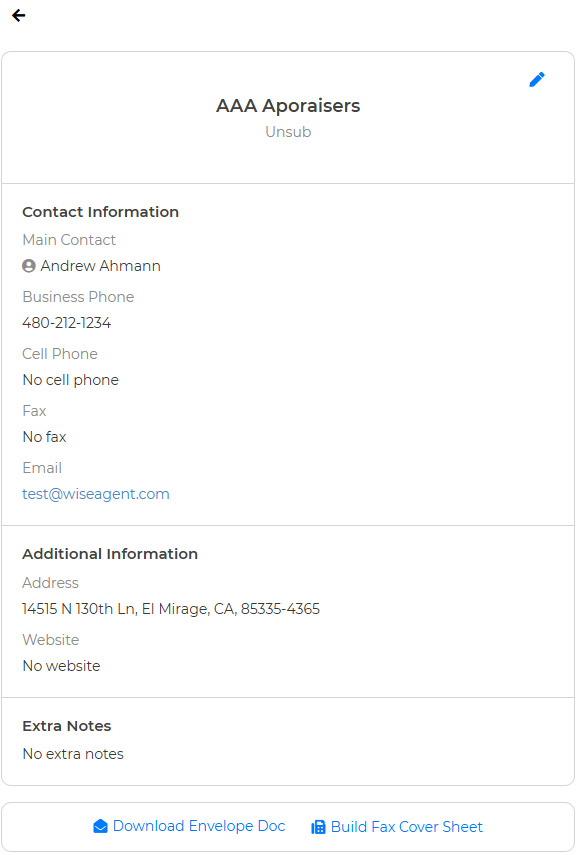
From here, you can update any Contact Information, add or edit Extra Notes, download an Envelope Doc, or build a Fax Cover sheet.
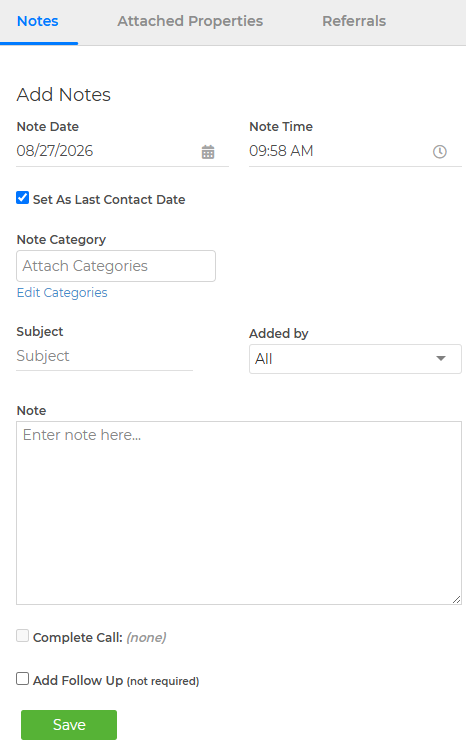
Add Notes:
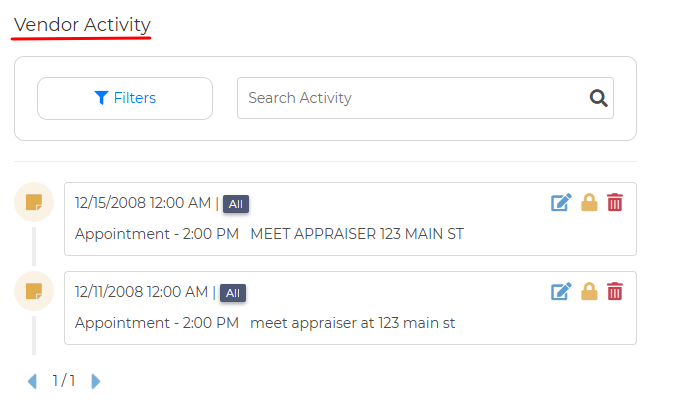
Vendor Activity:
See past notes, appointments, and any other activity this Vendor has been tied to.
Attached Properties:
Here's where the Vendor List becomes more than a directory! Link Vendors directly to specific properties in Wise Agent!

Referrals:
Add Referred or Referred By to keep track of your Vendor Referral tree.

Add to Call List:
No matter where you are in the Vendor Summary page, you can always click the green "Add to Call List" to add this Vendor to your call list!