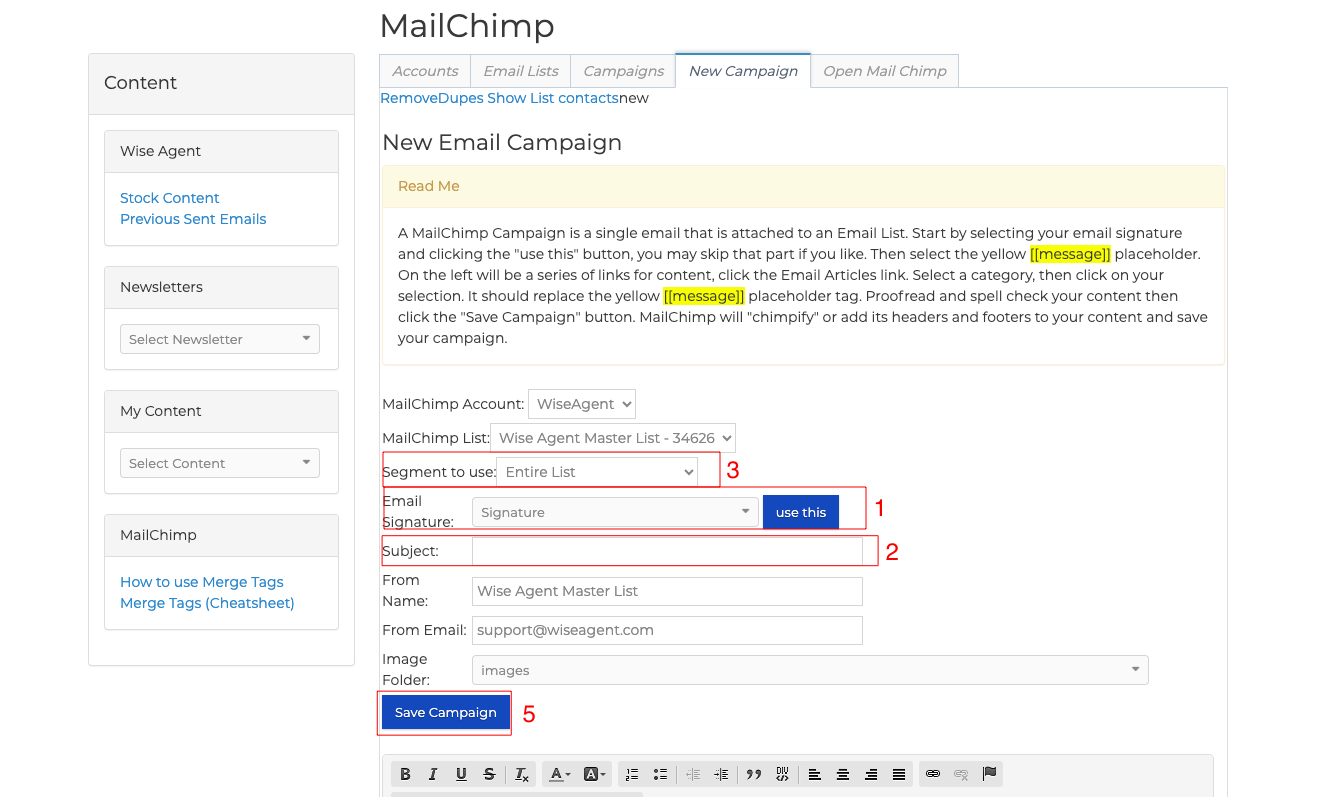
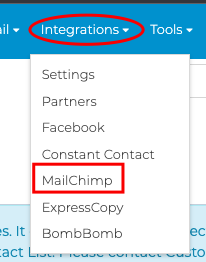
1. From the top row of buttons click Integrations > MailChimp2. Select your email signature and click "use this".
3. Select your MailChimp segment "making sure it is highlighted" and type your subject.
4. Next you will want to highlight the "message" box in the body of the email and select your marketing material.
5. Once you have created your email you will need to click on "Save Campaign".
6. Now you can click on "Campaigns" and send the email to your clients.
Wise Agent Blog - MailChimp Integration