

Logo

What are you looking for?

Get help straight from our team...

Uploading Documents to a Checklist

Transaction Management

Uploading Documents to a Checklist

Last updated on 29 Oct, 2024

  1. Click Transactions on the left-hand side > Checklists.

  2. Click on the name of the Checklist to view the Checklist Summary page.

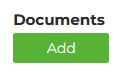
  3. Scroll down and locate "Documents" > click Add.
Image


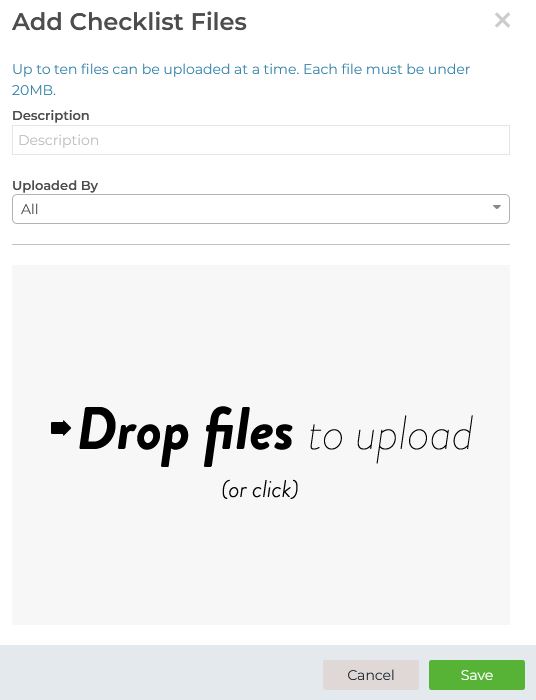
4. Select files, add a description and your name from the Uploaded By dropdown, and click Save.
Image


Did you find this article helpful?
Previous

Creating Checklist Templates

Next