

Once logged in to your Wise Agent account, click on Websites from the left menu bar.
You will then be able to select from posting a Blog, Event, or Testimonial
To Post a Blog:
Click “Add Post”
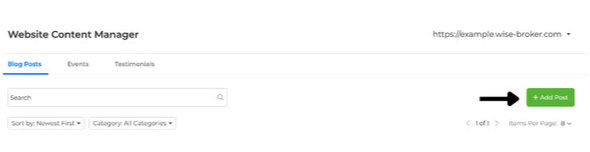
Enter your Featured Image, Post Title, Publish Date, Categories, and Slug URL.
Next, you can create your desired content under the Post Content section.
Once all content is filled out, toggle from Draft to Published, then click Update

To post an Event:
Click "Add Event"
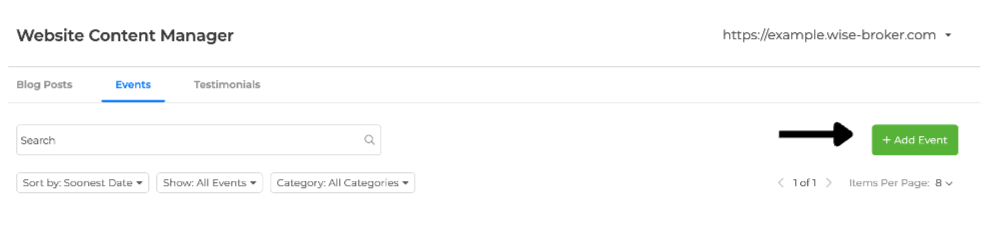
Enter in Event Details such as Date, Time, and Location
Enter a Call to Action to add a redirect button to the specific event page under the event details section
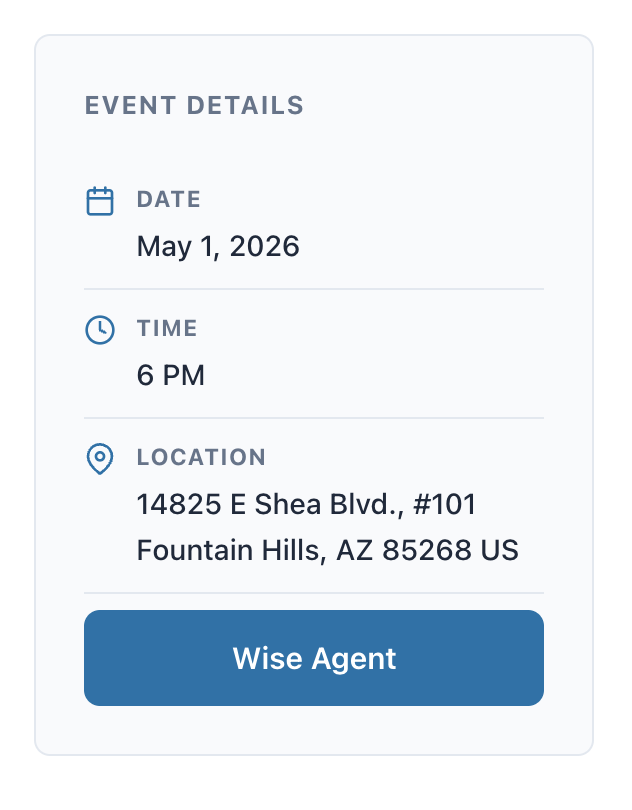
Enter your event details under the Event Content section
Once all content is filled out, toggle from Draft to Published, then click Update

Note: Slug URL will automatically populate using the name of the Blog or Event if the field is left blank
To add Testimonials:
Click Add Testimonial
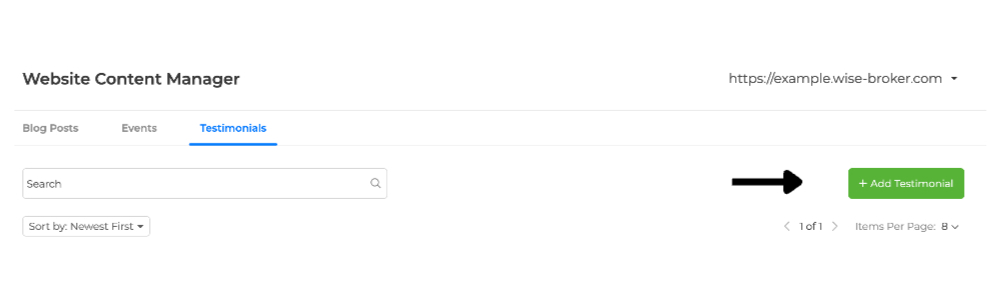
Enter the Title and Content Fields
Toggle from Draft to Published
