

How to connect your KCM RSS feed to your Wise Agent account:
1. Go to the KCM website and copy the RSS feed link (Found on the left side under Blog Posts.)
2. Next, click "MY RSS FEED LINK" on the right-hand side.
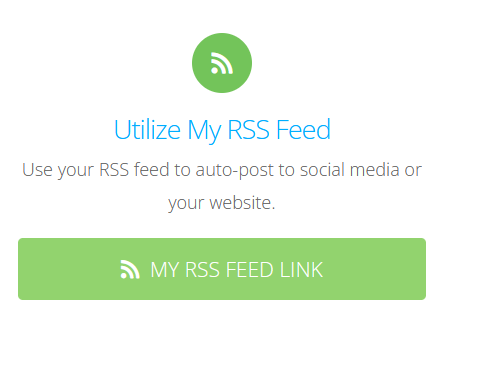
3. Once selected, you will see your RSS feed link, copy your "My Personal RSS feed link".

4. Log into your Wise Agent account, from the top row of buttons click Email > Email Contacts
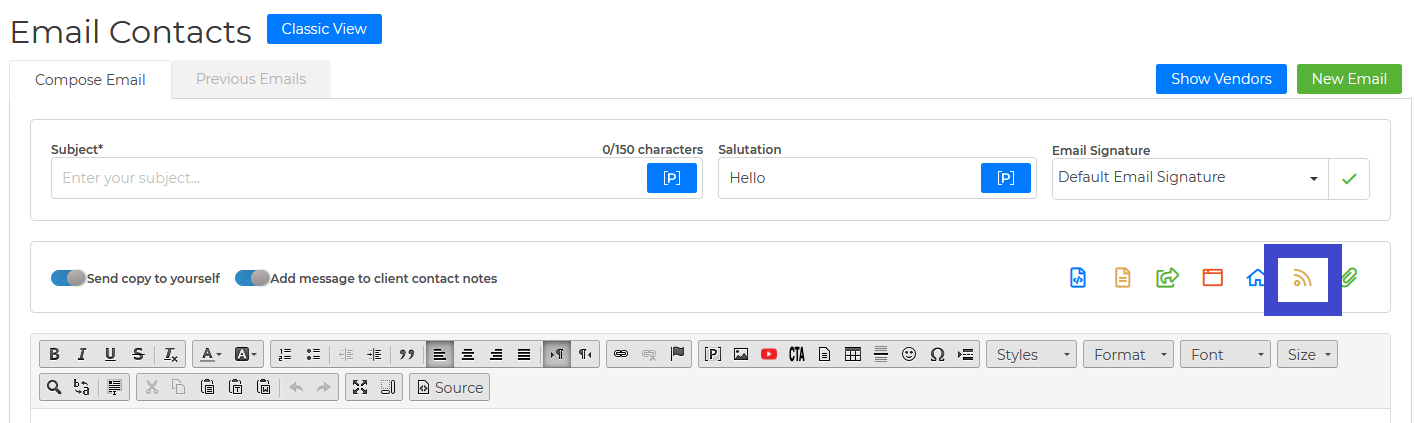
5. From the Email contacts page, click the RSS Feed button on the left-hand side.
6. Click on the "RSS Feed" button on the right-hand side.
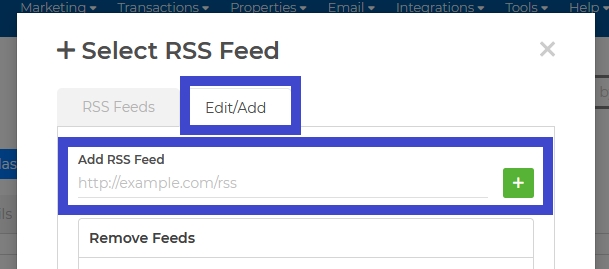
7. Paste the KCM RSS feed link in the area provided (Add RSS Feed) then click on the “+” icon and that's it!
Once you have successfully added your KCM feed to your Wise Agent account, you will be able to view new blog posts from KCM when you click on the RSS Feed button!
There will be a green envelope icon next to each blog post that will allow you to email that specific post to your clients.