

To Locate Your Email Signature:
Log in to your Wise Agent account
From the "Email" drop-down, select "Email Signature".
For step-by-step information on creating an email signature, click HERE
How To Link Your Social Media Profiles:
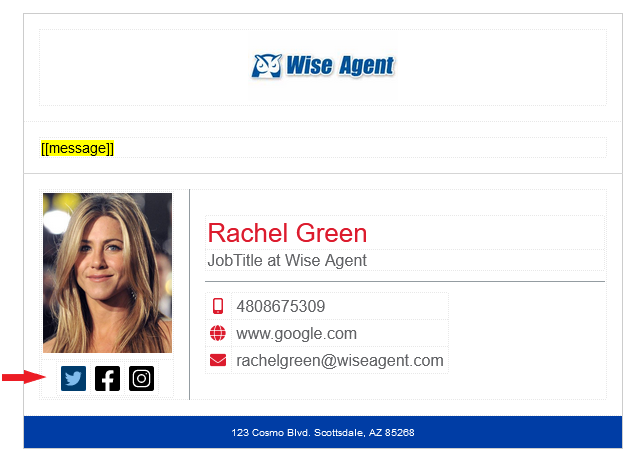
You can link your social media profiles to your email signature, meaning that anytime you email your contacts through Wise Agent, they can easily access your social media sites by simply clicking on the icons!
From your email signature, double-click the icon you wish to hyperlink.
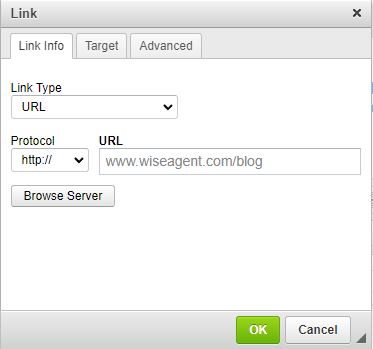
Choose the Link Type, paste the URL on the box provided, and set the target window.
Click the OK button.
How To Hyperlink Your Website:
1. Within your email signature, type in your website URL wherever you desire.
(FOR EXAMPLE, www.wiseagent.com)
2. Highlight the URL and click the chain link icon in the toolbar.

3. Click OK to save once completed!
Note: Once you have made any customizations to your email branding and added your social media icons, make sure to save your changes by clicking on the Save button.
