


Before You Start You'll Need...
Your Wise Agent API key. Not sure where to find it? Click HERE
A Claude account
💡 Tip: MCP actions count toward your monthly Zapier tasks. Each successful action your AI assistant runs uses 2 tasks, and failed actions are not counted. A single prompt can run several actions, so a paid Zapier plan is recommended for regular use, while a free account will provide you access to up to 100 tasks per month.
Note: If Wise Agent is already connected to your Zapier account, skip ahead to Step 2. To check, in Zapier, open App Connections in the left sidebar and look for Wise Agent in the list.
Step 1: Add Wise Agent to Your App Connections
Log in to Zapier
Select App Connections from the menu. Select Wise Agent.
Enter your API Key, collected from your Wise Agent Integrations & Settings. For details on where to find your API key, click here. Click Connect.
Once connected, verify the correct account has been selected and the status in Zapier shows CONNECTED.
Step 2: Create Your MCP Server in Zapier
Select MCP servers from the sidebar menu in Zapier.
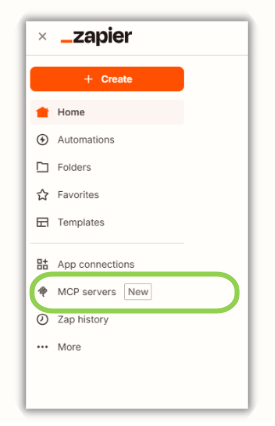
Click Add MCP server
Choose Claude as your AI client.
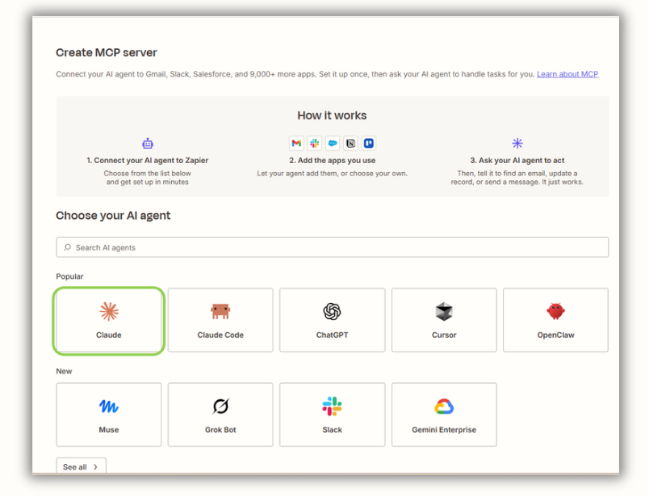
Copy the prompt provided by Zapier, then click Open Claude.
Paste the prompt in your Claude chat.
Click Connect to set up the connection between Claude and Zapier and provide permission.
Step 3: Add Wise Agent CRM to your MCP Server
In Zapier, select Claude from the list under My servers.
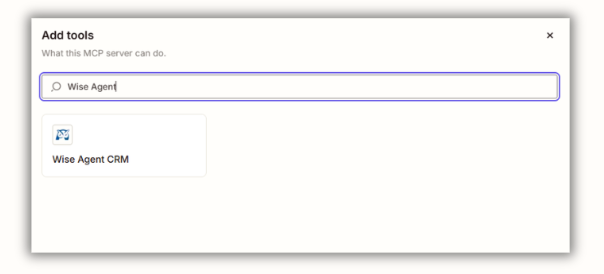
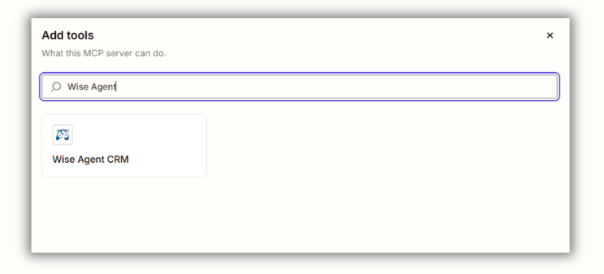
Click Add Apps and select Wise Agent CRM.
In the Connect to Zapier pop-up window, add your Wise Agent API key obtained from your Wise Agent CRM. Click Connect and confirm the correct account is selected.
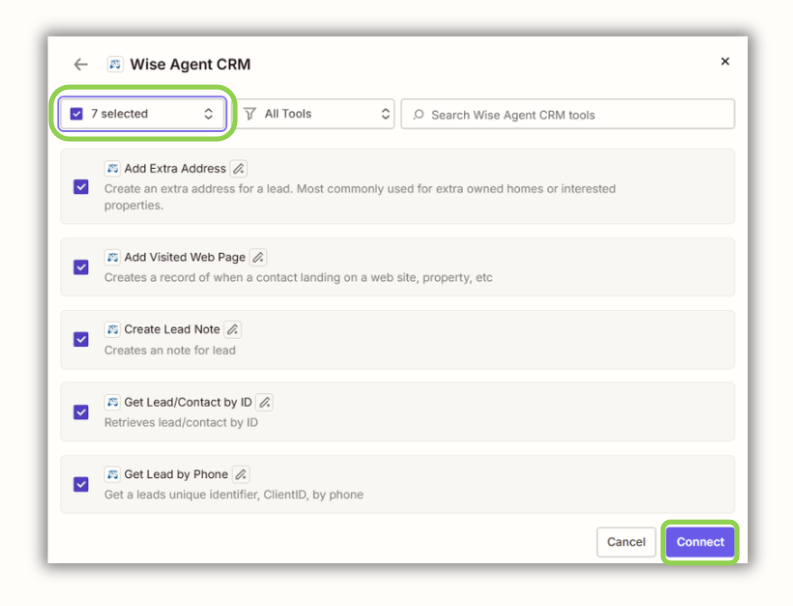
Select the actions you'd like your AI assistant to have access to. Once selected, click Connect.
To confirm the connections, ask Claude to list its Zapier tools.
Step 4: Send Your First Prompt
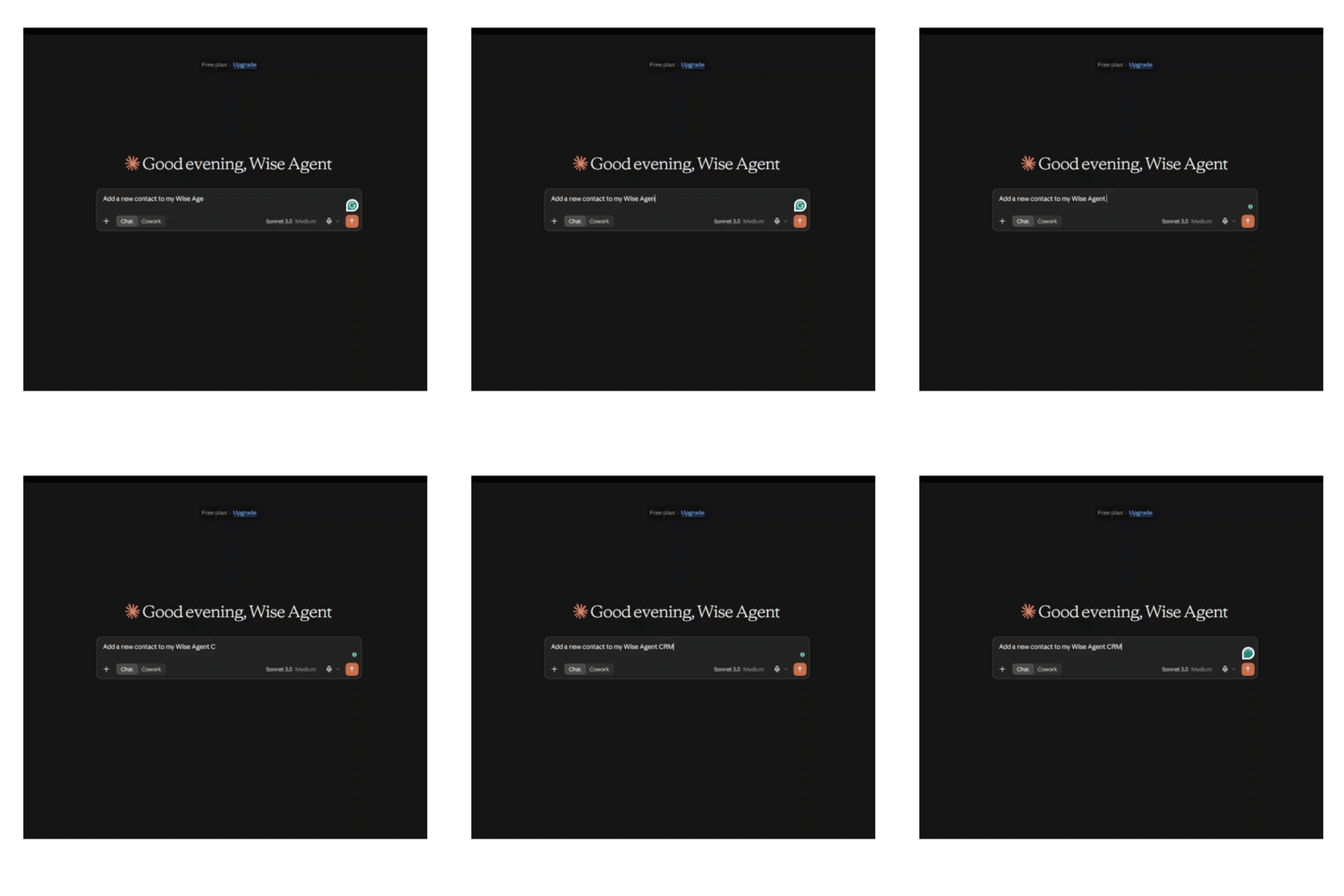
In Claude and enter a prompt to test the connection. You can either create a new test lead or ask Claude to update an existing lead. Below is a test prompt you can use that will create a new lead with added contact details and notes.
Add new contact: Jane Smith with the email address: jane@example.com and add a property she liked at 123 Main Street, Los Angeles, CA. Also add a note that she visisted my website at website.com.
Step 5: Verify in Wise Agent & Zapier History
Now that you've created a test lead. Log in to your Wise Agent dashboard and search for the newly created contact record or updates you asked Claude to perform in your prompt. Once you have confirmed that the change has been applied, you can also verify the activity has been logged in your Zapier activity history. Click the History tab to view all actions completed using your integration.
If something is missing
Check the History tab for an error message on the action.
Confirm your Wise Agent connection still reads Connected in App Connections.
Make sure the action you need is enabled on your MCP server.
When you are done testing, delete the Test Lead from Wise Agent.
For assistance, feel free to reach out to our award-winning Support team at support@wiseagent.com or by phone at (480)836-0345.
For questions, feel free to reach out to the award-winning Support team at Wise Agent. We are available 24/7 at support@wiseagent.com or by phone at (480)836-0345.