

How to activate:
Login to your Cloud CMA account
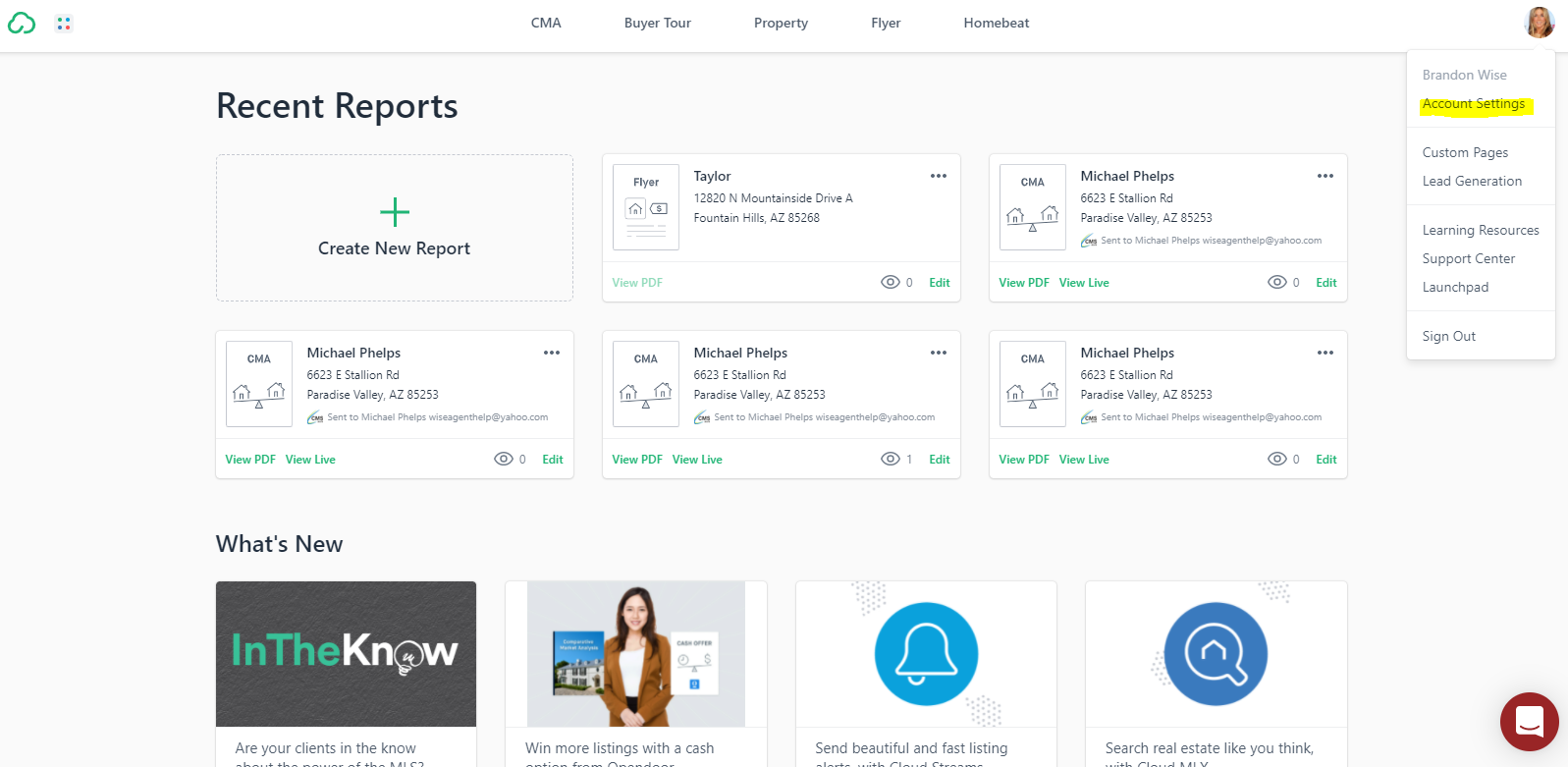
Click on your photo on the top right corner > Select account settings from the drop-down
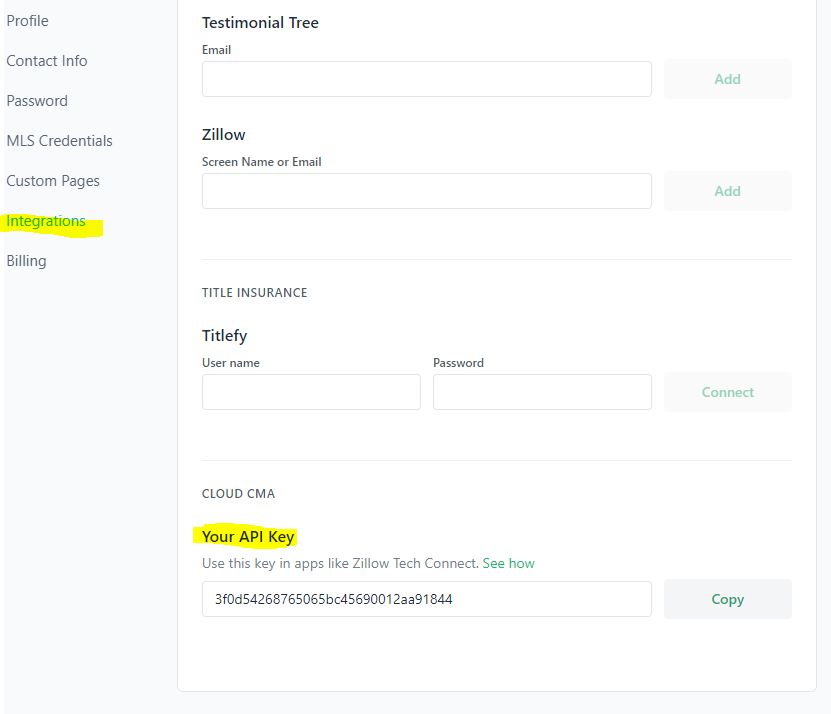
Click on the Integrations then scroll to the bottom of the page and copy your API key
Copy your Cloud CMA API key
Login to your Wise Agent account
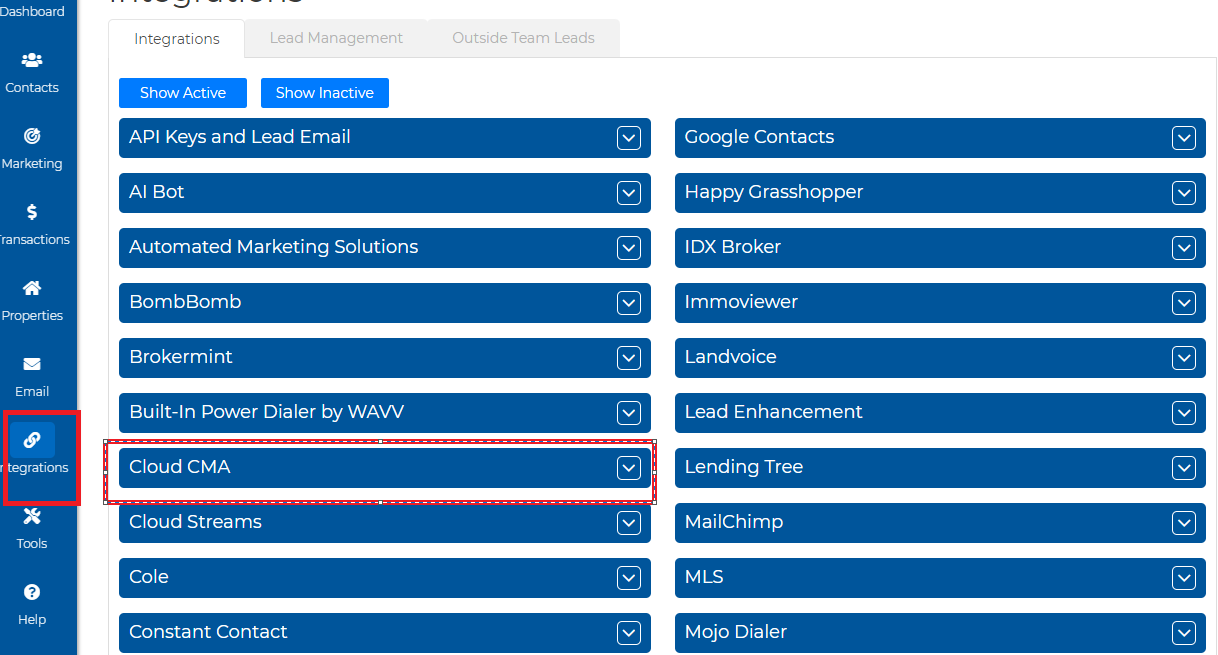
Click on Integrations from the side navigation bar and select Settings.
Paste your Cloud CMA API key in the field provided and click “Save” valuation report
Click here to send a CMA report