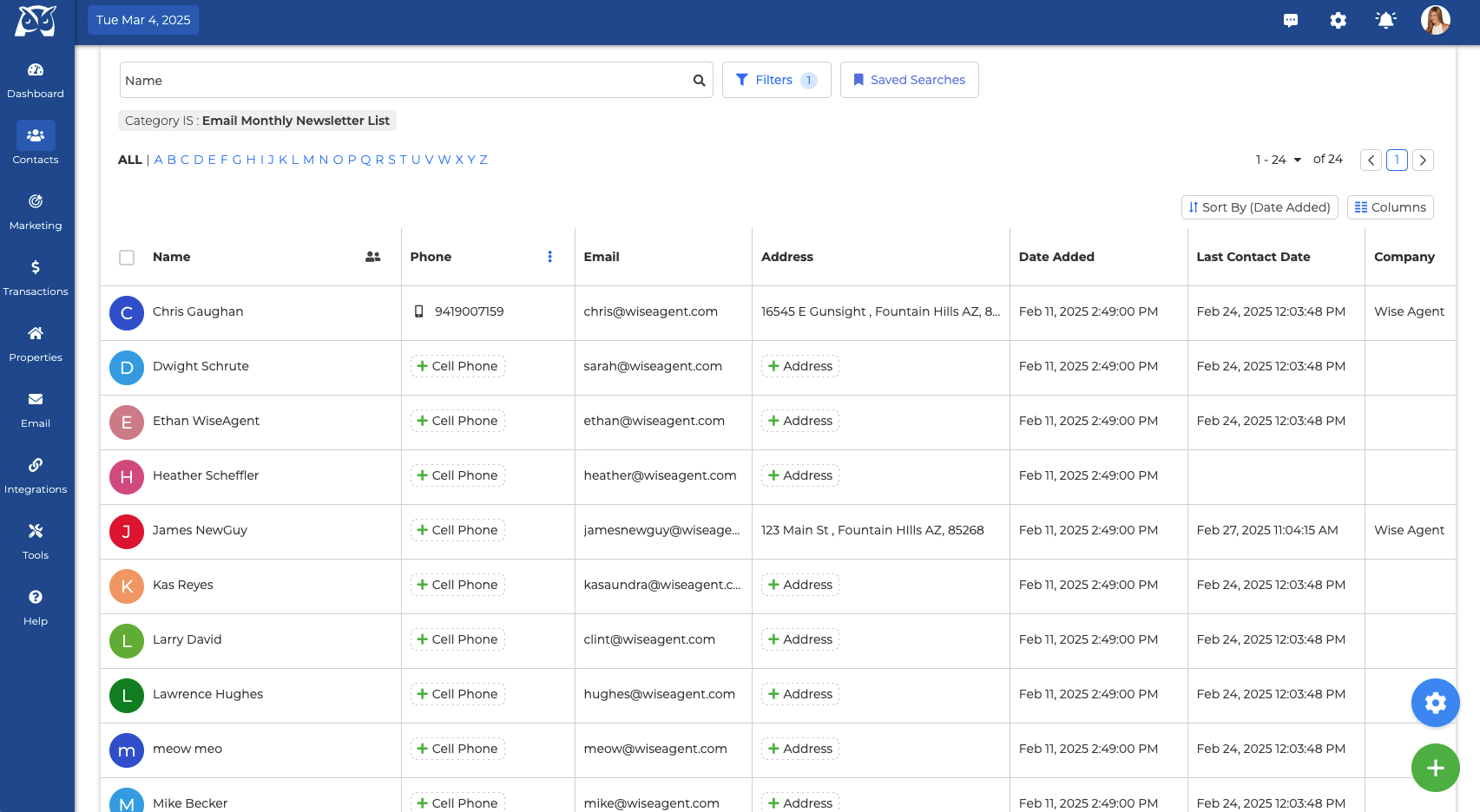
Contact List - The contact list has no limits on how many contacts/leads you can store, meaning you can have as many contacts as you want from different places. Have them all consolidated in one spot and use our advanced filtration options to make finding your contacts easier than ever before! Your contact list has various functions and bulk actions that you can perform.
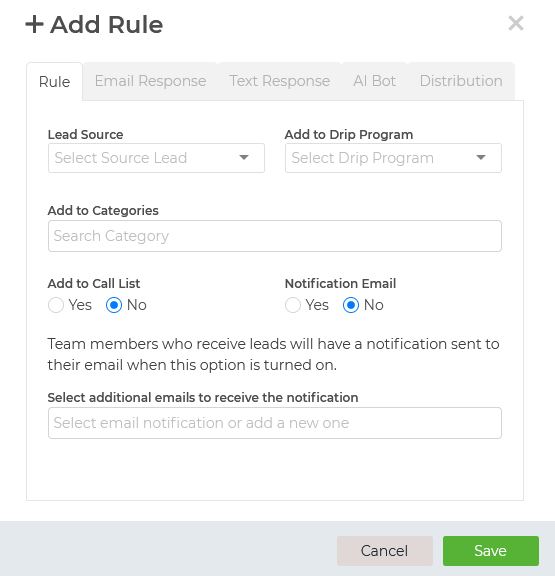
Lead Rules - Setting up your lead rules allows you to connect to your leads instantly and organize them as soon as they enter your Wise Agent contact list. You can set up an email and text message to go out automatically, categorize them, add them to a drip campaign, add them to your call list, assign them to a team member, and even set up notifications for yourself or your team.
Here's a blog about Wise Agent's Lead Management Software
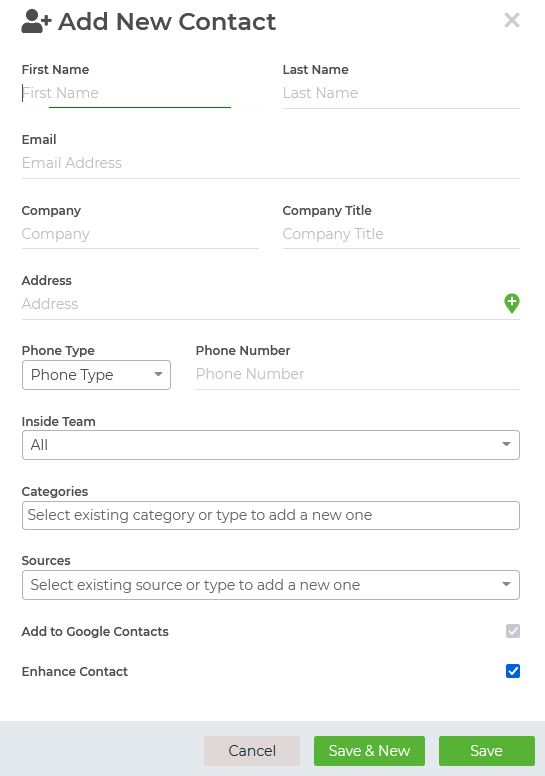
Add Contact - You can add contacts to your contact list in several ways, but if you want to add just a few contacts or individually, simply click on the Add Contact button from the Contacts dropdown. For more step-by-step directions regarding adding contacts, click HERE!
Vendor List - Store the contact information of businesses and companies from whom you need products and services for your transactions or businesses related to real estate that you may want to recommend to your clients who need certain services.
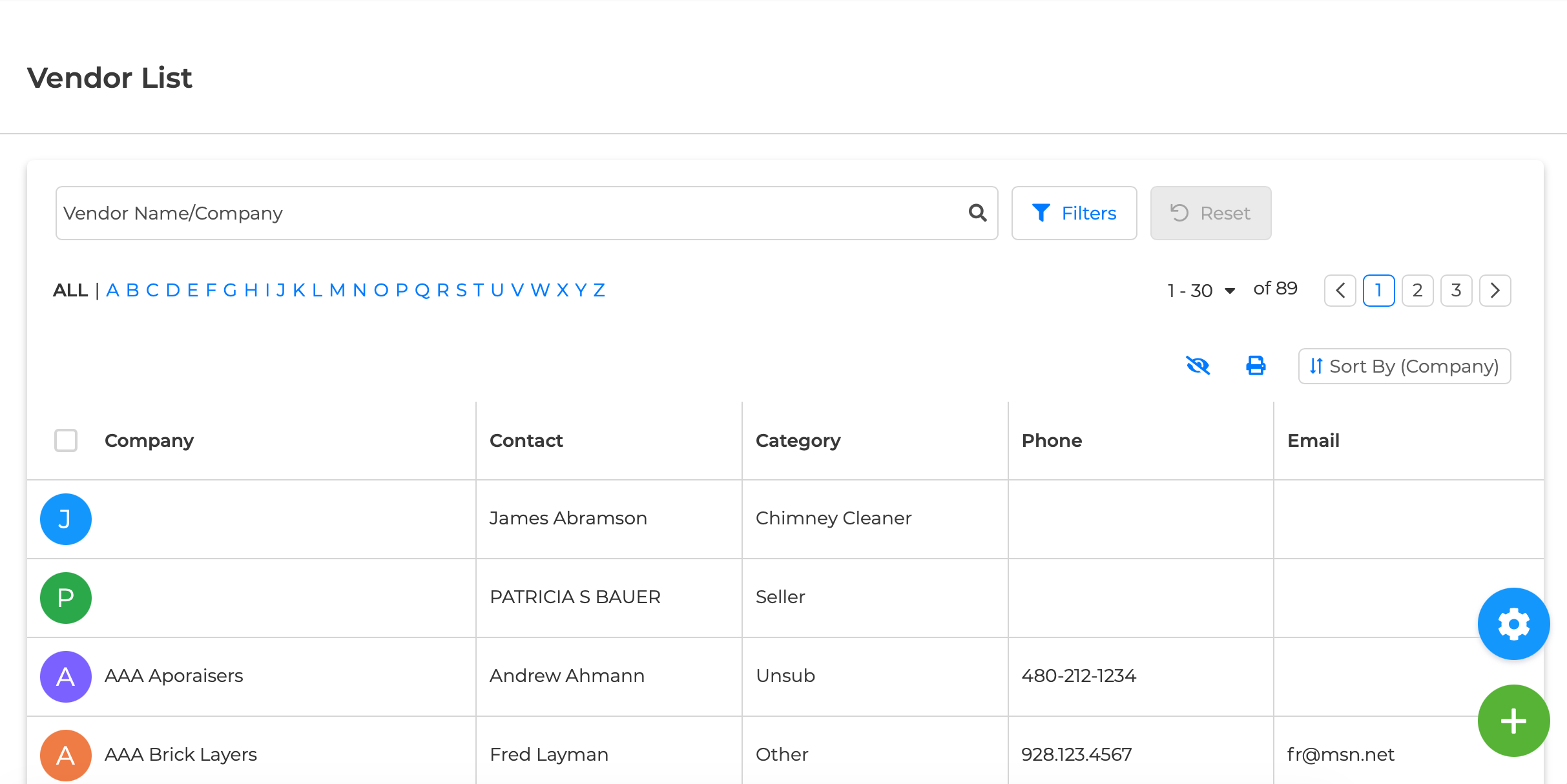
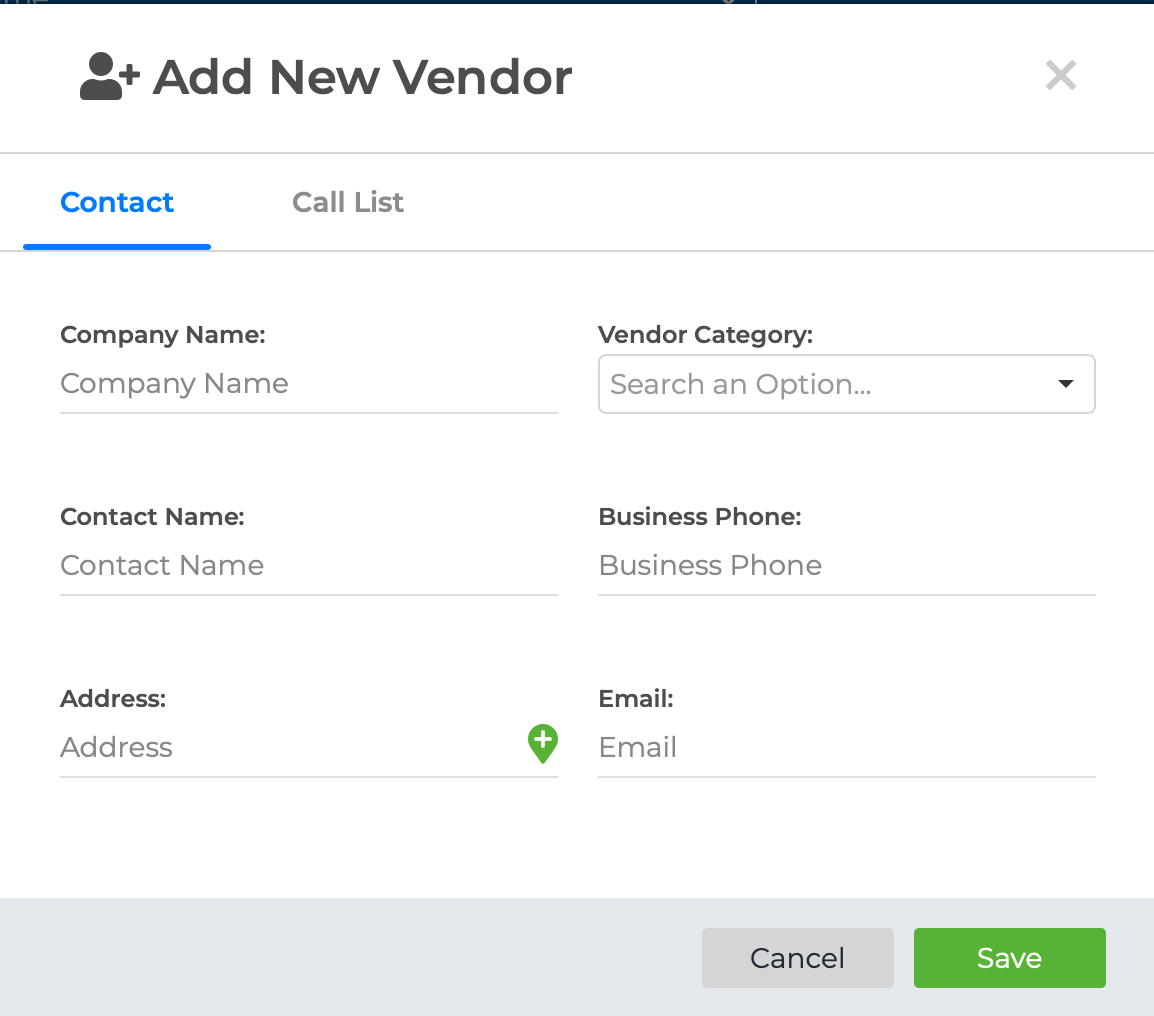
Add Vendor - You can add vendors individually on your Wise Agent CRM. You can categorize them, add them to your call list, and link referrals.
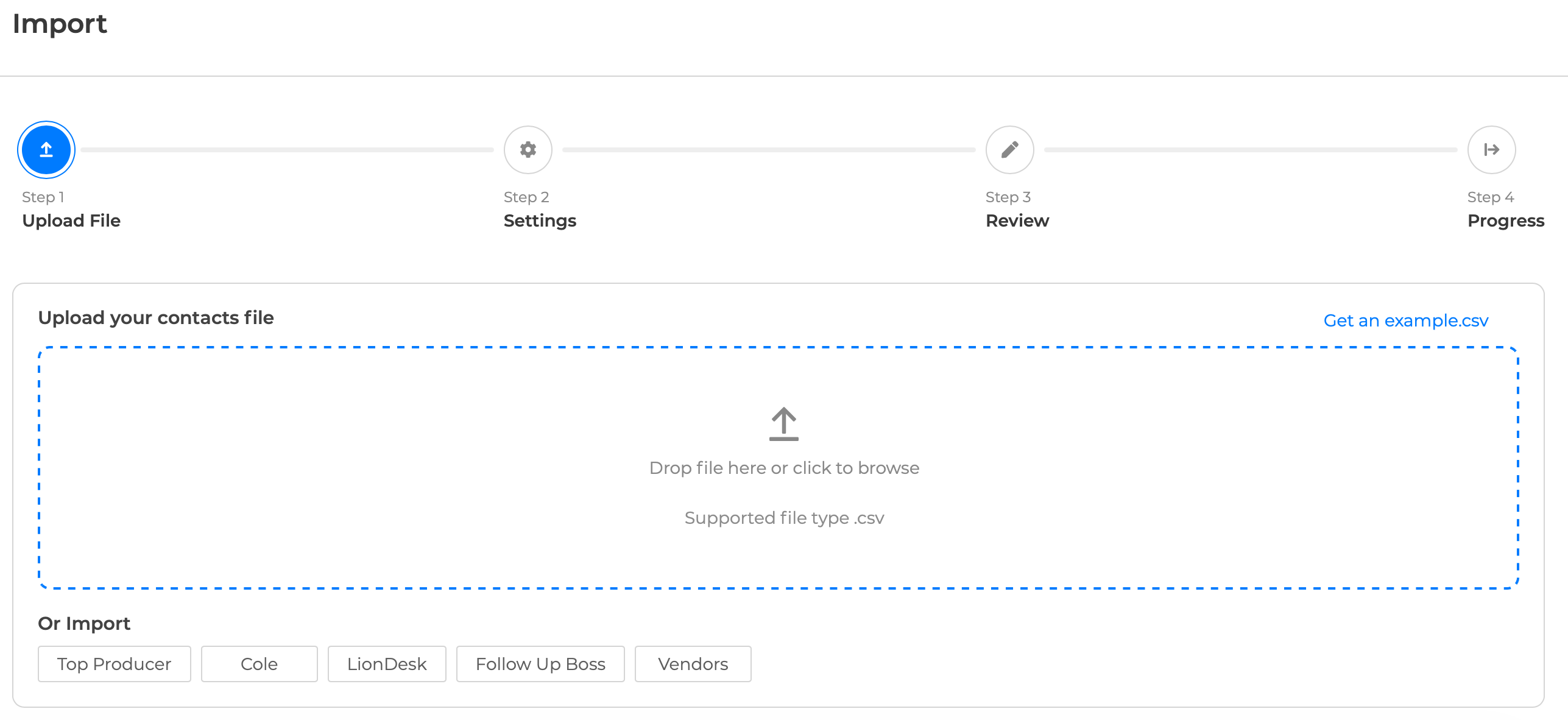
Import/Export - This is where you can import contacts and vendors in bulk. For more directions on importing your contacts, click HERE!