From the drop-down menu at the top of your Wise Agent page, select "Contacts" then click "Contact List".
Once you are on your Contact List, locate the contact you are wanting to send your email to (not the contact you wish to Bcc or Cc) and click on their name to enter their "Contact Summary" page.
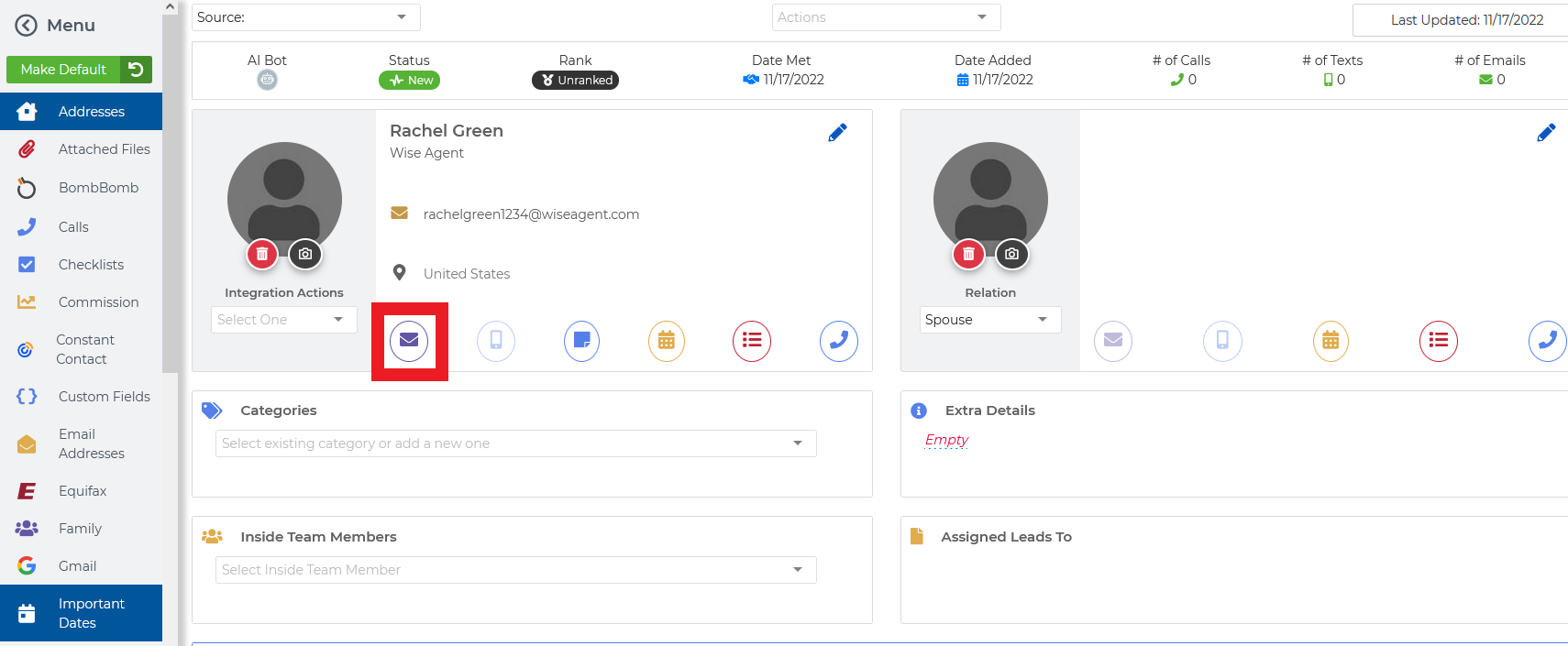
Once you are in their Contact Summary, select the purple "envelope" icon.
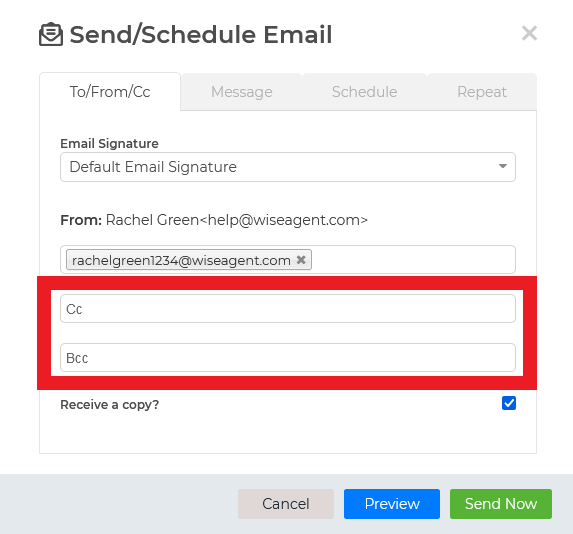
Once selected, you will see the option to "Bcc" and "Cc", and that's it!