

Access Email Contacts: Once logged into your Wise Agent account, navigate to the Email section by clicking on Send Email from the sidebar menu
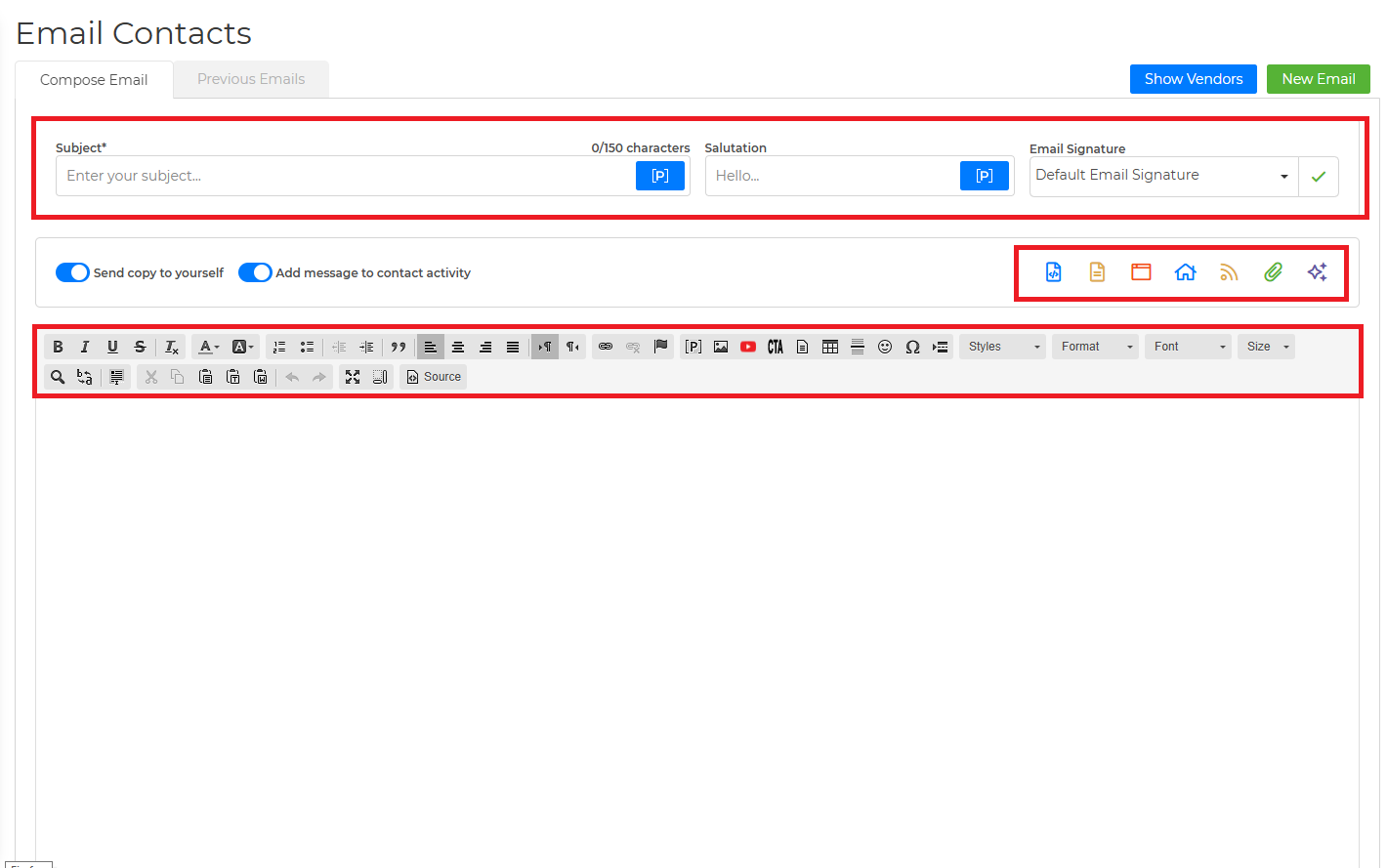
Compose Email: In the Email Contacts section, fill in the Subject, Salutation, Email Signature, and Message fields with your desired content.
Select Recipients: Scroll down to the section below the email body to choose the recipients for your email. Utilize the "Search Options" located to the left of the body under "Advanced Filters" to refine your recipient list based on categories, sources, or inside team members.
Advanced Filtering: Explore additional search criteria such as birthday, city, or subdivision by clicking on "Advanced Fields". Use the "Search" tab at the bottom of the Advanced Filters to generate your list of contacts based on the chosen criteria.
Choose Recipients: Once your desired contacts are displayed, you can either select individual contacts or choose "all" to include all contacts in the list.
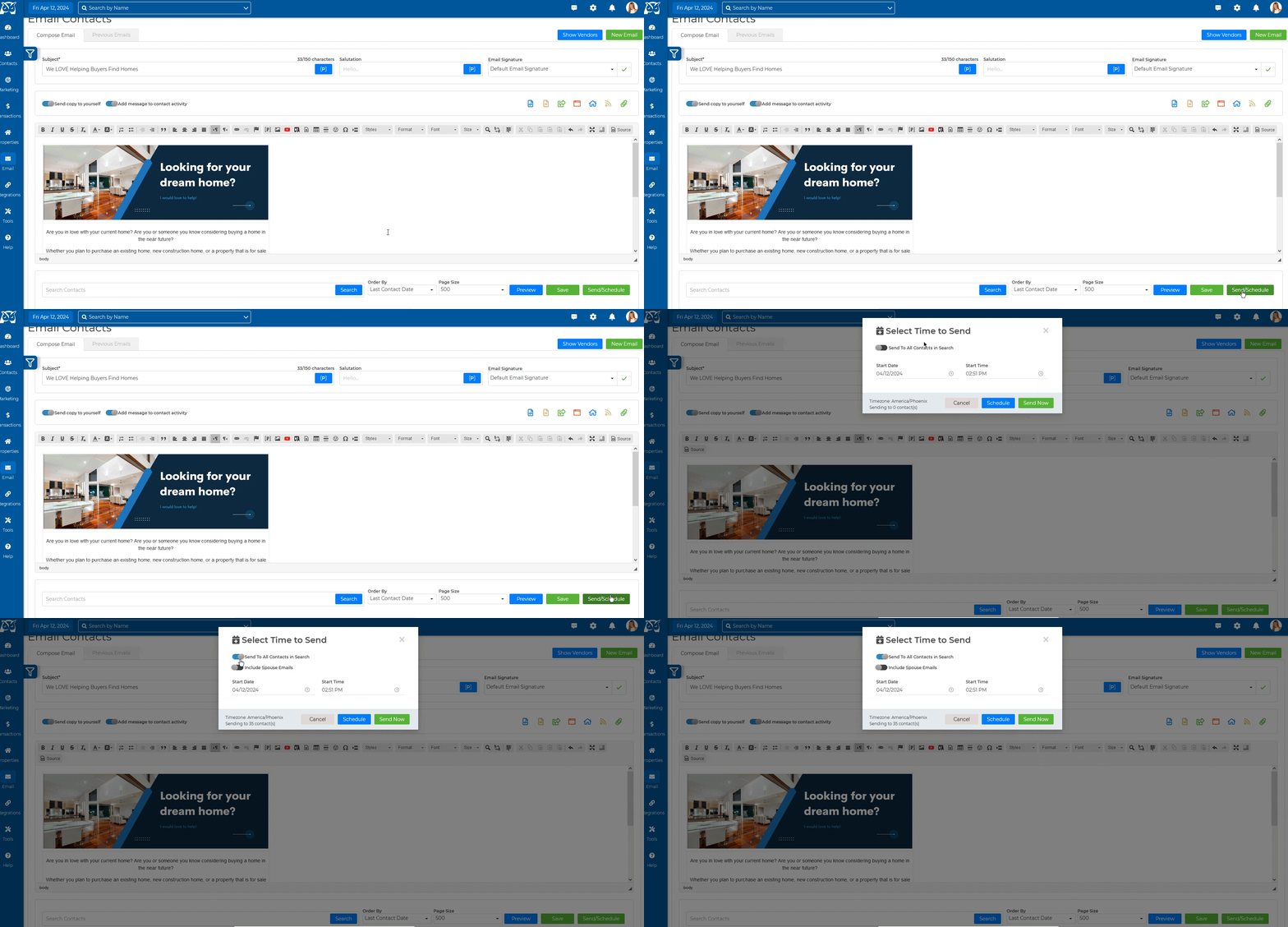
Preview and Send: Before sending the email, take advantage of the preview option to review how it will appear to recipients. When satisfied, click the send/schedule button to send the email immediately or schedule it for a later time.
💡 Quick Tip:
If you're sending your email to over 500 contacts, simply click the send/schedule button and activate the 'Send to All Contacts in Search' toggle. This convenient feature eliminates the need to send the email in batches of 500 per page.
Click Here for Step-by-step instructions in Spanish!