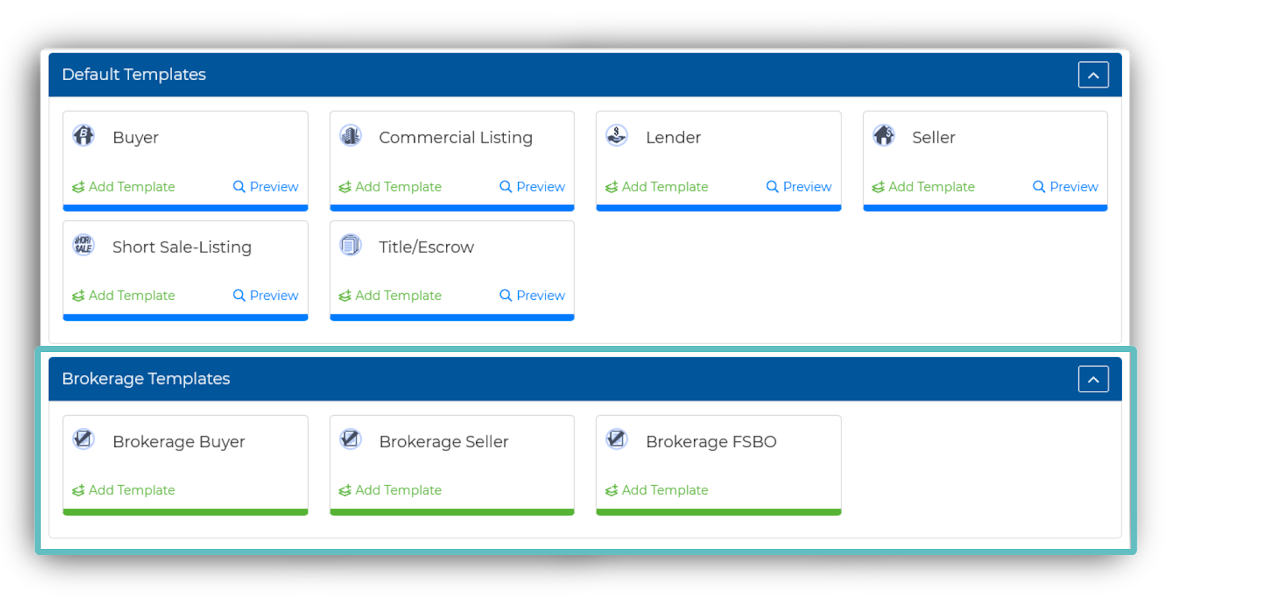
Login to the account linked to the Promo.
(This would be the Admin/ Broker account)Create a Checklist Template.
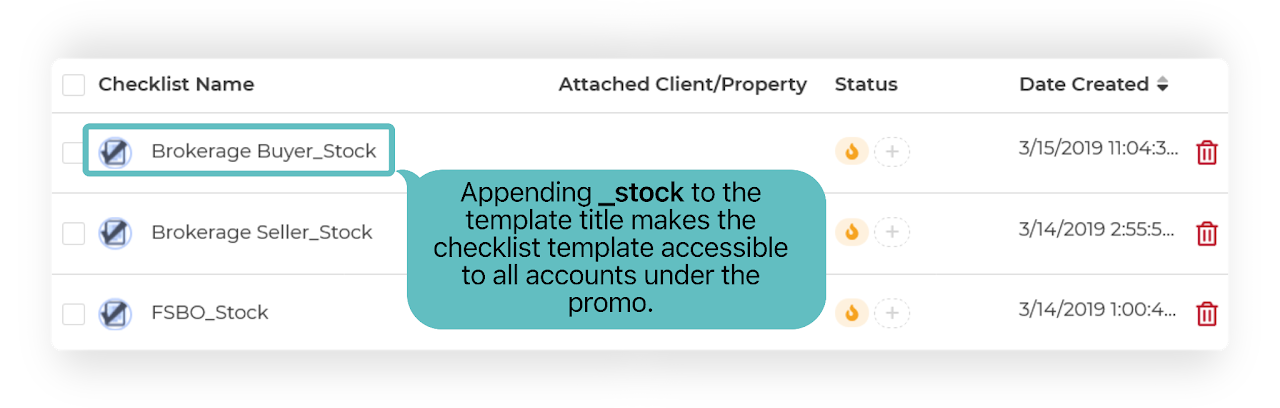
If you need help, see: How To Create Checklist Templates ➜Append _stock to the template title, then Save.
For Example... Brokerage Buyer_stock
Once details are entered, click Save to enable the promo content feature.
Now, accounts under the promo will now see this Template as a selectable option in a new dropdown menu when creating a new stock campaign!