

Important to Note: This feature and the content created is only available in the Legacy Editor
Login to the account linked to the Promo.
(This would be the Admin/ Broker account)From the sidebar, select Marketing, then Content Library.
In the upper right-hand corner, select Create Content (Create Letter/ Email Content).
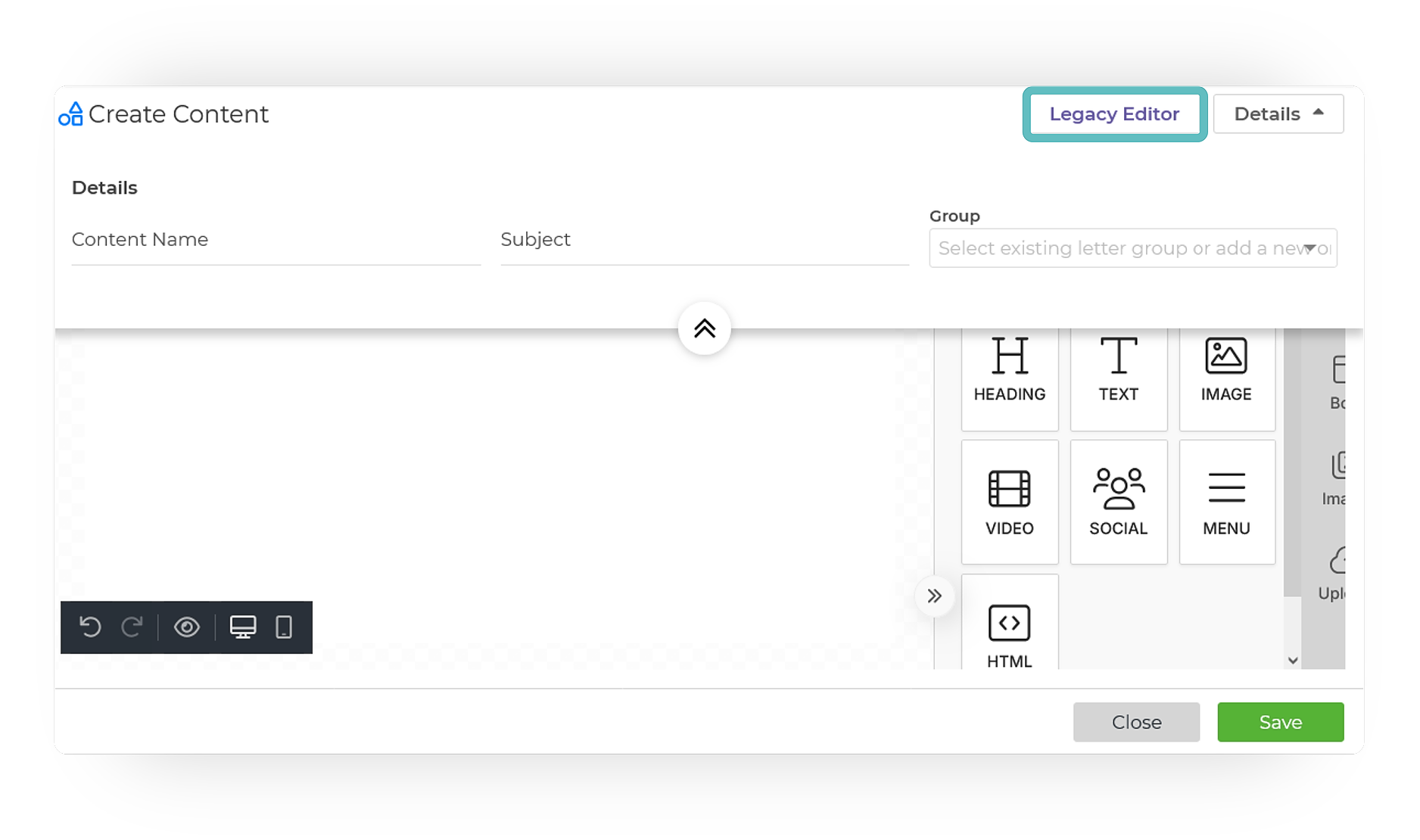
Once opened, select Legacy Editor in the upper right-hand corner.
Create your content in the Legacy Editor, then toggle on the Share option. Once completed, click Save.
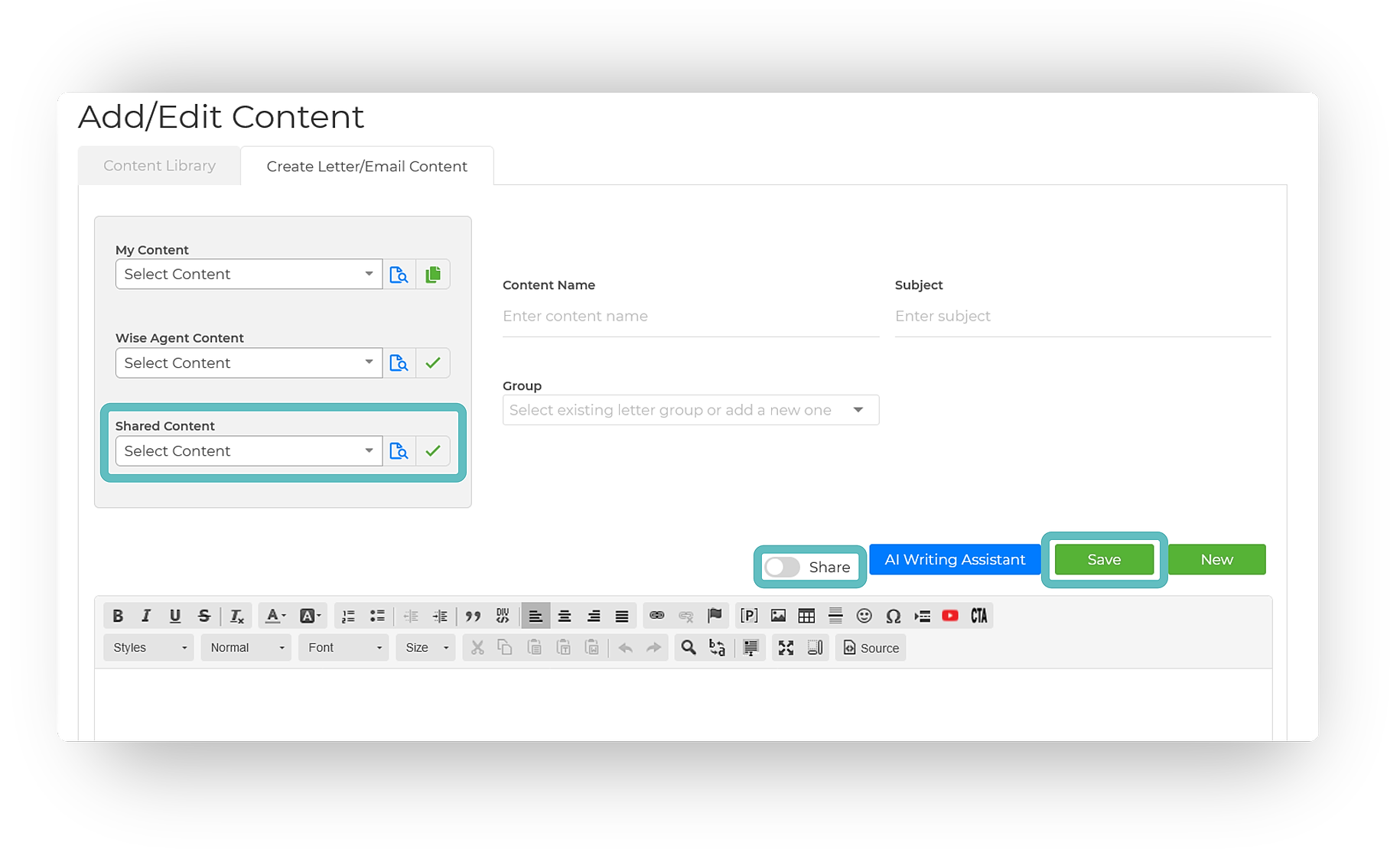
Now, your content will be available to those under your promo within the Legacy Editor, found beneath the Shared Content drop-down menu.