

How to set up Email Parsing for Placester:
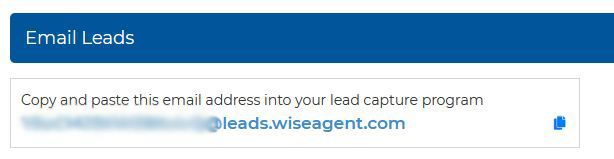
Log into your Wise Agent account, and click Contacts > Leads Rules. Once on the Lead Management page, under Email Leads, copy your Wise Agent lead capture email address.
Log in to your Placester account.
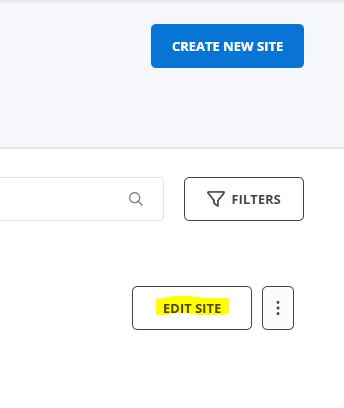
Under My Sites, click on Edit Site on the right.
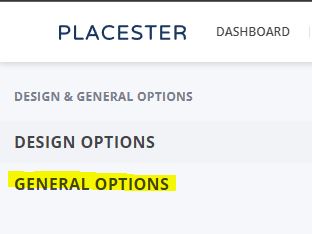
Go to General Options > Lead Forwarding.
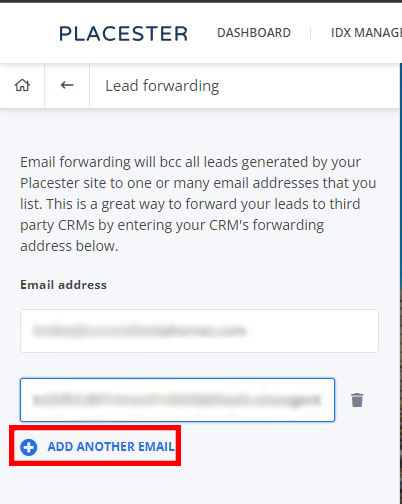
Click ADD ANOTHER EMAIL button and paste your Wise Agent lead capture email in the new field and then click Save.
Website: https://placester.com/