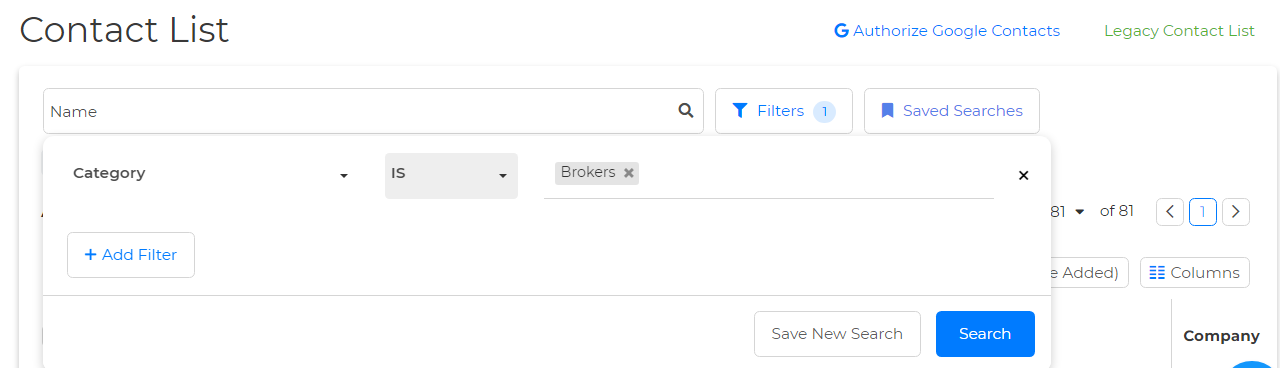
You can select multiple categories through the Advanced Search section on the Client List page. Here's how:
1. Select "Contacts" then "Contacts List".
2. Locate Filters at the top.
3. Select the "category" filter under the Select Filter dropdown.
4. Select the desired categories from the Select Category drop-down
5. Click Search beneath, and you are all set!