

Logo

What are you looking for?

Get help straight from our team...

Sharing Transaction Templates

Settings

Sharing Transaction Templates

Sharing Transaction Tempaltes with Outside Team Members

Last updated on 13 Dec, 2022

To share a transaction template with an Outside Team Member:


1. Click on "Transactions" and then click on "Templates".
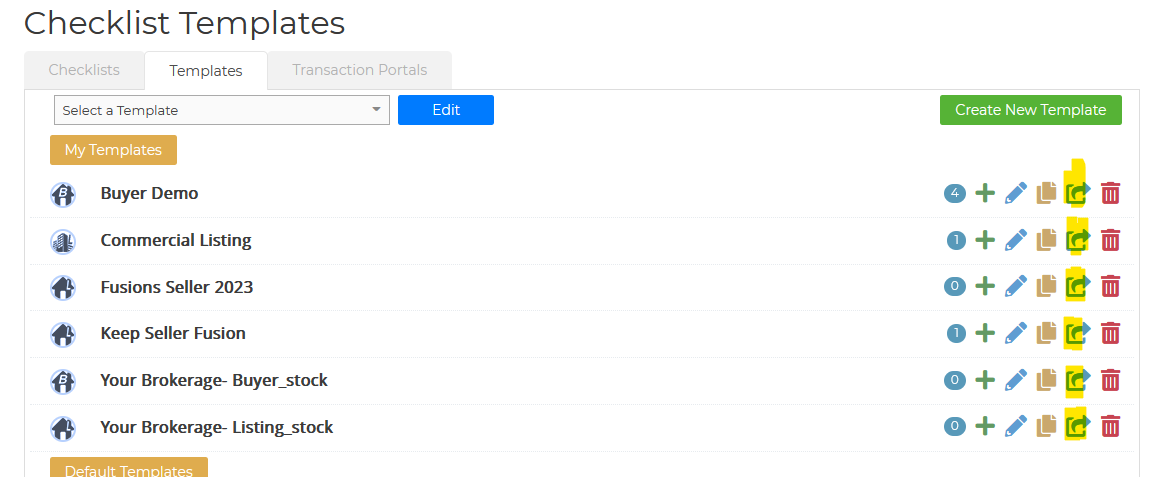
2. Find the Template you are wanting to share
3. On the right-hand side of the template click on the share icon
4. Select your Outside Team Member and "Send Request".
 

Image
Did you find this article helpful?
Previous

Adding Your Profile

Next