Logo

What are you looking for?

Get help straight from our team...

Activity Tracker - Checklist

Contact Management

Activity Tracker - Checklist

The Checklist option displays all checklist activity in the CRM.

Last updated on 31 Dec, 2023


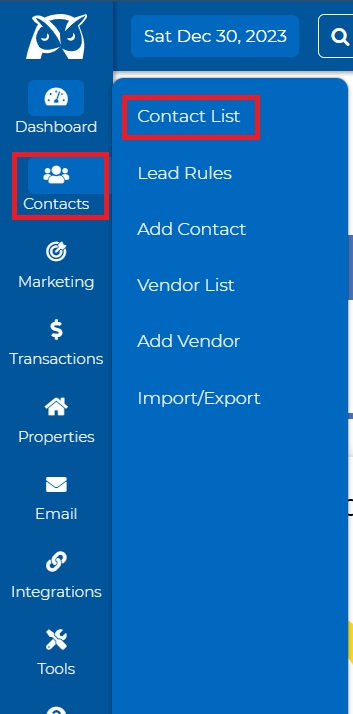
  • Go to Contacts > Contact List
Image
  • On the Contact List page select the desired contact.

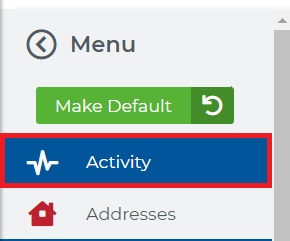
  • Access the "Activity" tab from the left-hand Menu on your Contact Summary page.
Image
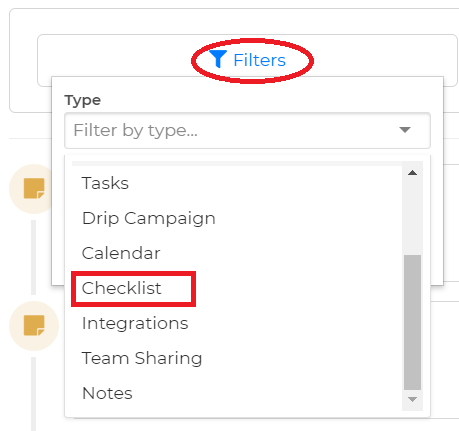
  • Filter by "Checklist"

Image
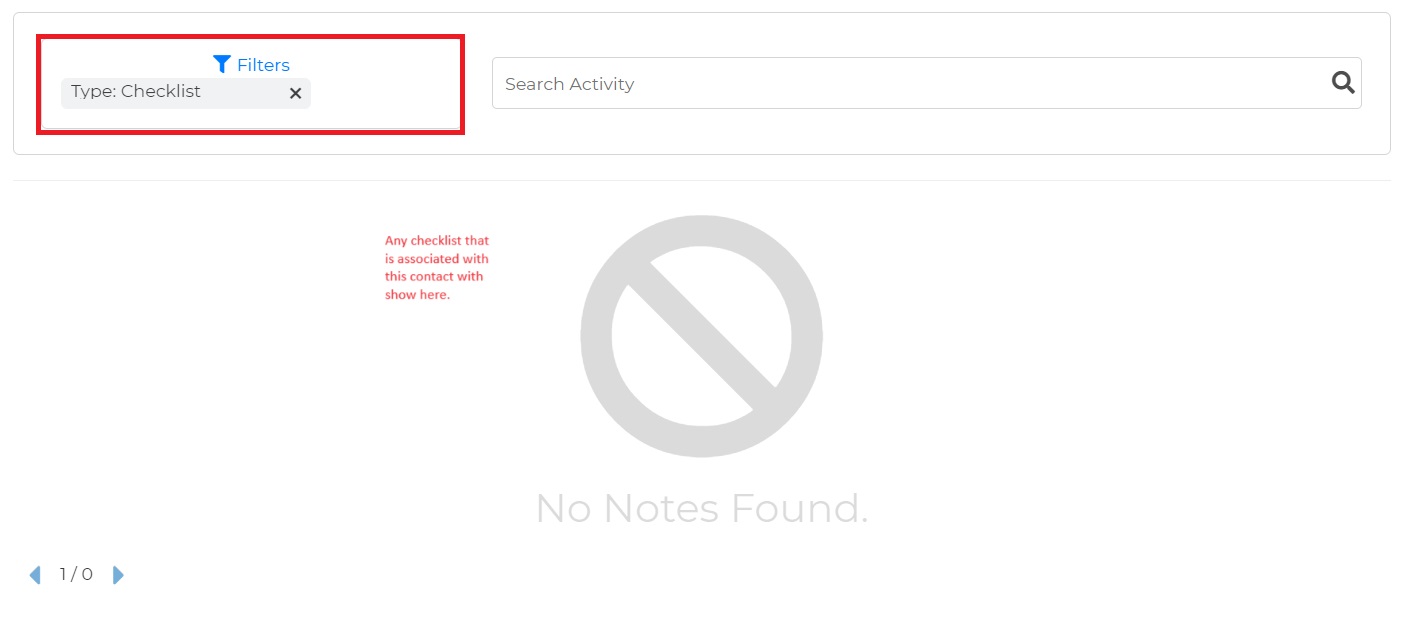
  • Scrolling down you will be able to see the checklist notes/reports. 
Image
Did you find this article helpful?
Previous

Add New Source

Next