

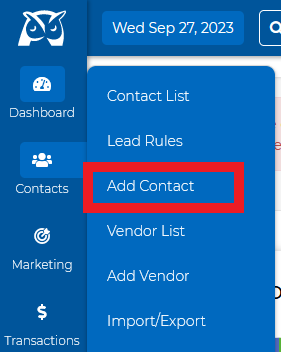
Click on the contacts tab from the menu bar and select "Add Contact"
Add all the information on your new contact
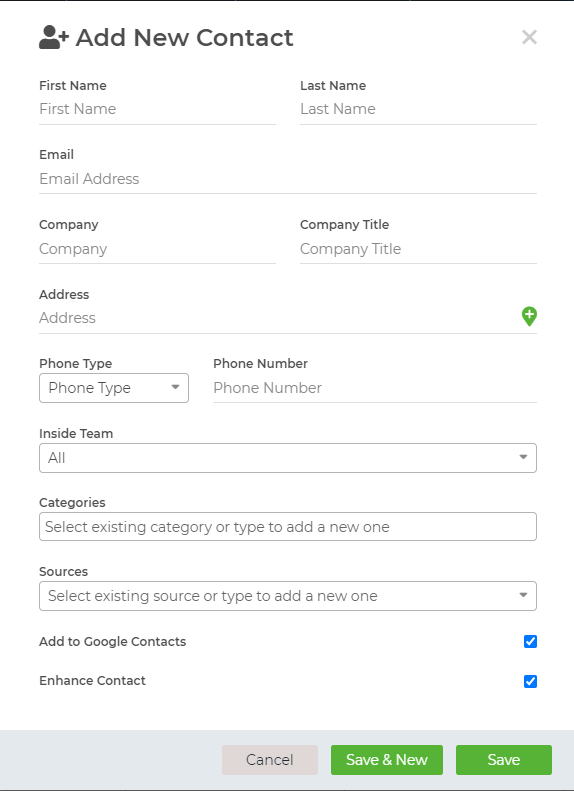
You can add the contact to a category, or source, and assign it to an inside team member. You can also choose to add the contact to your Google Contacts and/or Enhance the Contact
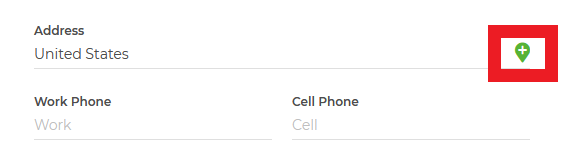
If you are needing to add additional information to the address field, click on the green plus sign on the address line
Once finished, select "save", or select "save & new" to add additional contacts.
That's it!