Navigate to your contact list by clicking on "Contacts," and then selecting "Contact List."
Select the contact you would like to add Property Search Criteria for and click on their name to enter their contact summary page.
Once on their contact summary page, from the Menu on the left-hand side, click on "Search Criteria", located towards the bottom of the Menu.

From here, select the "+" icon to add a new "Property Search Criteria" for your contact.

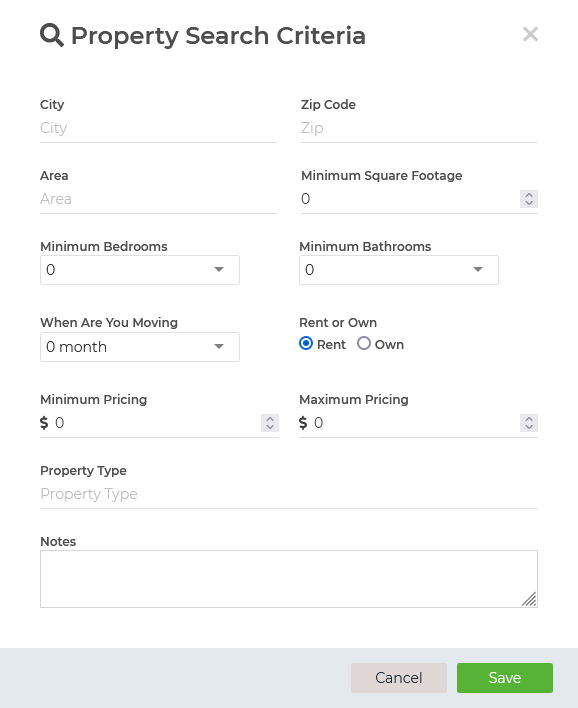
Once you click the "+" icon, you can enter the desired information on the "Property Search Criteria" screen. Once you are done, make sure to hit "SAVE" and you are all set!