Please follow the steps below to assign your individual tasks to your "Inside" team member.
1. Click on Transactions, and from the dropdown select "Checklist"
2. Open the transaction checklist to add a Task
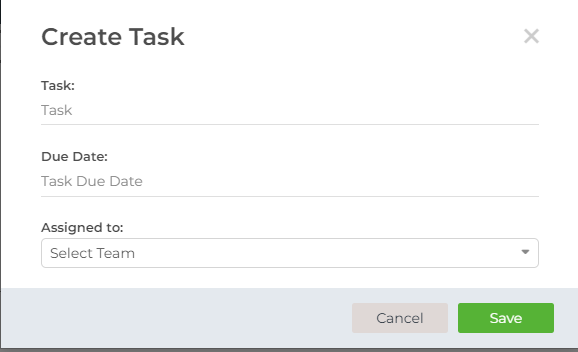
3. In the "Checklist Task" section, click on "Add" and you will be able to create a task
4. It will say "Assign Task To", please make sure to select the team member's name here and click "Save".