

To send a holiday email using one of Wise Agent's templates:
1. Select the "Contacts" drop-down at the top of your screen, then select "Contacts List."
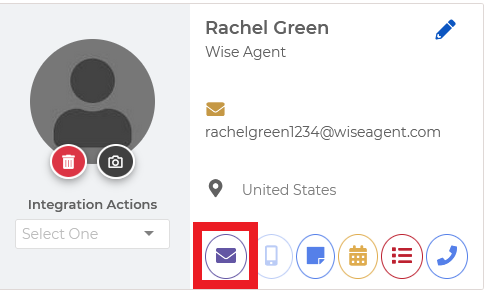
2. Select the contact you wish to email, then click the purple "Email Icon."
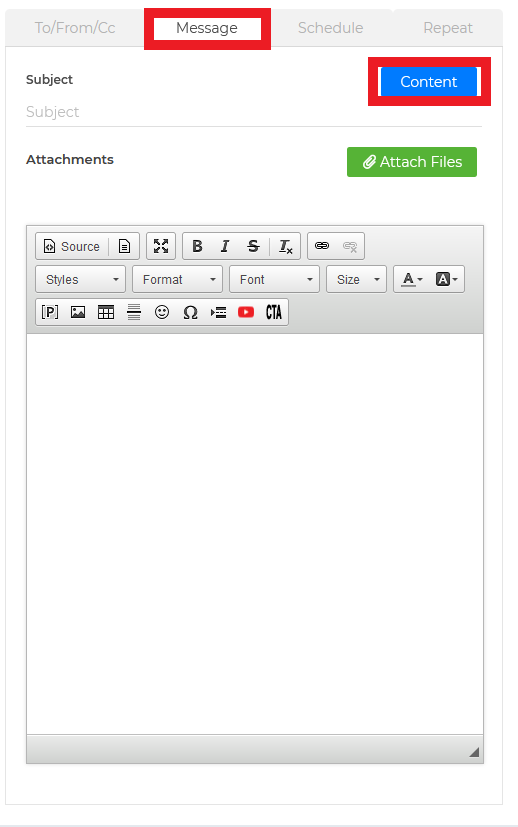
3. From the "Message" tab, select "Content".
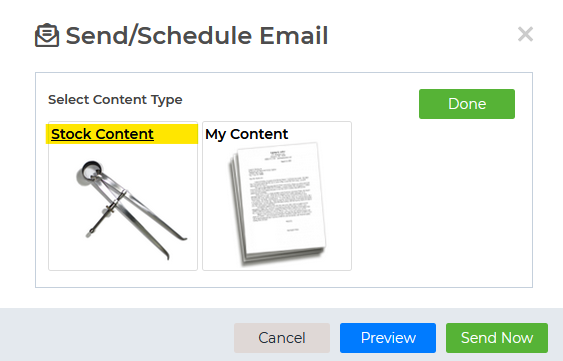
4. Select "Stock Content"
5. From the drop-down select one of the various categories to explore the templates.
6. Select the template of your choice by clicking on it.
7. Preview your email, add your personal touch, and you are all set!