

From the sidebar, select Contacts ➜ Contact List.
From your contact list, select the checkboxes next to the contacts you wish to categorize.
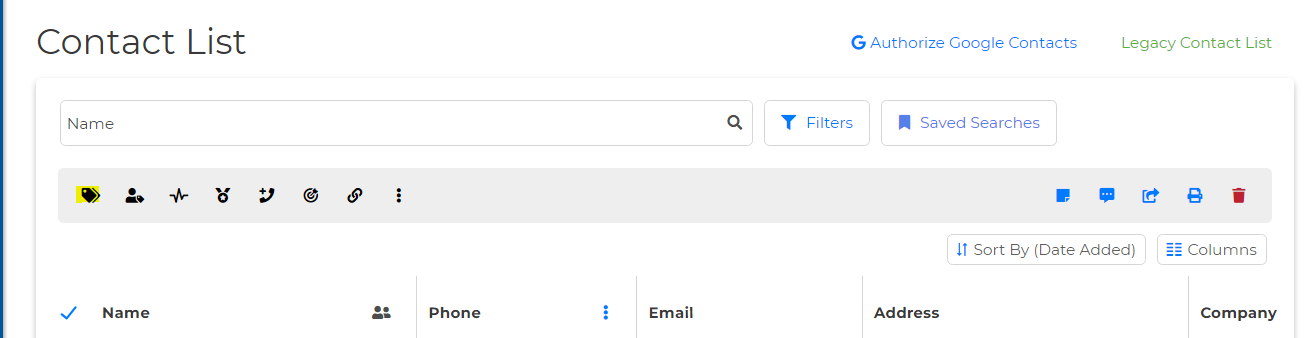
Once selected, a pop-up box will appear, and select the Category icon.
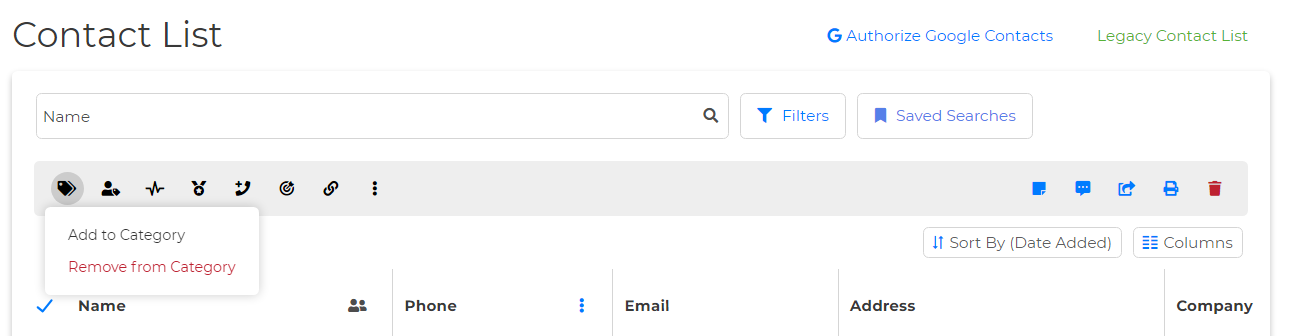
4. Once selected, locate and click on the Add to Category option.
5. Select your desired category and click Save.