

Click "Contacts" on the left sidebar, then select "Vendor List".
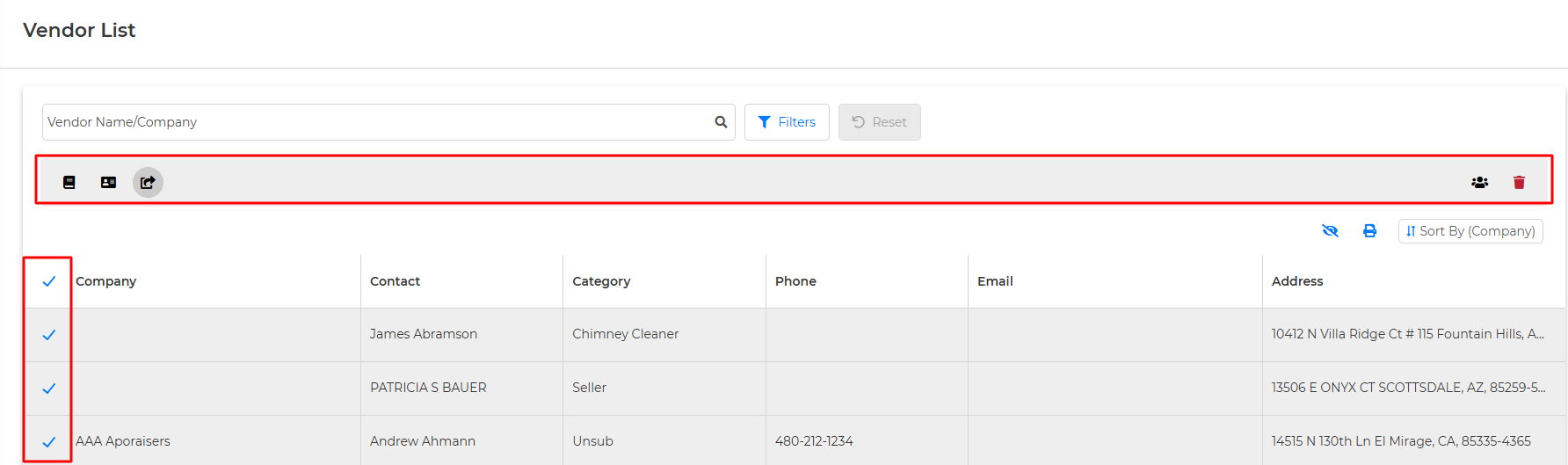
You can select all Vendors by clicking the empty box next to "Company", or scroll through the list and click the empty box next to the Vendors you'd like to print. From here, this will open our bulk options box, where you can create a Vendors Guide, Send VCard (20 at a time), Share Vendors with Outside Team Members, Export Vendors, or delete.
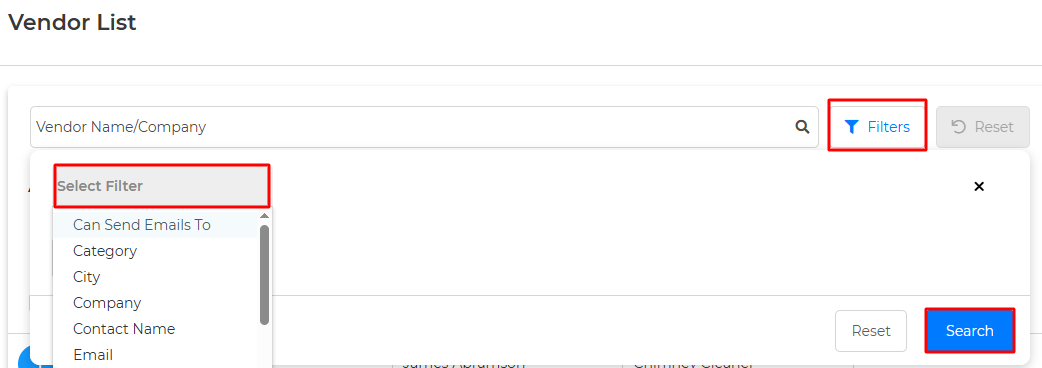
You can filter your Vendor List by "Can Send Emails To, Category, City, Company, Contact Name, Email, Email Not Sent To, Phone, State, Street Address, Website, or Zip."
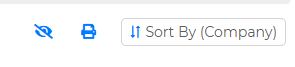
You can also Sort By, View Archived Vendors, or Print your list.
Note: You will also have the option to choose to create Mailing Labels or Envelopes for your Vendors.